Slowed Reverb Generator
Want that slow, dreamy, echo-filled sound? Tell the BeatMusic AI slowed reverb generator what mood you want, and get a new track in minutes.

Hear the Dreamy Sound
Listen to hazy, slowed-down tracks. Each one began with a short line of text.
What You Can Shape
Easy controls and tracks you can use right away.
You Set the Mood
Describe the feel, like late-night, underwater, or lo-fi. Add your own lyrics, or switch on instrumental mode.
Slow, Soft, and Spacious
Expect pitched-down sound, deep bass, and wide echo in every track. Ask for a hall, a cave, or an empty room to change how big it feels.
Download as MP3
Save the MP3 for your video editor, music app, or project. It plays on phones and laptops, so you can share it with friends in seconds.
Fresh Tracks Every Time
Swap a few words in your prompt and a brand new track appears. Make several and keep your favorite.
Ideas to Start With
Stuck on what to write? Try an example prompt from the page, then bend it to your idea. Tiny word changes can flip the mood.
Easy for Beginners
No music skills needed. If you can describe a feeling, you can get a track.
Where Slowed Tracks Land
Ways people use hazy, pitched-down sound in their work.
Make Videos Feel Moody
Editing for YouTube or TikTok? Ask for a calm, dreamy mood and lay it under your clip. A soft echo suits night drives, sad edits, and slow scenes. Keep the volume low so any voice stays easy to hear.
Try Slowed Reverb Generator Now
Add Mood to Podcasts
Looking for an opener or a quiet bed under your voice? Make a slow, airy track. It suits story shows and late-night talks.
Try Slowed Reverb Generator Now
Set the Scene in Games
Building a game? Make a hazy track for a cutscene, a quiet level, or a menu, and pick the version that fits.
Try Slowed Reverb Generator Now
Open Your Set with a Dreamy Track
Need a slow moment in your DJ set? Make a pitched-down, echoing track for a build-up or a break between songs. Pair it with a faster track to make the drop feel bigger.
Try Slowed Reverb Generator Now
Why Try BeatMusic AI?
Why fans of this sound pick us.
Free to Start
Sign-up includes free credits to test a few tracks first.
Any Genre
Ask for slowed and reverb R&B, lo-fi hip hop, pop, or ambient right in the prompt.
Clean, Deep Sound
Warm bass and wide echo that sound good on headphones and speakers.
Fast Results
A track usually comes back within minutes, so you wait less.
What Our Users Say
Hear from creators using BeatMusic's tool.
Transformed My Workflow
"Using BeatMusic's preset library, I added slowed reverb to my tracks effortlessly. It transformed my workflow, making my music sound richer and more dynamic than ever before. Highly recommend for any producer looking to elevate their sound."

John Smith
Music Producer
Enhanced My Podcasts
"The real-time audio preview feature allowed me to create immersive soundscapes for my podcast. BeatMusic made it easy to adjust settings and achieve the perfect atmosphere for my episodes."

Emily Johnson
Podcaster
Transformed My Workflow
"Using BeatMusic's preset library, I added slowed reverb to my tracks effortlessly. It transformed my workflow, making my music sound richer and more dynamic than ever before. Highly recommend for any producer looking to elevate their sound."
John Smith
Music Producer
Enhanced My Podcasts
"The real-time audio preview feature allowed me to create immersive soundscapes for my podcast. BeatMusic made it easy to adjust settings and achieve the perfect atmosphere for my episodes."
Emily Johnson
Podcaster




More AI Music Tools
Related tools to keep creating: generate, edit, sing over and share your music.



How to Make a Slowed and Reverb Track
Three easy steps to a hazy track.
Step 1: Describe Your Sound
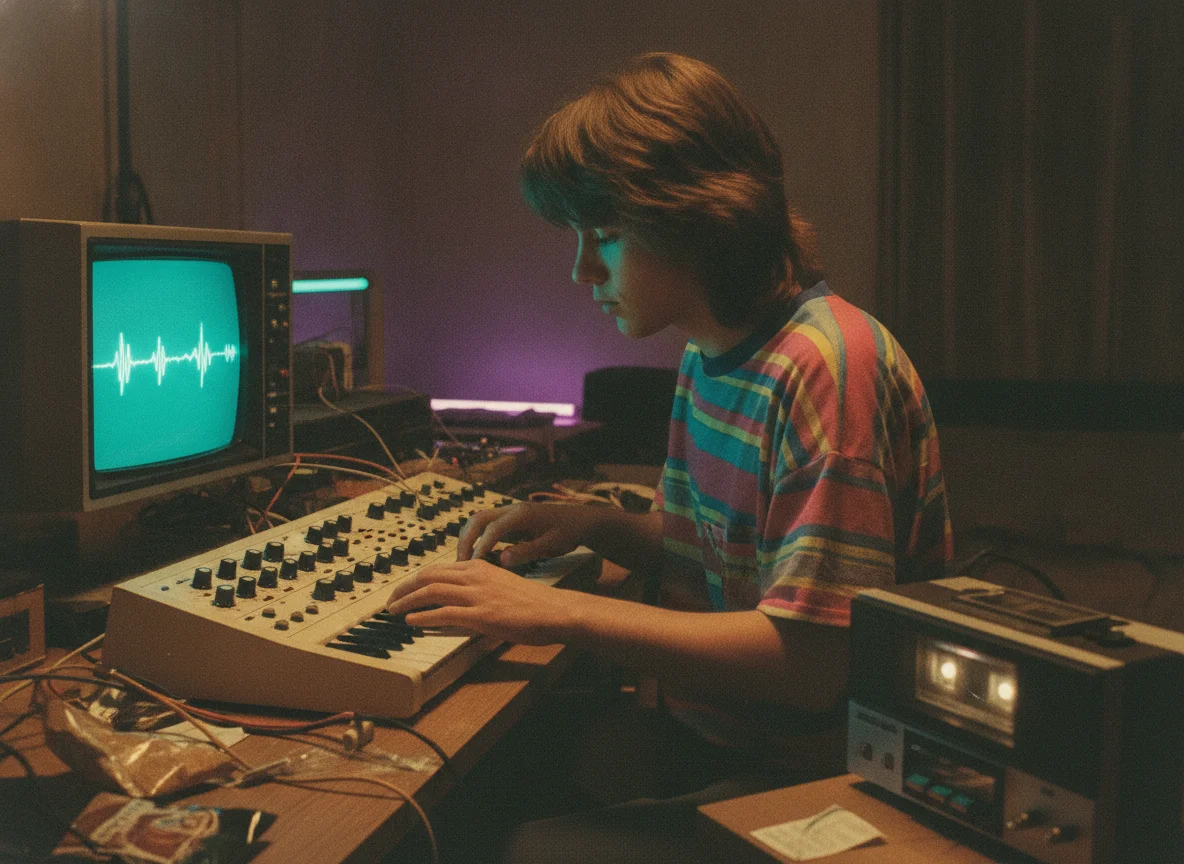
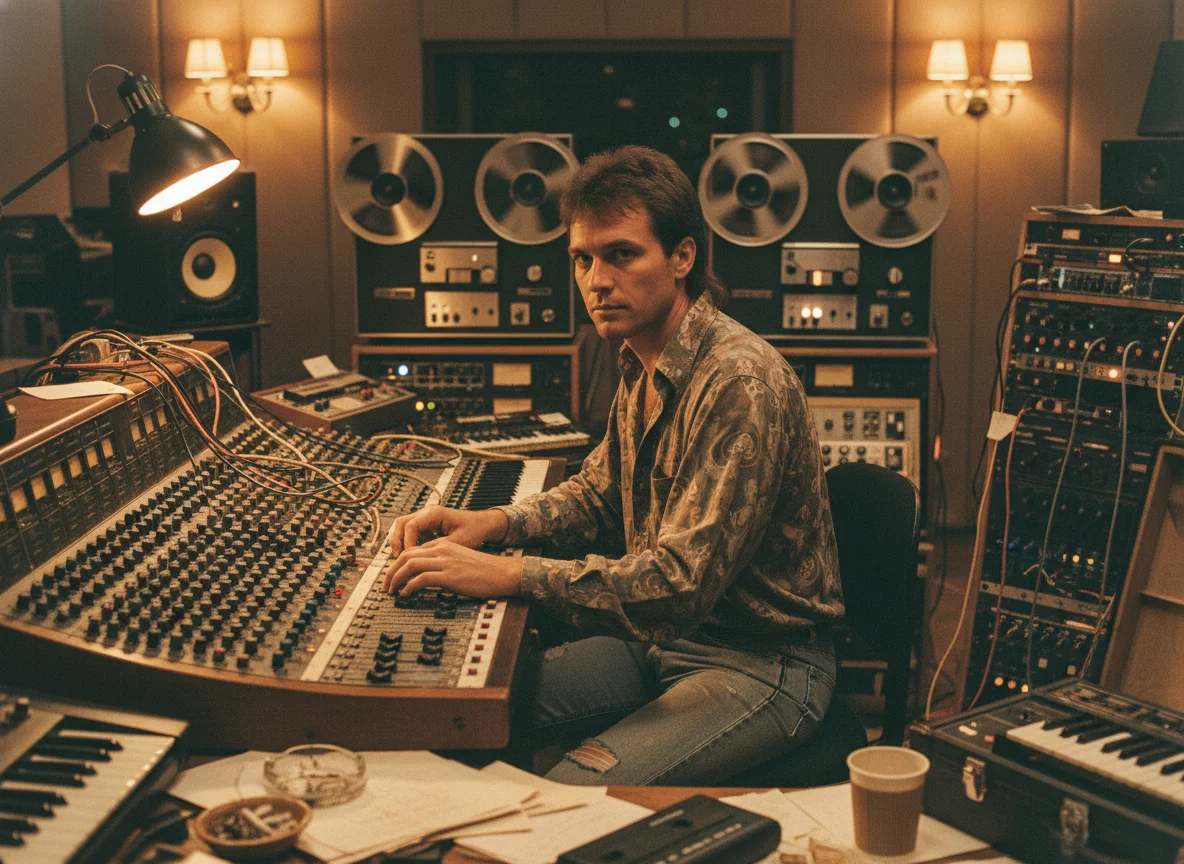
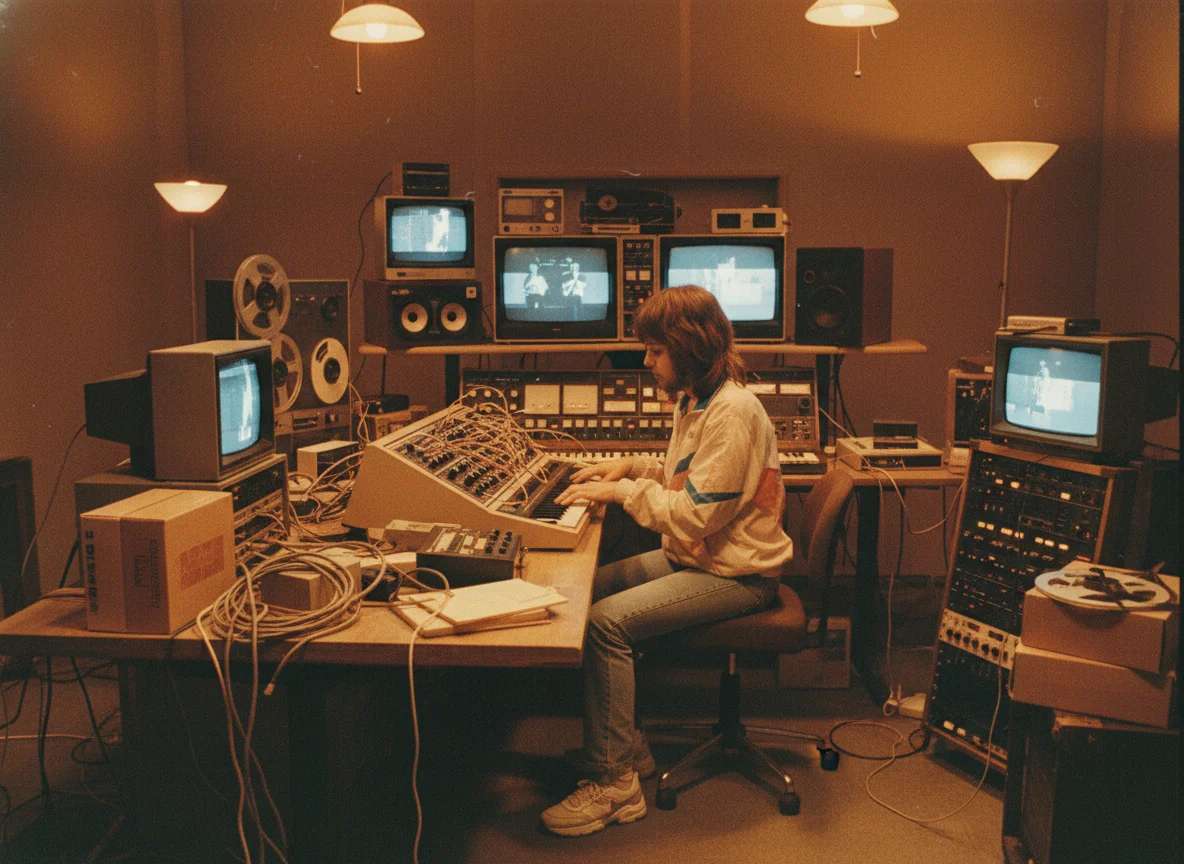
Write the mood, like a rainy night with soft piano and deep echo. Want ideas? Try one of the example prompts.
Step 2: Pick Your Options
Add your own lyrics, or switch on instrumental mode for music only. Lyrics pitched down and wrapped in echo sound dreamy, so keep them short and simple.
Step 3: Generate and Download
Press generate and listen. Save it as an MP3 once it feels right.
Frequently Asked Questions
Ready to Make a Slow, Dreamy Track?
Try BeatMusic AI free. Describe a mood and hear your first slow track in minutes.
Try Slowed Reverb Generator Now