AI Ambient Music Generator
Ambient music doesn't push. It floats. Describe a place or a feeling to the BeatMusic AI ambient music generator, and it shapes slow pads and soft textures into a calm track in a few minutes.

Let It Drift
Listen to these ambient tracks from BeatMusic. Each one grew from a short description of a mood.
What the AI Ambient Music Generator Can Do
Space, texture, and calm, from a sentence.
Slow, Evolving Pads
Ask for warm pads that change over minutes, not seconds. The sound should breathe in and out.
Beat Optional
Want no drums at all? Say "no percussion." Want a faint pulse? Ask for a soft, distant one.
Textures and Drones
Add low drones, glassy bells, tape hiss, or granular shimmer for depth.
Sounds of a Place
Describe rain, wind, ocean waves, or a quiet forest. The track will lean into that scene.
Instrumental by Nature
Most ambient has no singing. Switch on instrumental mode to keep it clean, or add a whispered lyric if you like.
MP3 for Any App
Download your track and use it in a video, app, or sleep playlist. For paid work, check your plan for commercial use.
When Ambient Helps
Everyday ways people use the AI ambient music generator.
Sleep and Relaxation
Bedtime needs soft, slow sound. Ask for a dark, low drone with distant chimes and no beat, and let it play on a loop as you drift off.
Try Ambient Music Generator Now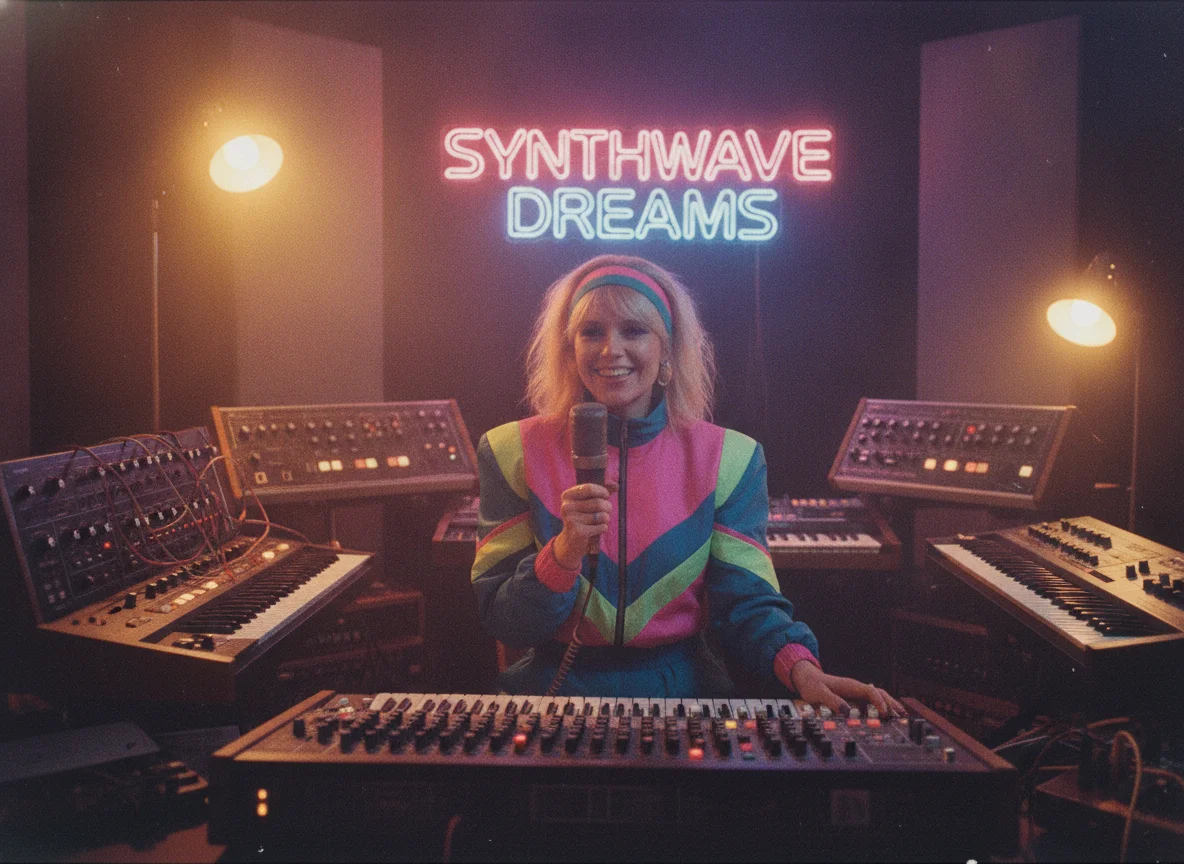
Focus, Study, and Work
A quiet bed of pads helps some people think. Ask for gentle synth washes at a very slow tempo, with nothing sharp to pull your attention.
Try Ambient Music Generator Now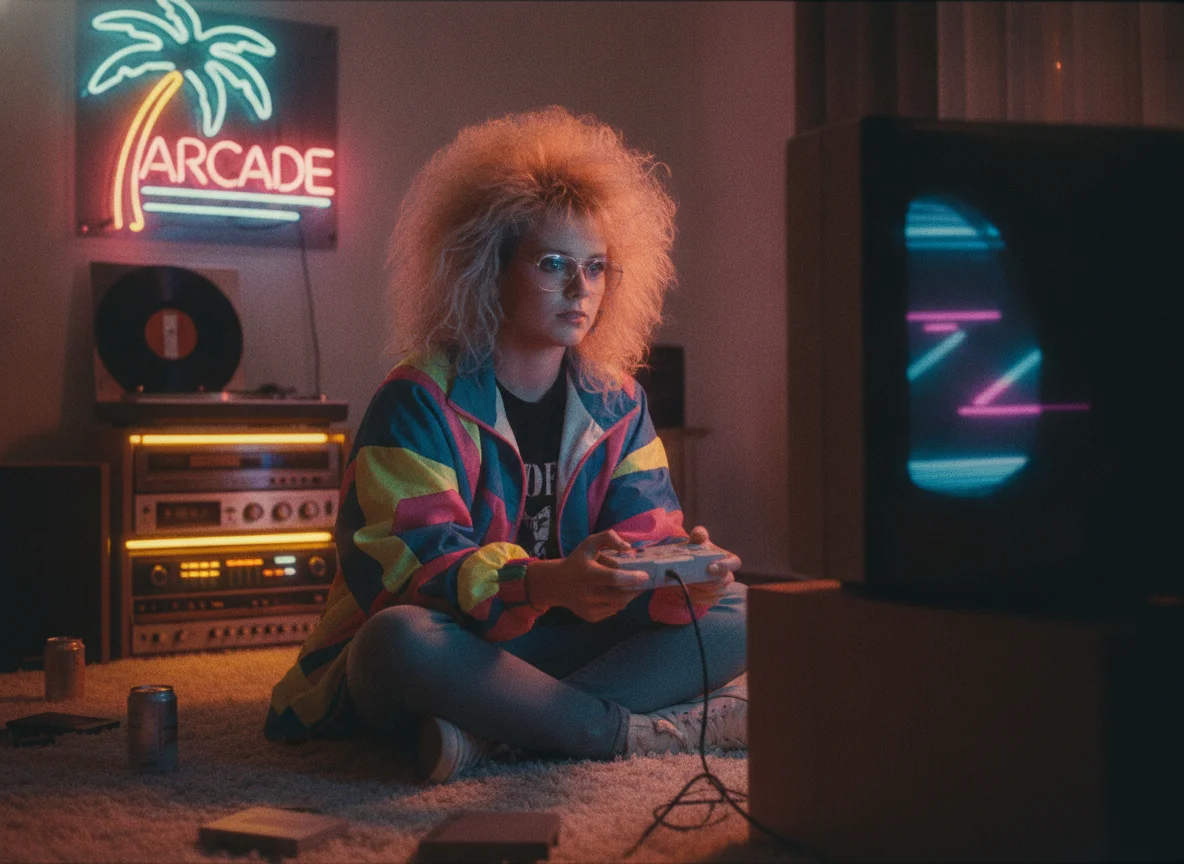
Yoga, Meditation, and Spa
Calm studios want smooth, steady sound. Try singing bowl tones with soft nature noise, then play it across a full class.
Try Ambient Music Generator Now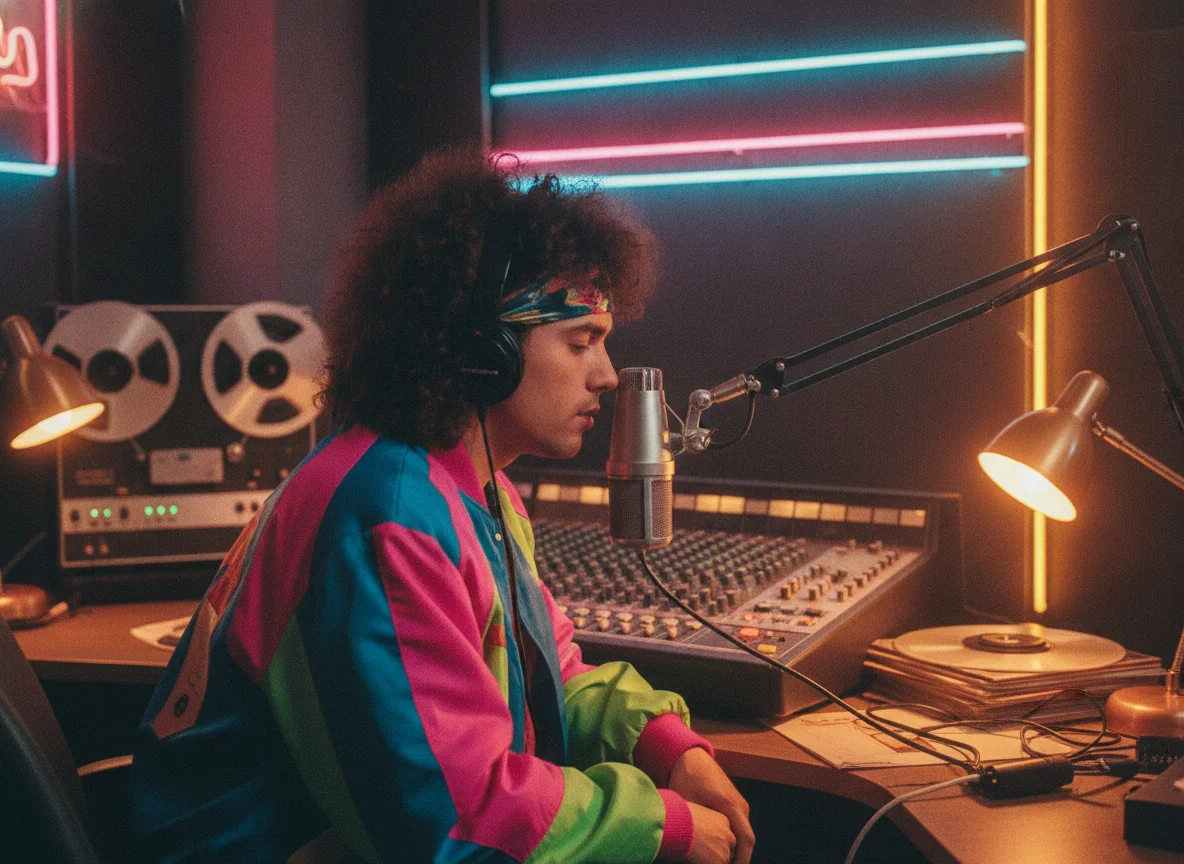
Film, Games, and VR
Empty planets, foggy forests, and quiet menus need atmosphere. Make a spacious ambient piece and let your visuals do the talking.
Try Ambient Music Generator Now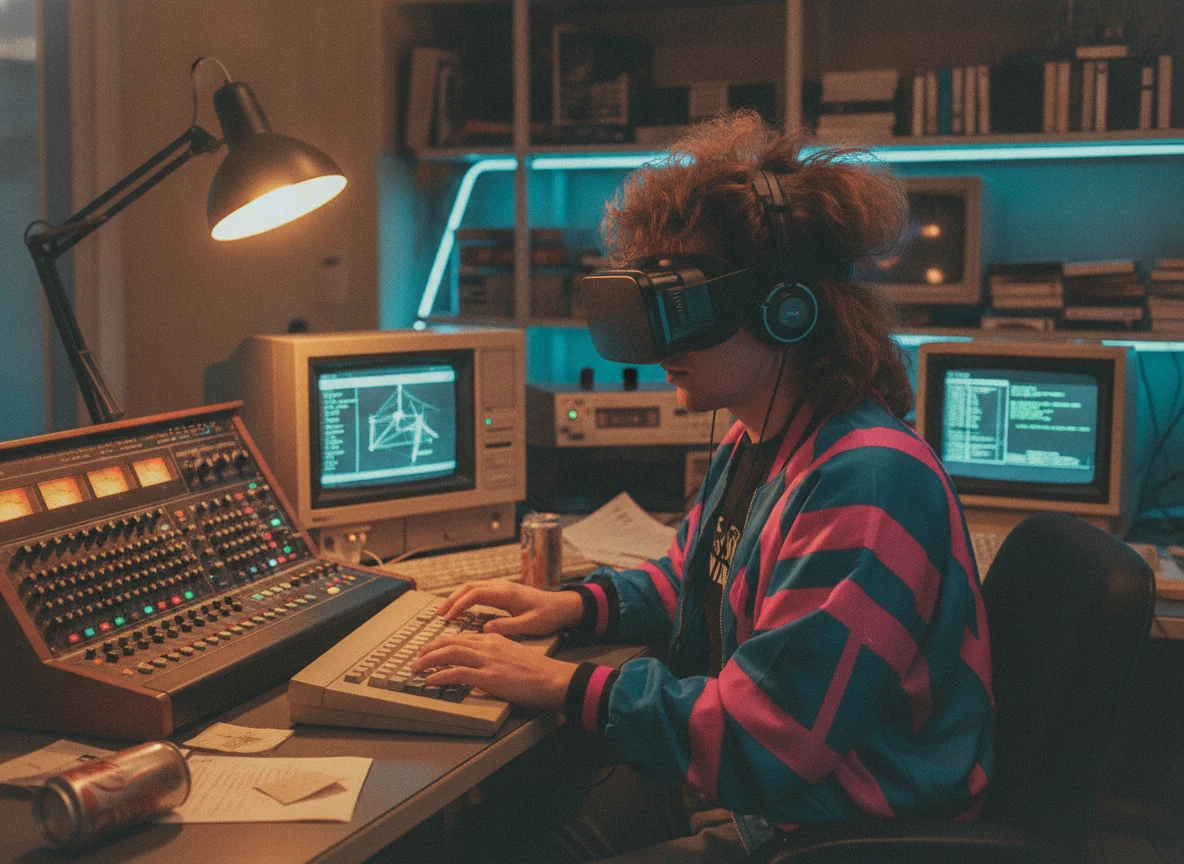
What Makes It a Good Fit
Why calm-music fans use it.
Free Credits to Explore
New accounts get credits for a few trial soundscapes.
Smooth, Soft Mixes
Tracks aim for gentle sound with no harsh edges or sudden jumps.
No Gear or Skill
You don't need a synth, a reverb pedal, or field recordings. Describe the place.
Quick, Quiet Output
A track arrives in minutes, so you can compare space, forest, and ocean moods.
What Our Users Say
Hear from professionals who use BeatMusic.
Transformed My Workflow
"Using the real-time generation feature of BeatMusic, my music production process has become seamless. I can now create ambient tracks instantly, enhancing my workflow and creativity."

John Smith
Music Producer
Immersive Game Soundscapes
"With BeatMusic's customizable parameters, I can create unique soundscapes that perfectly match my game's atmosphere. It's a game-changer for enhancing player immersion."

Emily Johnson
Game Developer
Transformed My Workflow
"Using the real-time generation feature of BeatMusic, my music production process has become seamless. I can now create ambient tracks instantly, enhancing my workflow and creativity."
John Smith
Music Producer
Immersive Game Soundscapes
"With BeatMusic's customizable parameters, I can create unique soundscapes that perfectly match my game's atmosphere. It's a game-changer for enhancing player immersion."
Emily Johnson
Game Developer




More AI Music Tools
Related tools to keep creating: generate, edit, sing over and share your music.

Shape a Soundscape in Three Steps
Using the AI ambient music generator is relaxed and fast.
Step 1: Describe the Scene
Try "ambient, slow pads, soft drone, distant piano, rain, no drums." Mention the mood too, like calm or eerie.
Step 2: Create and Listen
Press create and wait a few minutes. Close your eyes for a moment. If it's too busy, ask for "sparser" and try again.
Step 3: Download and Loop
Keep your favorite as an MP3 and loop it in your app, video, or playlist.
Frequently Asked Questions
Make Your First Soundscape
Open the AI ambient music generator, picture a quiet place, and write it down.
Try Ambient Music Generator Now