
BeatMusic Voice Studio
Sing Like a Star
Use a ready voice model from your account to give a permitted vocal a new stage-ready character.
01 / Input
Upload a vocal recording
02 / Result
Your transformed vocal will appear here
Your transformed vocal will appear here
Choose a style, upload a recording, and start a render to hear the result.
Key Features of Sing Like a Star
Shape a vocal performance quickly with clear controls and a predictable preview workflow.
Your Authorized Voice Models
Choose from ready, compatible custom voice models attached to your account. Only use a model when you own the voice or have explicit permission from the voice owner.
Simple Audio Upload
Drop in a vocal recording from your computer and keep the workflow focused. MP3, WAV, FLAC, and M4A files are supported, so you can start from a rehearsal take, demo, or clean vocal stem.
Pitch Direction Controls
Keep the original pitch or choose a higher or lower direction when the target style needs a different register. These controls help you test a more believable fit before committing to a final render.
Fast and Quality Modes
Use Fast Preview when you are exploring ideas, then switch to Quality Render when the performance is ready for a cleaner result. The selected mode stays visible before you spend credits.
Instant Result Playback
When processing finishes, play the converted audio directly in the result panel. Compare the new character with your original take and download the version that fits your project.
Clear Usage Guardrails
BeatMusic shows the render cost and reminds you to use audio you own or have permission to transform. The page keeps experimentation easy while making the rights boundary visible.
What Can You Create with Sing Like a Star?
Use a new vocal character to explore more directions for original music and content.
Prototype Original Hooks
Test a chorus or topline with a new voice direction before arranging the full song. A quick transformed vocal can reveal whether the hook needs more space, more energy, or a different emotional color.
Try Sing Like a Star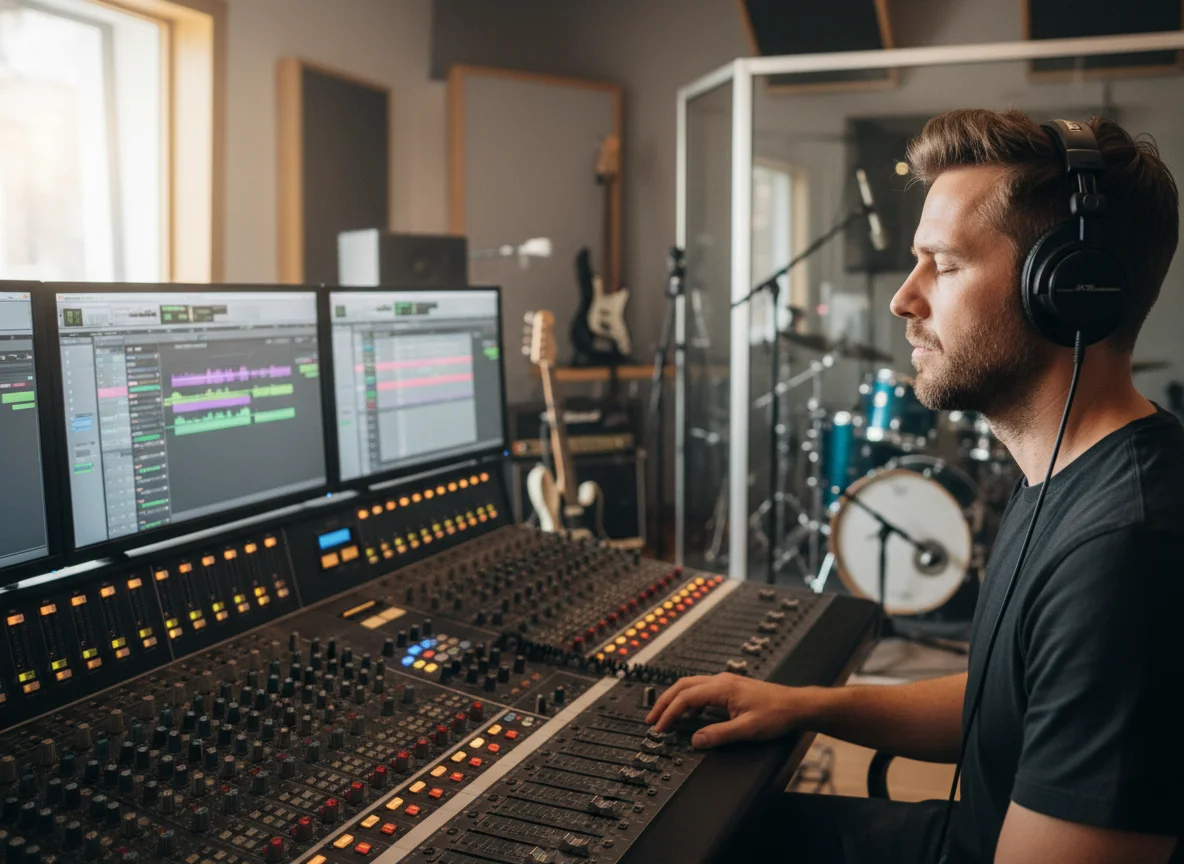
Build Short-Form Clips
Create a memorable vocal variation for a teaser, social clip, or behind-the-scenes post. Keep the source recording short and focused so the result is easy to compare, trim, and share with your audience.
Try Sing Like a Star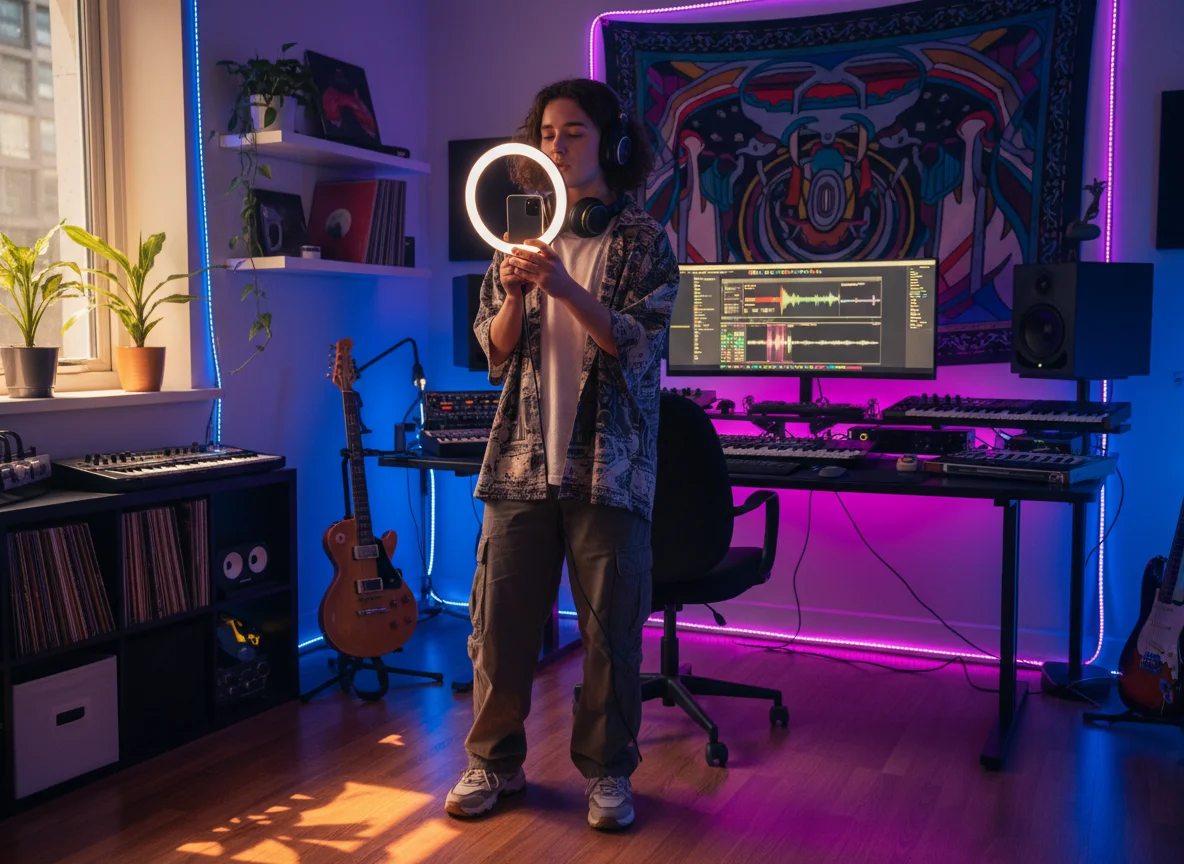
Explore Genre Directions
Move the same vocal idea toward pop, R&B, rock, or rap-inspired character while you work on the arrangement. Comparing styles early helps you find a direction that supports the song instead of distracting from it.
Try Sing Like a Star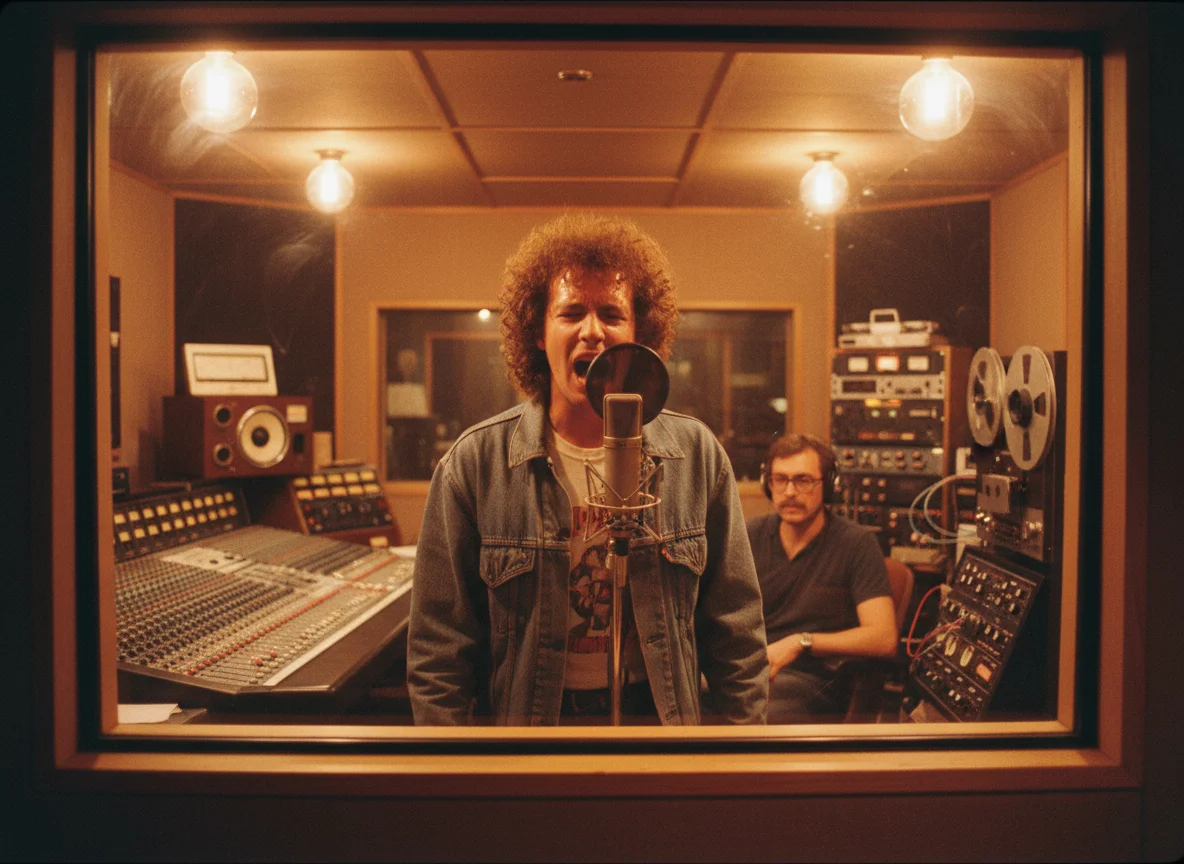
Create Character References
Use a permitted recording to make an early vocal reference for a game, short film, or audio concept. Treat the result as a creative draft and keep the source and output rights clear for every project.
Try Sing Like a Star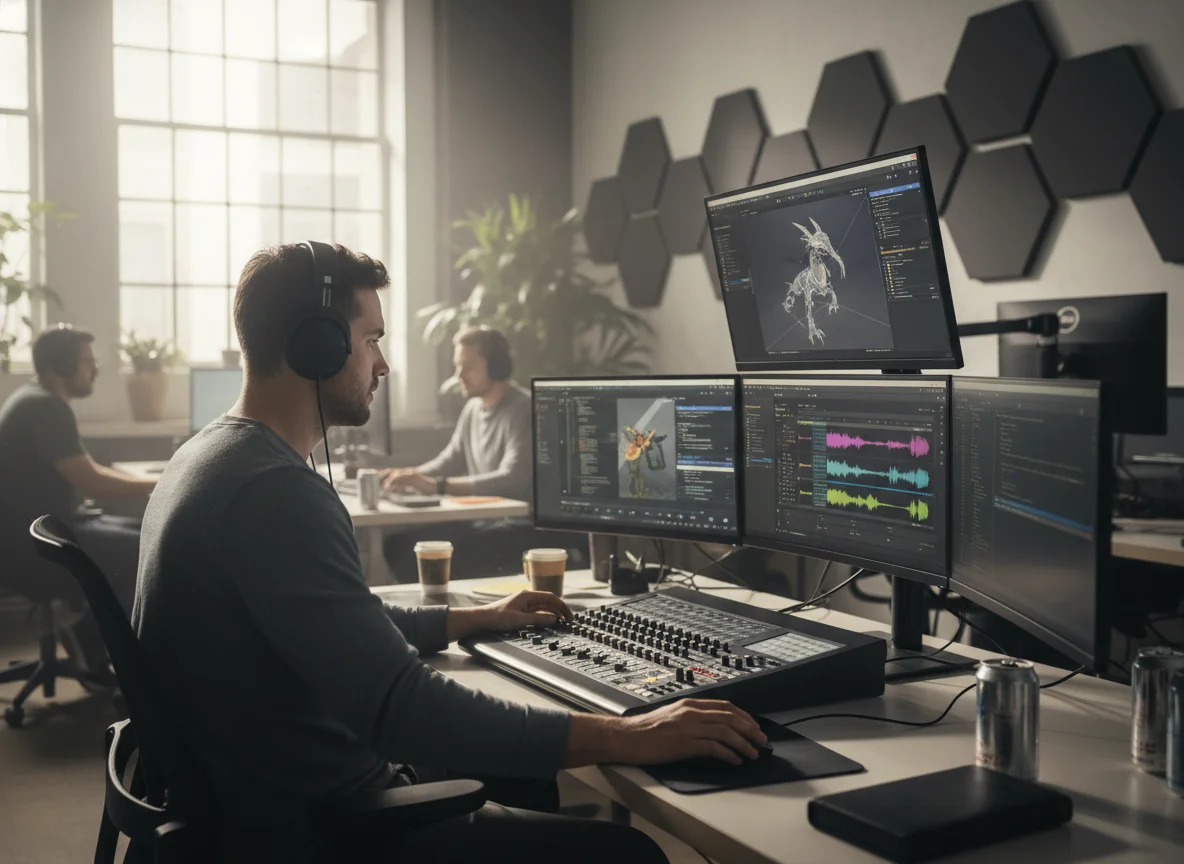
Why Choose BeatMusic?
A focused way to turn one vocal recording into several creative directions.
One Focused Workflow
Upload, choose a style, set the render controls, and listen in one page. You do not need to move between separate audio tools just to test a new vocal character.
Fast Feedback Loop
A result panel keeps the current render visible while the operation panel stays ready for the next variation. This makes quick comparison part of the workflow.
Transparent Credit Cost
The page shows the 20-credit render cost before you start, so you can decide whether to use a fast preview or a quality render for each experiment.
Rights-Aware Copy
BeatMusic limits this workflow to compatible custom voice models on your account and keeps the source-audio and voice-rights reminder next to the action.
What Creators Say
A faster way to test vocal character before polishing the final track.
Hooks Sounded More Alive
"I used a dry chorus take with my project voice model before finishing the arrangement. The result helped me hear which direction supported the hook, so I stopped guessing and moved into production with a clearer idea."

Maya Collins
Independent Songwriter
Hooks Sounded More Alive
"I used a dry chorus take with my project voice model before finishing the arrangement. The result helped me hear which direction supported the hook, so I stopped guessing and moved into production with a clearer idea."
Maya Collins
Independent Songwriter


How to Sing Like a Star with BeatMusic
Upload a vocal, choose a direction, and review the transformed performance.
Step 1: Upload Your Recording
Drop in a clear vocal recording or choose a supported file from your device. Use a short, dry take when possible so your selected voice model has room to come through.
Step 2: Choose a Voice Direction
Select one of your ready voice models, then set pitch direction, output quality, and file format. Check the 20-credit cost and confirm that you have permission to use both the source audio and target voice.
Step 3: Listen and Download
Start the render and watch the result panel for status updates. When the audio is ready, play it in place, open it in a new tab, or download it for the next step in your project.
Frequently Asked Questions
Find Your Star-Ready Voice with BeatMusic
Upload a vocal recording, explore a new voice direction, and turn your next performance idea into a shareable audio draft.
Try Sing Like a Star