Piano Beat Maker
Piano Beat Maker
Describe a piano-led beat in plain words and get two instrumental tracks in minutes. Lofi, trap, R&B, jazz, or cinematic, ready for vocals or video.

Hear What Piano Beats Can Sound Like
Listen to piano-led tracks made with BeatMusic and imagine the mood you could describe next.
What Makes Piano Beat Maker Different
A music generator tuned for keys, chords, and room to breathe, not a one-size-fits-all song box.
Piano-First Beat Writing
Every prompt is steered toward keys. Say whether you want felt piano, a bright upright, or a grand with a long tail, and the beat is built around that sound.
Instrumental by Default
The generator opens with instrumental mode on, so you get a clean bed to rap over, sing on, or loop in the background without any vocals fighting for space.
Genre Moods in One Sentence
Lofi, trap, R&B, jazz, or cinematic: write the genre, the tempo, and the feeling, and the piano part adapts its chords and rhythm to match the mood you described.
Two Takes Per Generation
Each run returns two different tracks from the same description. Keep the one with the better chord movement, or save both and compare them against your vocal.
Lyrics Mode When You Want It
Switch from instrumental to custom lyrics and add a verse and chorus. The piano stays in the lead while a voice carries your words, which suits ballads and slow rap.
Tempo and Key Control
Name a BPM range and a key or scale in your prompt. Slow 60 BPM ballads, 90 BPM boom-bap loops, and 140 BPM trap pacing are all easy to ask for.
Piano Beat Maker Guide: Styles, Tempos and Prompt Formula
Use this quick reference to pick a piano beat style, set a sensible tempo, and write a prompt that gives you a clean piano-led instrumental.
Piano beat style cheat sheet
| Style | Typical tempo (BPM) | Piano feel & chords | Prompt words to add |
|---|---|---|---|
| Lofi piano | 70-90 | Soft, dusty, mellow seventh chords | lofi, warm felt piano, vinyl crackle, laid-back |
| Trap piano | 130-150 (or half-time 65-75) | Dark minor riffs, sparse repeating notes | trap, dark minor piano, 808 bass, hi-hat rolls |
| R&B keys | 60-85 | Smooth extended chords, soft sustained voicings | R&B, silky Rhodes-style keys, slow groove |
| Jazz piano loop | 80-120 | Swung comping, ninth and thirteenth chords | jazz, swing feel, upright bass, brushed drums |
| Cinematic piano | 60-100 | Slow, wide chords with long sustain | cinematic, slow build, strings, deep reverb |
| Emotional piano rap | 70-95 | Sad minor progression, simple melancholic top line | emotional, minor key, heavy 808, rap beat |
| Gospel keys | 65-100 | Rich chords, passing tones, church-style fills | gospel, soulful chords, organ pad, claps |
| House piano | 120-130 | Bright stabs and rolling chord riffs | house, piano stabs, four-on-the-floor, club |
| Neo-soul | 70-100 | Jazzy chords with relaxed, behind-the-beat timing | neo-soul, warm keys, loose drums, groovy bass |
| Ambient piano | 50-80 | Sparse notes, long decay, lots of space | ambient, slow piano, soft pad, airy reverb |
Prompt formula
| Part | What to write | Example |
|---|---|---|
| Style | Name the genre or sub-genre first | lofi hip hop beat |
| Tempo | Give a BPM number or a speed word | 82 BPM, slow and relaxed |
| Mood | One or two feelings, not a long list | nostalgic, rainy night |
| Piano voicing | Piano type, register and playing style | soft felt piano, warm low chords, gentle arpeggios |
| Supporting instruments | Name drums, bass and any pad | dusty drums, round bass, quiet vinyl noise |
| Mix/texture | Space, warmth and cleanliness | warm, close, lightly saturated, no vocals |
Tips for better piano beats
- Describe the piano sound itself, such as felt, bright, upright or Rhodes-style, instead of only writing the word piano.
- Add "instrumental, no vocals" so the result stays a clean beat you can rap or sing over.
- Name the drums you want, like boom bap kick, soft snare or hi-hat rolls, or the rhythm may drift.
- Describe the structure briefly, for example a four-bar loop, a sparse intro, then the full groove.
- Each generation returns two tracks. Listen to both, compare, and regenerate with one small change at a time.
- Keep one main idea per prompt. Too many styles at once make the piano part vague.
- Found a take you like? Convert the song to MIDI on BeatMusic to edit the piano notes in your DAW.
Who Uses a Piano Beat Maker?
Six situations where a quickly generated piano track saves time and sparks ideas.
Piano Beats for Rappers
Emotional rap lives on a good piano loop. Ask for a sparse minor-key progression with a slow kick and soft hats, then write your bars over a bed that already has weight.
Make a Piano Beat Now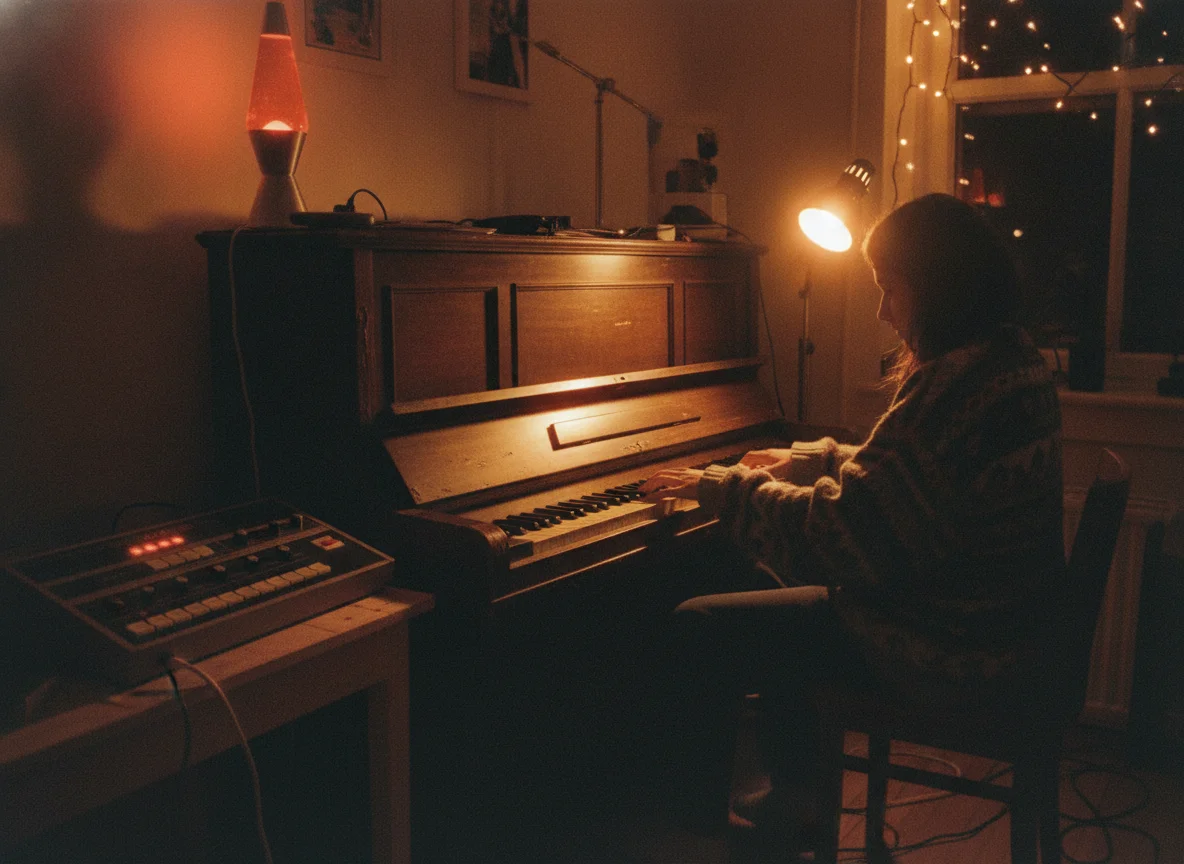
Backing Tracks for Singers
Practice a new song or record a demo over a gentle piano bed. Choose R&B keys with warm chords, or a slow ballad at 65 BPM, and sing without hunting for a free track.
Make a Piano Beat Now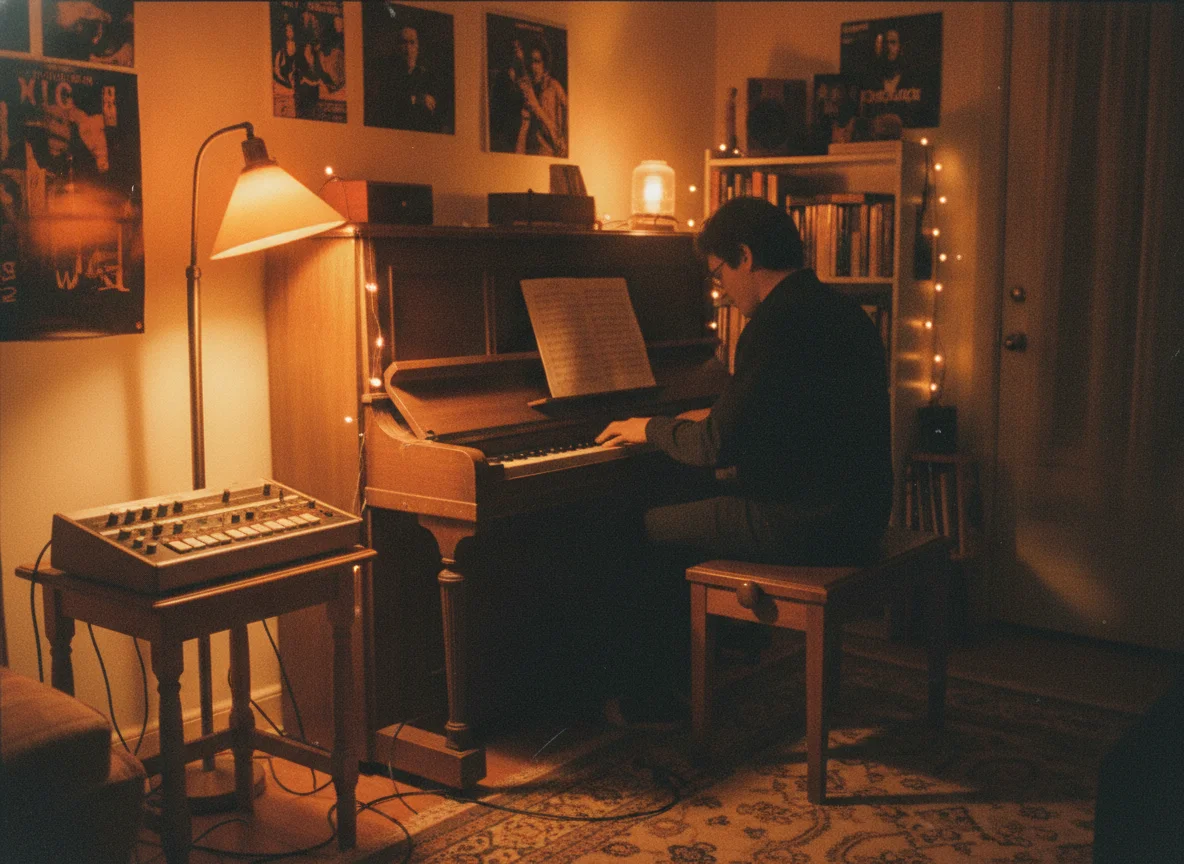
Lofi Piano for Study Playlists
Soft, dusty piano with vinyl texture is a favorite for focus sessions. Generate several loops with different moods and string them into a long playlist for study streams.
Make a Piano Beat Now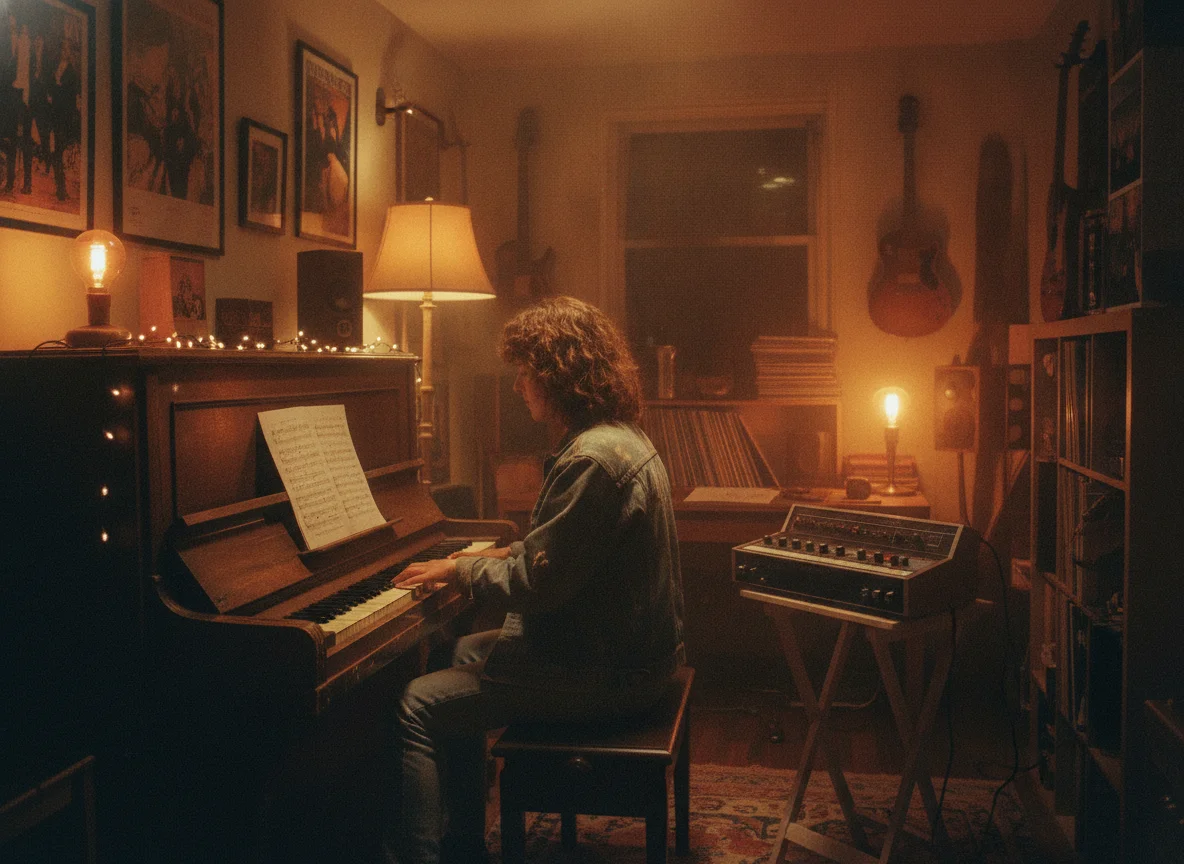
Cinematic Piano Cues
Short films, trailers, and game menus often need a single piano line that sets the tone. Describe the scene and the emotion, and get a restrained cue you can lay under footage.
Make a Piano Beat Now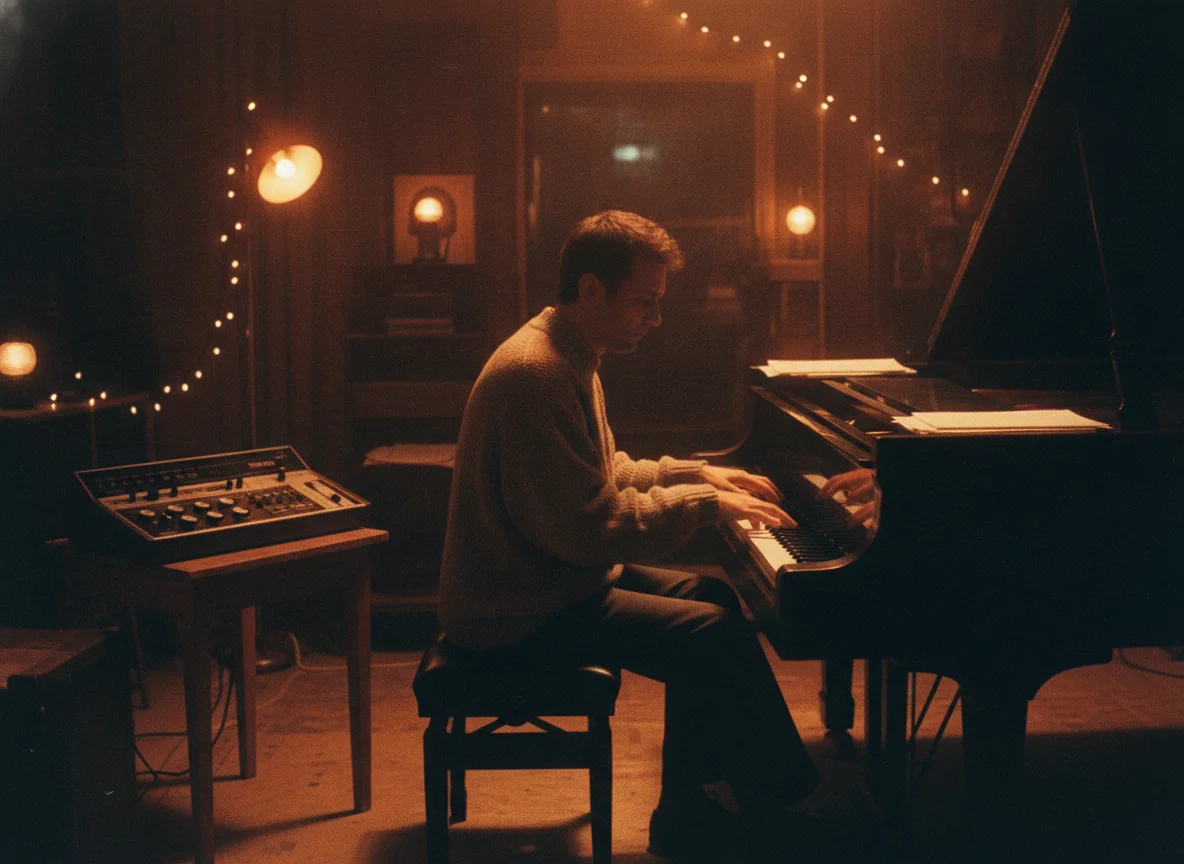
Background Music for Videos
Vloggers and short-form editors can request a calm jazz piano loop or a hopeful keys theme at the length they need, then cut it to match the pacing of the edit.
Make a Piano Beat Now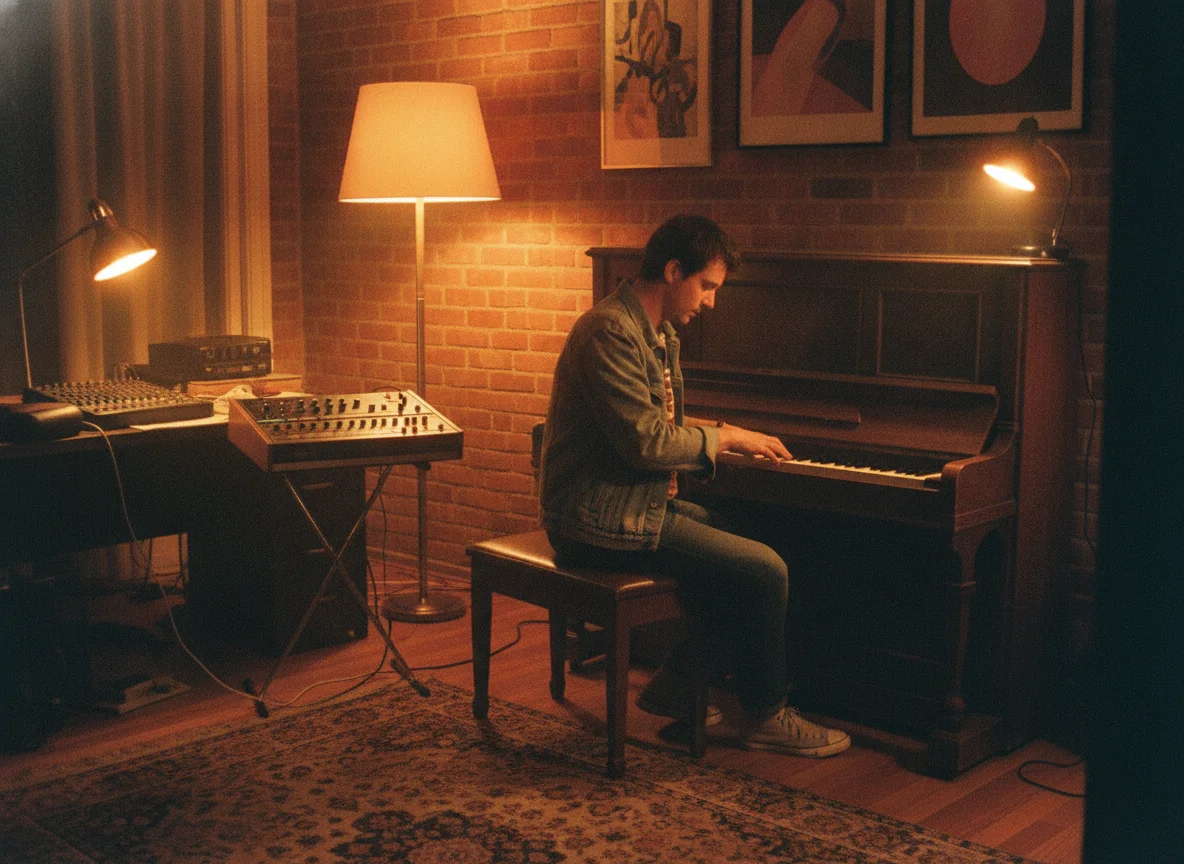
Demos for Producers and Writers
Test a hook before booking studio time. Producers can audition chord ideas and songwriters can hear a topline demo in minutes, then rebuild the best idea with live players.
Make a Piano Beat Now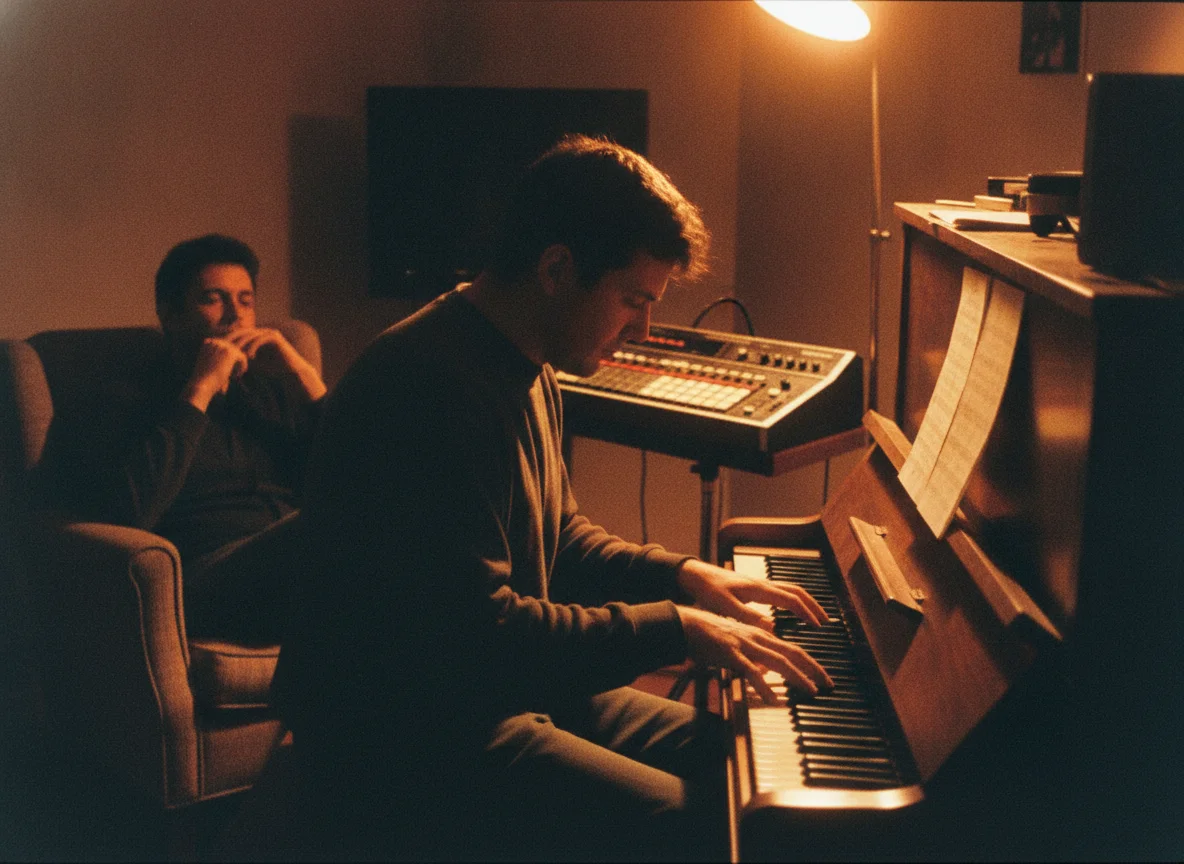
Why Make Piano Beats with BeatMusic?
What you get when the generator is set up around the piano from the first click.
Built Around One Instrument
Instead of a generic prompt box, this page is tuned for piano-led music, so the examples and defaults point you to chords, melody, and space rather than busy arrangements.
Fast Enough to Iterate
A beat idea can disappear while you wait. Short render times let you try a darker key, slower tempo, or different mood and compare the results in one sitting.
Sounds You Can Direct
You steer the result with plain language. Mention touch, reverb, rhythm, and a second instrument, and the output moves toward the picture you described.
Works for Many Workflows
Rappers, singers, editors, streamers, and game developers all need piano at some point. One tool covers beats, bed tracks, cues, and loops for each.
Instrumental or Vocal Choice
Start with a clean beat and add lyrics only if the track needs a voice. Nothing forces a vocal on you, and nothing blocks you from adding one.
Clear Plan Terms
Credit use and usage rights follow your plan, and both are written down. You can check what applies before you publish anything made with the beat.
What Our Users Say
Hear from creators who've used BeatMusic.
Transformed My Workflow
"BeatMusic's AI-powered generation transformed my workflow. I used to spend hours on 8bit tracks, but now I create high-quality music in minutes."

John Smith
Music Producer
Perfect for Games
"Integrating BeatMusic with my game development tools was seamless. The custom 8bit tracks add an authentic retro feel to my projects."

Emily Johnson
Game Developer
Transformed My Workflow
"BeatMusic's AI-powered generation transformed my workflow. I used to spend hours on 8bit tracks, but now I create high-quality music in minutes."
John Smith
Music Producer
Perfect for Games
"Integrating BeatMusic with my game development tools was seamless. The custom 8bit tracks add an authentic retro feel to my projects."
Emily Johnson
Game Developer




Explore More AI Music Tools
Try other BeatMusic tools to build on your piano beat.

How to Make a Piano Beat in Four Steps
Go from a written idea to a downloadable piano track without opening a DAW.
Step 1: Describe the Piano Beat
Open the generator and type the sound you hear in your head: genre, BPM, mood, and what the piano does. Or pick one of the sample prompts to start from.
Step 2: Pick Instrumental or Lyrics
Leave instrumental on for a pure beat, or switch to custom lyrics and paste a verse and chorus. Then generate and wait for the two tracks to finish rendering.
Step 3: Audition and Refine
Play both versions, notice which chords and tempo work, then tweak the prompt: a slower BPM, a sadder key, or a different second instrument.
Step 4: Download and Use the Beat
Save the track you like and drop it into your DAW, your video timeline, or your playlist. Extend it or add vocals later if the idea grows.
Frequently Asked Questions
Write Your First Piano Beat Today
Type a mood, pick a tempo, and let BeatMusic turn it into two piano-led tracks.
Make a Piano Beat Now