
AI Mastering
Your mix is done, but it sounds quiet and flat next to songs on Spotify? AI Mastering measures the loudness, tone and dynamics of your track, then sets the EQ, compression and limiting for you, right in your browser.
Drop a song here to master it
Mastered in your browser, so your audio is never uploaded. MP3, WAV, FLAC, M4A or OGG, up to 100 MB and 12 minutes.
Key Features of AI Mastering
Everything you need to take a finished mix to a release-ready master.
Seven Styles, Including One for AI Songs
Not sure where to start? Pick Auto, Warm, Bright, Punchy, Wide or Loud. Made your song with an AI music generator? Try the AI Song style in AI Mastering, which softens the harsh 2.5 to 6 kHz range and clears the muddy 200 to 400 Hz area.
Loudness Targets in Real LUFS
Want your song to sit right next to other releases? Choose -14 LUFS for streaming, -11 for a louder balance or -9 for a loud master. Loudness is measured the way streaming services do it, and true peaks stay under -1 dBTP.
Match a Reference Track
Got a finished song you want yours to sound like? Upload it and AI Mastering compares five bands of tone against your track, moves your EQ toward the reference by up to 4 dB, and borrows the reference loudness, which is kept between -16 and -7 LUFS.
Intensity, Tone and Width Controls
Want a light touch or a stronger result? Turn the intensity down or up, slide the tone from warm to bright, and widen or narrow the stereo image, and every change is mastered again in a few seconds, so you never have to upload the song a second time.
Fair Before and After Comparison
Louder almost always sounds better at first, so the original plays at the same loudness as your master by default. Switch between them at the same spot and judge the tone and punch instead of the volume. You can turn the matching off any time.
Mastering Report and Free Downloads
Curious what actually changed? The report shows loudness, true peak and loudness range before and after, plus a five-band tone chart and the EQ used on each band, and then you can download WAV 24-bit, WAV 16-bit or MP3 320k for free mastering with no watermark.
Who Uses AI Mastering?
From bedroom producers to people making songs with AI, anyone with a finished mix can use AI Mastering to get it ready to release.
Independent Artists Releasing Music
Ready to put a single on Spotify but can't pay a mastering engineer for every song? Pick the -14 LUFS target, compare the result at matched loudness, and download a 24-bit WAV for your distributor. It's a quick way to do online mastering for each release, and it costs nothing.
Master My Song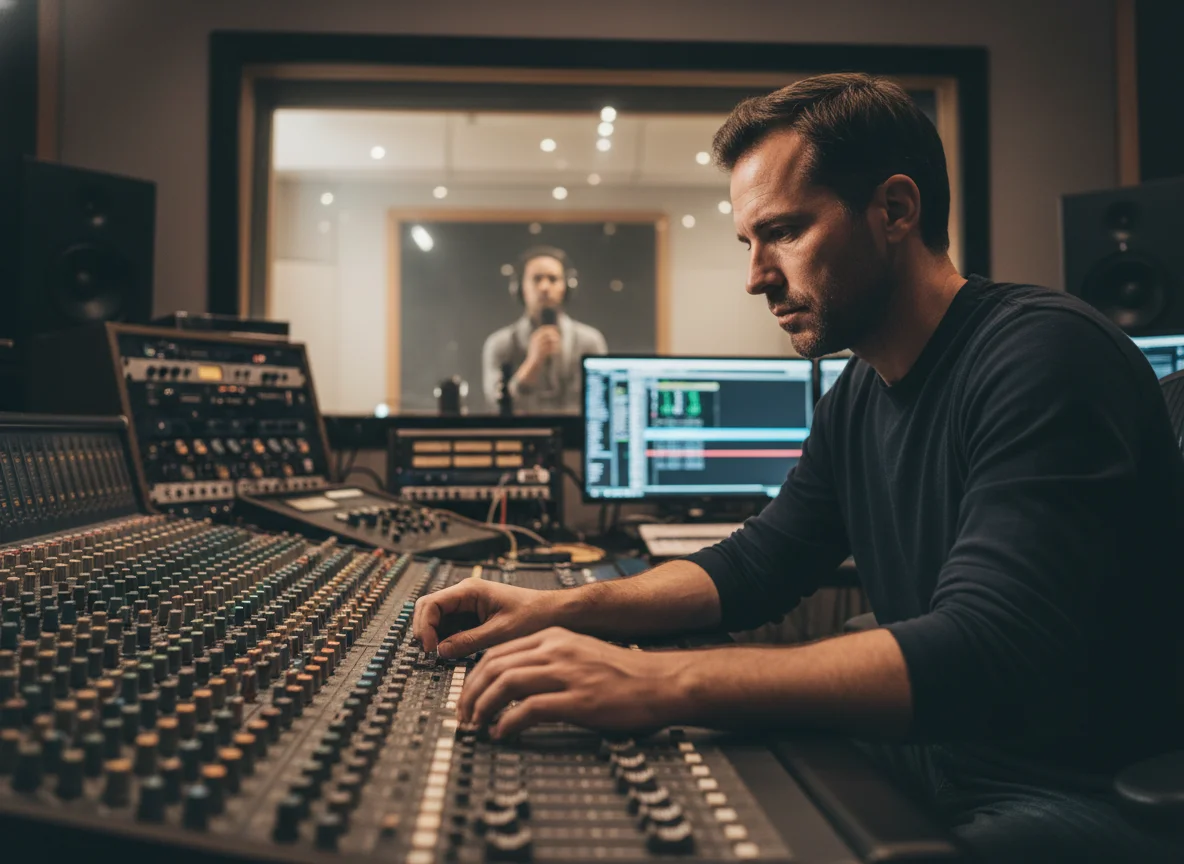
People Making Songs With AI
Made a song with an AI music generator and it sounds a little harsh or boomy? Open it from your BeatMusic library with Master this song, or upload a file from any other tool. The AI Song style cuts the harsh upper mids and the muddy low mids, and you can check the change in the report.
Master My Song
Beatmakers and Producers
Need a demo to hit as hard as the tracks you hear online? Try Punchy or Loud, push the target to -9 LUFS for club playback, and use a reference track to match the sound you're going for. AI Mastering shows you the EQ it used on every band, so you can learn from it.
Master My Song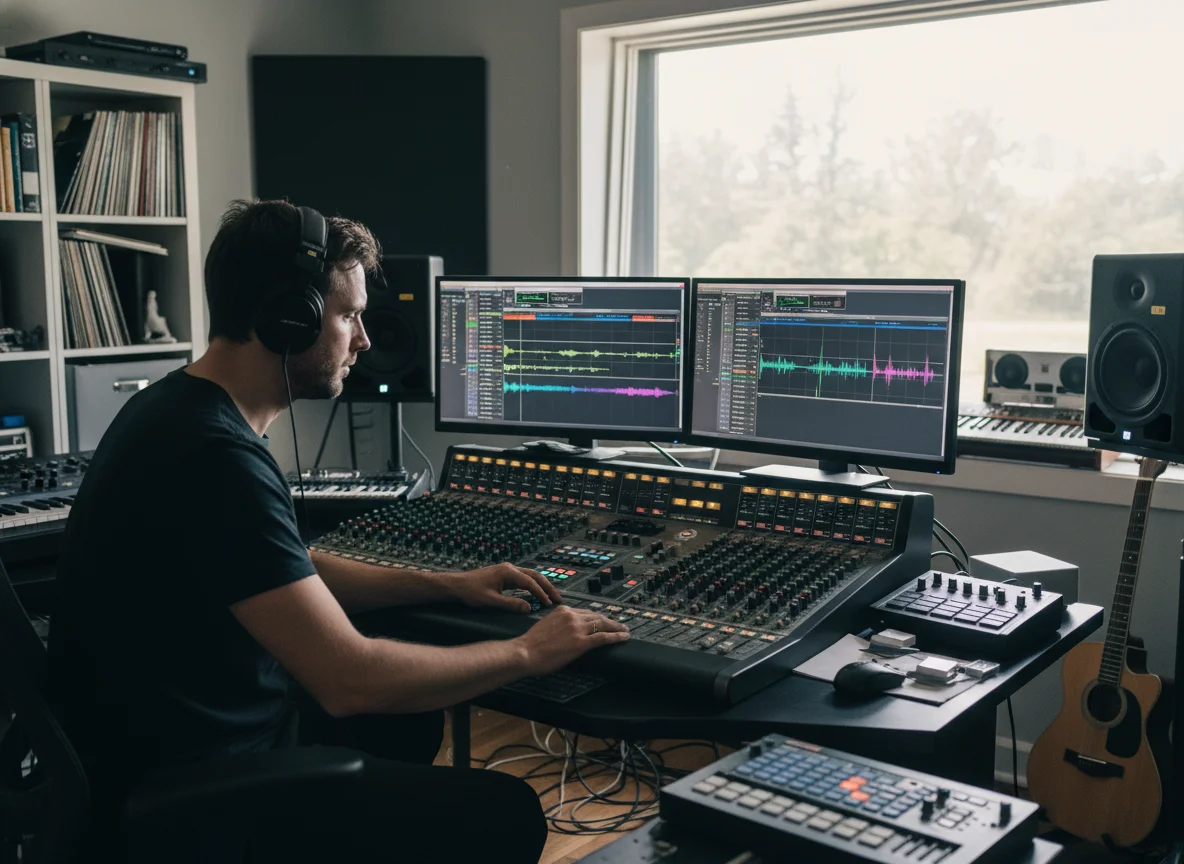
Podcasters and Video Creators
Does your intro music or theme song sound quieter than everything else in the edit? Master it to a set loudness so it sits at a steady level next to your voice and other clips. With audio mastering online, you don't need to open a full editing program for one file.
Master My Song
Why Choose BeatMusic AI Mastering?
Here's what sets this AI mastering free tool apart from the rest.
Free Downloads With No Sign-Up
Many online mastering services let you preview for free and charge for the download. Here you can master and download WAV or MP3 without an account, a watermark or a daily limit, so AI Mastering stays free from upload to download.
Your Audio Stays on Your Device
Worried about sharing a song that isn't out yet? The whole mastering chain runs in your browser, so your audio is never uploaded to a server. There's also no upload wait, even for a big WAV file.
You See What Changed
Instead of a black box, you get numbers: loudness, true peak and loudness range before and after, the EQ on each band and the tone chart. You can see what AI Mastering did to your song and decide if you agree.
Built for the Songs You Make Here
Songs from the BeatMusic AI Music Generator can go straight to mastering from your library. The AI Song style is made for how AI songs tend to sound, and files from other tools work just as well.
More Tools for Your Track
Pair AI Mastering with tools that split, edit and remix your music.






How to Use AI Mastering
Three steps take you from a finished mix to a master you can release.
Step 1: Upload Your Song
Drop an MP3, WAV, FLAC, M4A or OGG file of up to 100 MB and 12 minutes into AI Mastering, or open a song from your BeatMusic library with Master this song.
Step 2: Pick a Style and Loudness
Choose a style and a loudness target, or upload a reference track to match. Then adjust intensity, tone and width if you like, because a song of two or three minutes is usually ready in a few seconds.
Step 3: Compare and Download
Switch between the original and your master at matched loudness and check the mastering report. When it sounds right, download WAV 24-bit, WAV 16-bit or MP3 320k with no watermark.
Frequently Asked Questions
Try AI Mastering Now
Upload a song, pick a style, compare at matched loudness and download your master for free.
Master My Song