AI Music Composer: Turn Your Lyrics Into Full Songs
AI Music Composer: Turn Your Lyrics Into Full Songs
Bring your own lyrics, set the structure, style and voice, and hear two complete songs built around your words. Made for songwriters, poets, worship teams and students.

Hear What Written Lyrics Can Become
Browse songs composed from original lyrics, then write yours and set it to music.
Everything You Need to Compose Your Own Song
Control the words, the structure and the sound while the composer handles melody and arrangement.
Bring Your Own Lyrics
Paste the words you wrote and the composer sets them to music instead of inventing new ones. Your phrasing, rhymes and line breaks stay yours while the melody and arrangement take shape around them.
Structure Tags That Steer the Song
Mark sections with [Intro], [Verse], [Chorus], [Bridge] and [Outro] right inside your text. The composer reads those labels as a map, so a chorus lands where you planned it and a bridge changes the mood.
Style Tags for Genre and Mood
Describe the sound in a short line of tags such as folk, warm piano, slow tempo or gritty rock. Style tags tell the composer how to dress your lyrics without you touching a single note.
Vocal Gender and Exclusions
Choose a male or female voice, then list what you want kept out, like heavy autotune, rap verses or a loud drum fill. Clear limits save you from regenerating just to remove one unwanted habit.
Built-In AI Lyrics Helper
Stuck on a second verse or a rhyme? Ask the lyrics helper for a draft, then rewrite it in your own voice. It works as a writing partner for the blank page, not a replacement for your pen.
Two Full Songs Per Generation
Each run returns two complete versions of your song, so you can compare a different melody, tempo or vocal take side by side. Keep the one that fits and tweak your tags to steer the next round.
Lyrics Structure Guide for the AI Music Composer
Section tags tell the AI where each part of your song begins and what role it plays. Use this reference to plan your lyrics before you generate.
Song structure tags
| Tag | What it tells the AI | Typical length | Writing tip |
|---|---|---|---|
| [Intro] | Opening section that sets the mood before vocals | Instrumental or 1-2 lines | Leave it empty or add a short spoken line. |
| [Verse] | Story section; the melody repeats while the words change | 4-8 lines | Use concrete images and details, not abstract feelings. |
| [Pre-Chorus] | Build-up that raises tension before the chorus | 2-4 lines | Make lines shorter or rise in pitch to lead the ear in. |
| [Chorus] | Main hook; the most memorable and repeated part | 4-6 lines | Keep it simple and repeat it word for word. |
| [Post-Chorus] | Short tag that extends the hook after the chorus | 1-2 lines | Use a repeated phrase or a simple vocal sound. |
| [Bridge] | Contrast section that breaks the pattern | 2-4 lines | Change the angle of the story or the emotion. |
| [Breakdown] | Stripped-back moment with fewer layers | 1-3 lines | Use sparse words so the arrangement can drop away. |
| [Instrumental] | Section with no vocals, such as a solo | No lyrics | Place it between sections; write nothing underneath. |
| [Outro] | Closing section that winds the song down | 1-4 lines | Echo a line from the chorus or end on a quiet image. |
How long should each part be?
| Song length | Suggested layout | Approx. lines of lyrics |
|---|---|---|
| Short song (about 2 minutes) | Verse, Chorus, Verse, Chorus, Outro | 16-24 lines |
| Standard song (about 3 minutes) | Intro, Verse, Pre-Chorus, Chorus, Verse, Pre-Chorus, Chorus, Bridge, Chorus, Outro | 28-40 lines |
| Long song (4 minutes or more) | Standard layout plus a third verse, Post-Chorus or Breakdown | 40-56 lines |
Tips for better results
- Keep each line singable: short, natural phrases are easier to set to melody than long sentences.
- Repeat the chorus word for word every time, so the hook feels familiar when it returns.
- Describe genre, mood and instruments in the style box, not inside the lyrics.
- Stay under the 5000-character limit; the live character count in the toolbar shows how much room is left.
- Use the toolbar to insert section tags with one click instead of typing brackets by hand.
- Need a first draft? Try the AI lyrics helper at /ai-lyrics-generator, then edit it to fit your story.
- Each generation returns two songs, so compare them, and extend your favorite later on /ai-music-extender.
Who Uses the AI Music Composer?
If you write words and want to hear them sung, this composer is built for you.
Songwriters Hearing Demos Fast
A finished lyric is hard to judge on paper. Turn it into a full demo and you quickly hear whether the chorus lifts, whether the verse drags, and which line needs another draft before you book studio time.
Start Composing Now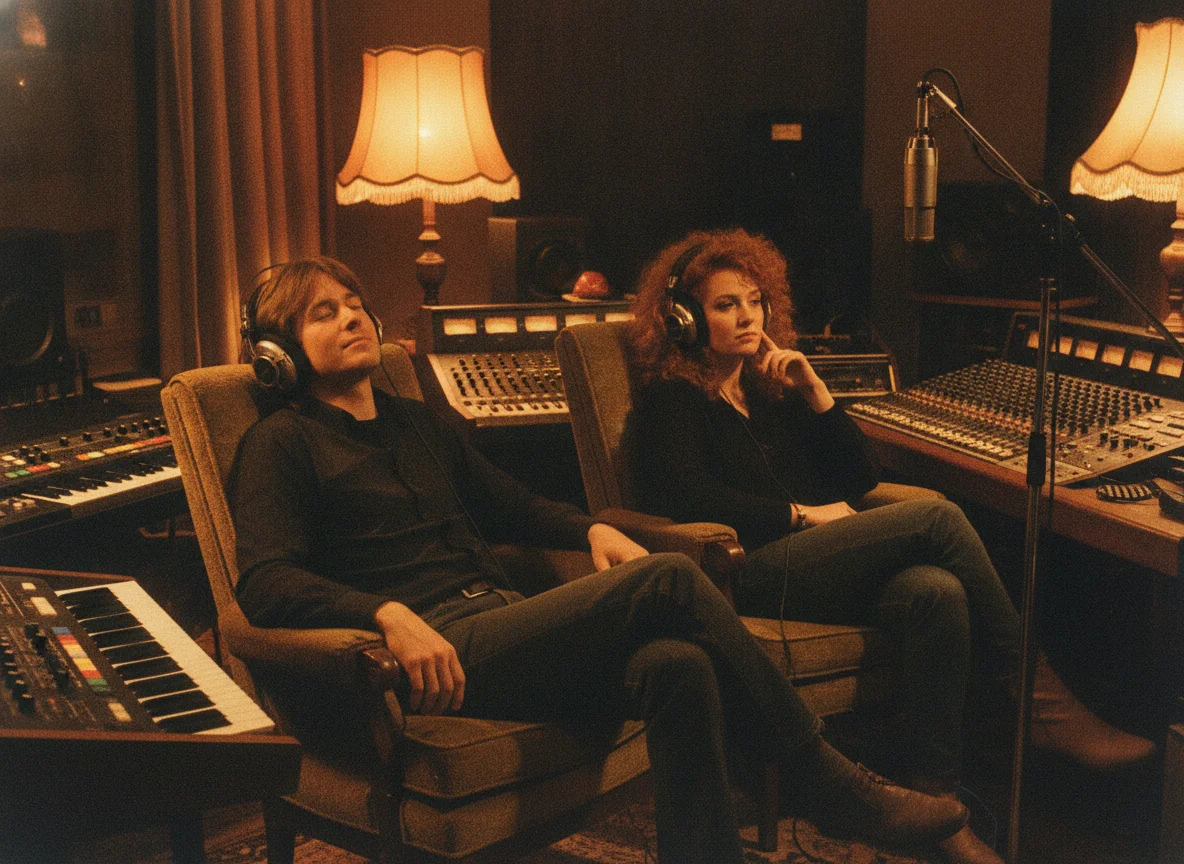
Lyricists Who Do Not Play an Instrument
If you write words but cannot arrange a track, the composer gives you a melody and backing to carry them. You can finally share a real song with a vocalist or producer instead of a text file.
Start Composing Now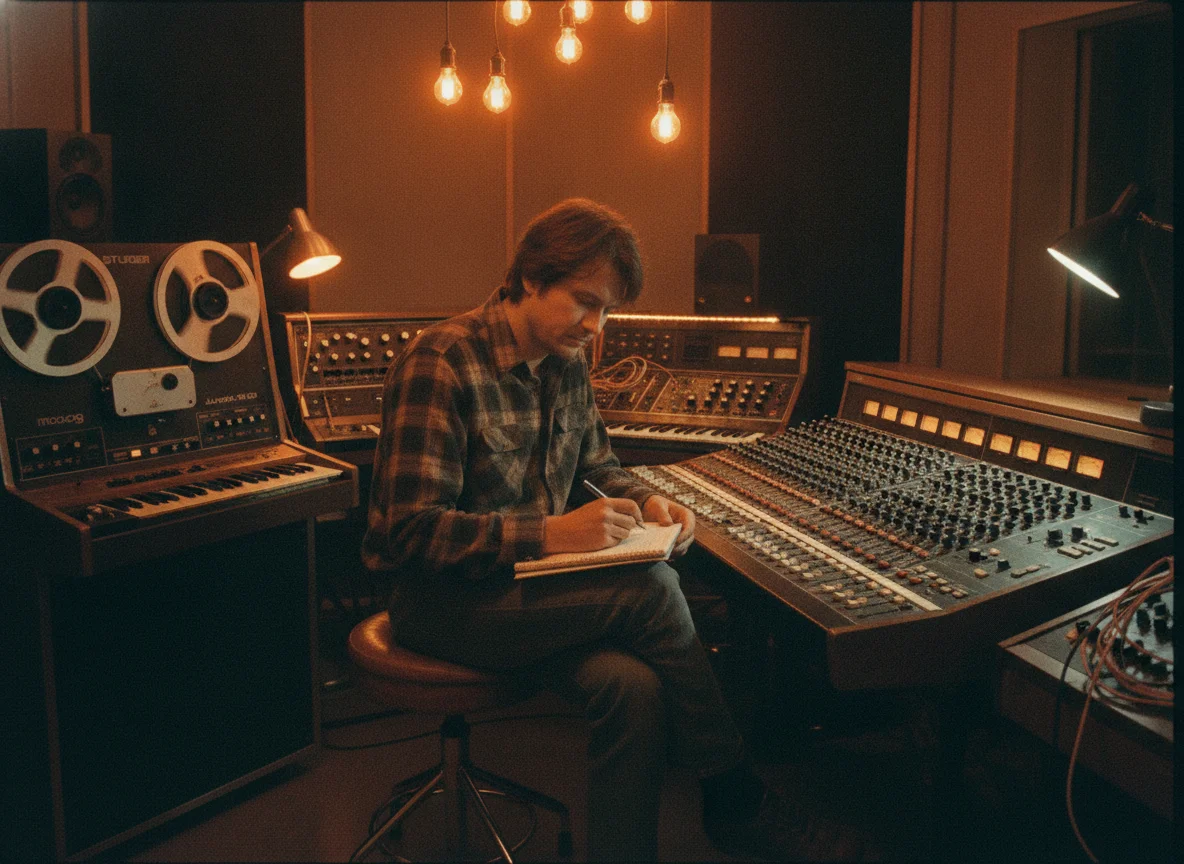
Poets Setting Verse to Music
Give a poem a rhythm and a voice. Shape stanzas into verses, repeat a favourite line as a chorus, and hear how your imagery sounds when it is sung rather than read aloud at an open mic.
Start Composing Now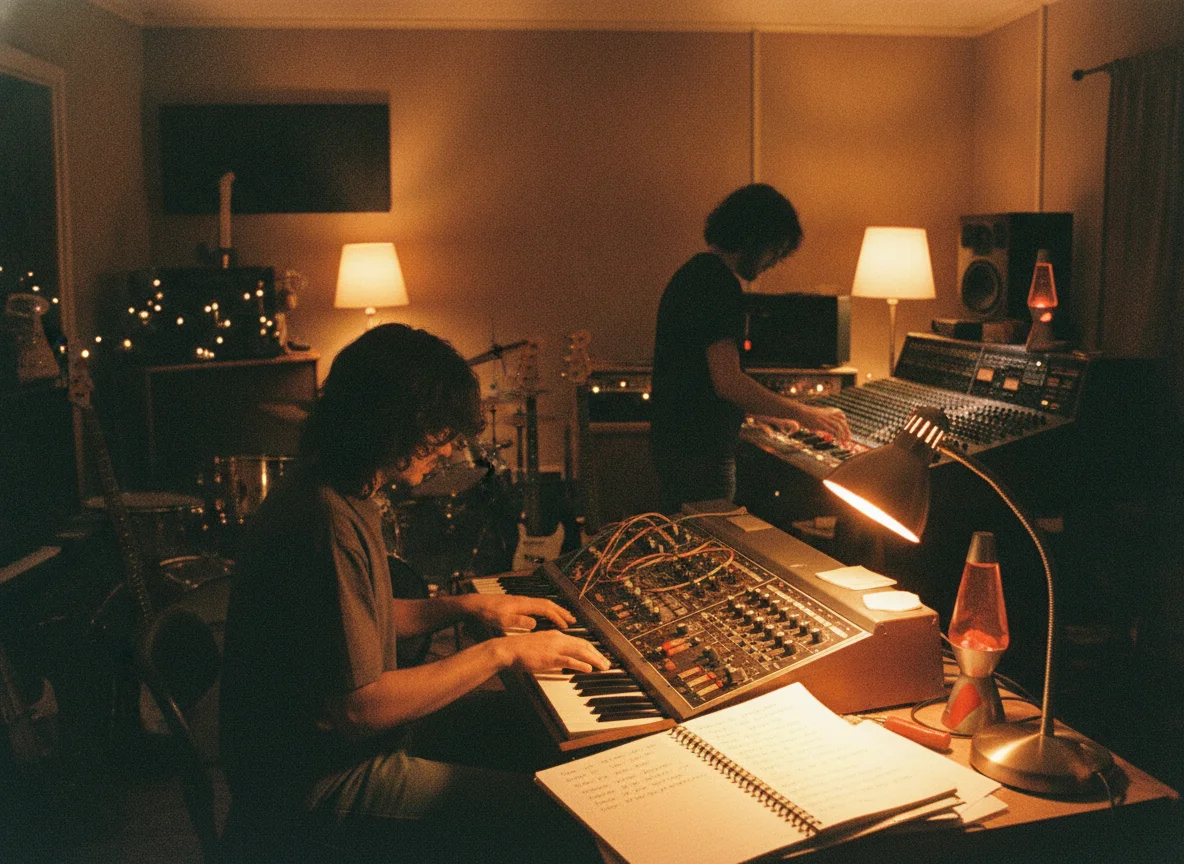
Worship Teams Drafting New Songs
Write a congregational lyric, choose a gentle, steady style and hear how the verses and chorus sit together. Teams use the result as a sketch to rehearse from before arranging the song for their own players.
Start Composing Now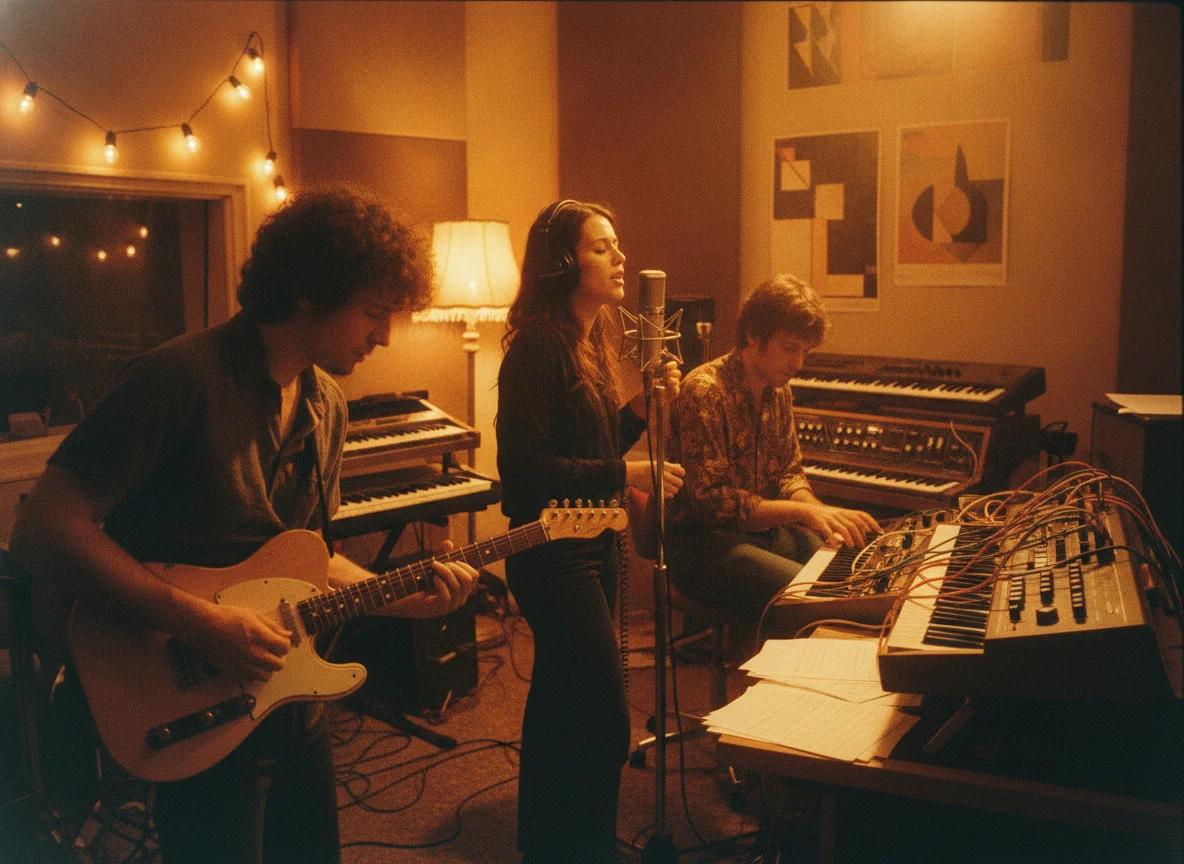
Students Learning Song Arrangement
Move a Bridge, drop an Intro or double the Chorus and compare the two results. Changing one tag at a time is a hands-on way to learn how sections shape energy and keep a listener engaged.
Start Composing Now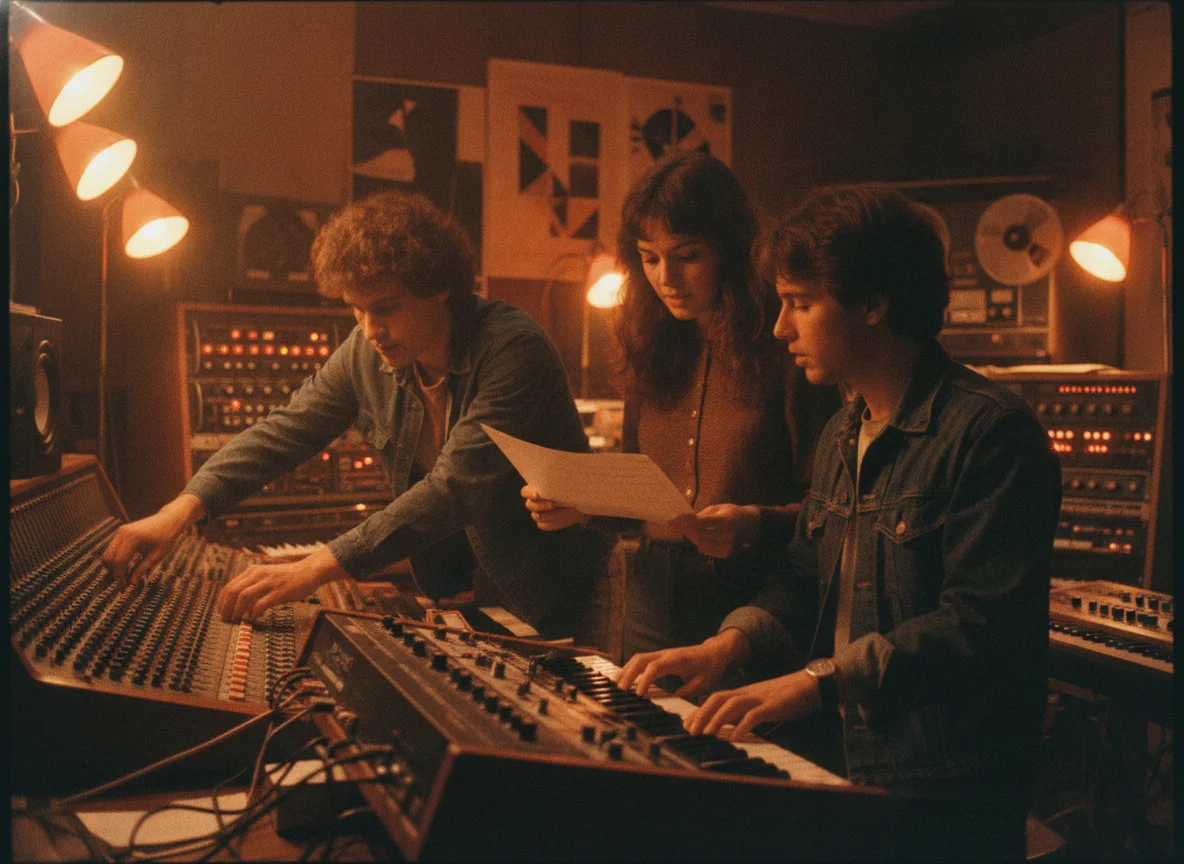
Demo Makers Pitching Ideas
Send a clear, listenable demo to a singer, label contact or collaborator without hiring a session band first. A rough but complete song communicates tone and hook better than a chord chart ever could.
Start Composing Now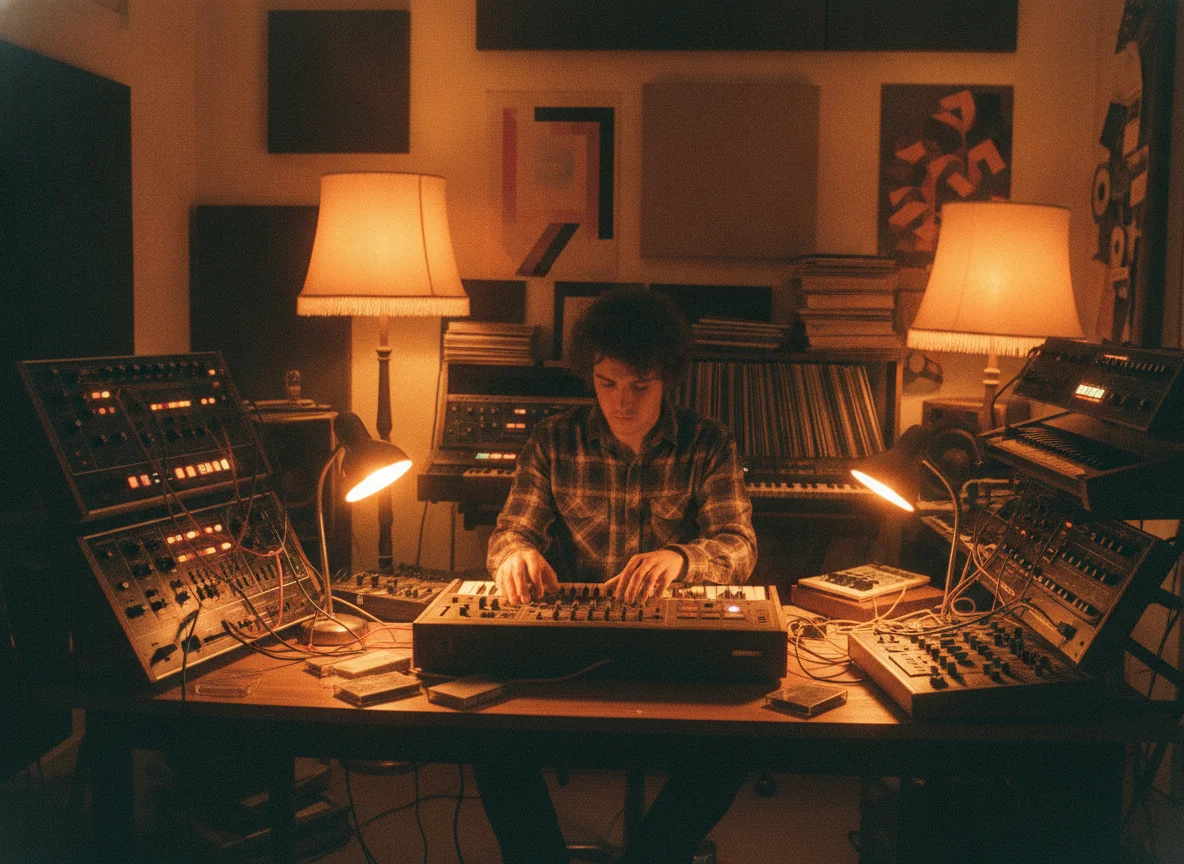
Why Compose With BeatMusic?
A composing workflow that respects your lyrics and gives you real control.
Your Words Stay Yours
The composer treats your lyrics as the source material. It builds melody and arrangement around what you wrote, so the song still says what you meant when you started.
Structure You Control
Section tags give you a say in the shape of the song. You decide where the verse ends and the chorus begins instead of accepting whatever order a prompt produces.
Two Takes Every Time
Getting a pair of full songs per run makes comparison easy. You hear two interpretations of the same lyric and choose the one that suits it, rather than gambling on a single result.
Room to Refine
Adjust tags, exclusions or a single lyric line and generate again. Small changes are quick to test, which turns the tool into a loop for drafting rather than a one-shot gamble.
Help When the Page Is Blank
The AI lyrics helper offers drafts, rhymes and second verses when you stall. Take what works, rewrite the rest, and keep the creative decisions in your own hands.
Works With Other BeatMusic Tools
Finish a song here, then extend it, separate stems, add vocals or remix it with other BeatMusic tools. One project can move from lyric sheet to full arrangement without leaving the platform.
What Our Users Say
Hear from creators who've used BeatMusic.
Transformed My Workflow
"BeatMusic's AI-powered generation transformed my workflow. I used to spend hours on 8bit tracks, but now I create high-quality music in minutes."

John Smith
Music Producer
Perfect for Games
"Integrating BeatMusic with my game development tools was seamless. The custom 8bit tracks add an authentic retro feel to my projects."

Emily Johnson
Game Developer
Transformed My Workflow
"BeatMusic's AI-powered generation transformed my workflow. I used to spend hours on 8bit tracks, but now I create high-quality music in minutes."
John Smith
Music Producer
Perfect for Games
"Integrating BeatMusic with my game development tools was seamless. The custom 8bit tracks add an authentic retro feel to my projects."
Emily Johnson
Game Developer




Explore More AI Music Tools
Extend, remix and polish your songs with the rest of the BeatMusic toolkit.




How to Compose a Song With Your Lyrics
Four simple steps take you from a written lyric sheet to two finished songs.
Step 1: Write or Paste Your Lyrics
Open the composer in custom lyrics mode and drop in your text. Add structure tags like [Verse] and [Chorus] on their own lines, and keep the whole sheet under 5000 characters.
Step 2: Set Title, Style and Voice
Name the song, enter style tags that describe genre, tempo and instruments, and pick a vocal gender. Use the exclusion field for anything you never want to hear in the final mix.
Step 3: Generate and Compare Two Songs
Press generate and receive two full songs built from the same lyrics. Listen to both, note which arrangement serves the words best, and refine your tags if you want a different feel.
Step 4: Download and Keep Building
Save the version you like, then take it further. Extend it into a longer piece, or separate the vocals and instruments to remix, practise against or hand to a band for a live arrangement.
Frequently Asked Questions
Turn Your Lyrics Into a Song Today
Paste your words, tag your structure and hear two full versions of your song in minutes.
Start Composing Now