Cheer Music Maker
Cheer Music Maker
Create cheerleading mixes, team chants, and pep-rally tracks with AI vocals. Describe the sound or paste your chant and get two tracks to compare.

Hear What Cheer Tracks Can Sound Like
Listen to sample tracks and picture the energy your own routine, chant, or game-day mix could have.
What Makes This Cheer Music Maker Useful
Tools for building loud, rhythmic, team-ready tracks without a studio or music software.
Chant-Ready Vocals
Describe a call-and-response hook or a team shout-out and BeatMusic builds the track around it, with a vocal that sits clearly on top of the beat.
Built for 8-Count Phrasing
Ask for steady, square phrasing and a punchy downbeat so your counts land cleanly and your team can lock into the groove without guessing.
High-Tempo Energy
Request fast, driving tempos in the 140 to 160 BPM range, with big drums, stomps, claps, and bright brass or synth stabs that keep a routine moving.
Custom Lyrics Mode
Switch to lyrics mode and paste your own chant. Section tags like Intro, Chant, and Hook help the vocal follow your structure line by line.
Two Tracks Per Generation
Every generation returns two different tracks, so you can compare tempo, vocal feel, and hit placement before choosing the mix that fits your routine.
Preview, Download, Repeat
Listen in the browser, download the version you like, and run another generation when a section needs more punch, a different tempo, or fresher wording.
Cheer Music Planning Guide
Use these reference tables to match tempo, structure and prompt wording to your routine before you generate.
Tempo and structure by occasion
| Occasion | Suggested BPM range | Structure ideas | Prompt words |
|---|---|---|---|
| Competition routine | 135-150 | Build in sections, with clear lifts and a big final hit | driving drums, shouted group chant, big final hit |
| Halftime or game day | 120-140 | Short loops that repeat easily, crowd call-and-response | stomp-clap, brass stabs, call and response |
| Pep rally | 110-130 | Simple chant hook, space for the crowd to join in | anthem, chant, claps, school spirit |
| Youth sports warm-up | 100-125 | Steady beat with a light, upbeat feel | playful, bright, simple beat, kids chant |
| Dance team | 120-145 | Verse and chorus feel with sharp stops for choreography | hip hop, bass heavy, sharp accents, vocal chops |
| Tumbling or stunt section | 130-150 | Short build, then a hard drop on the landing | rising build, impact hit, tight drums |
Building a routine on 8-counts
| Section | What the music does | Sound ideas |
|---|---|---|
| Intro | Sets the mood and gives the team time to start | Riser, crowd noise, single drum hit |
| Voice-over or chant | Delivers the team name and the call | Dry shouted vocal, claps, minimal drums |
| Stunt section | Holds steady and leaves room for clear hits | Heavy kick, sustained bass, brass stabs |
| Tumbling | Adds speed and energy | Faster hi-hats, rising synth, snare rolls |
| Dance section | Brings the groove and sharp accents | Hip hop beat, vocal chops, bass drops |
| Finale | Peaks and ends on a clear final hit | Full drums, group shout, hard stop |
Tips for better cheer tracks
- Type your team name in the team-name field so the chant uses it where the template shows [TEAM NAME].
- Ask for clear hits and accents at the section changes so your counts land on them.
- Pick one BPM and keep it steady, because a tempo that drifts makes 8-counts harder to follow.
- Each generation returns two tracks, so run a few takes and pick the one that fits your routine best.
- Extend a track on the AI music extender or trim it to match your timing, and always check your event's rules for length and music requirements.
- Test the volume with your full team and crowd in mind, and keep levels comfortable and safe for young athletes.
- Rights and usage terms depend on your plan and your event, so read the plan terms and ask your organizer before competing.
Where You Can Use Cheer Music
From competition floors to bleachers, here are practical ways teams put custom tracks to work.
Competition Routine Mixes
Build a routine soundtrack with a clear intro, rising sections, and a big finish. Describe the mood you want, then pick the take that gives your formations room to hit.
Make Cheer Music Now
Pep Rally and Game Day Chants
Turn a crowd-friendly chant into a full track for the gym, the bleachers, or the parking lot. Simple, repeatable hooks make it easy for everyone to join in.
Make Cheer Music Now
Halftime and Sideline Moments
Create shorter high-energy bursts for timeouts, halftime shows, and sideline cheers. Ask for a tight loopable feel so the beat can carry a quick routine.
Make Cheer Music Now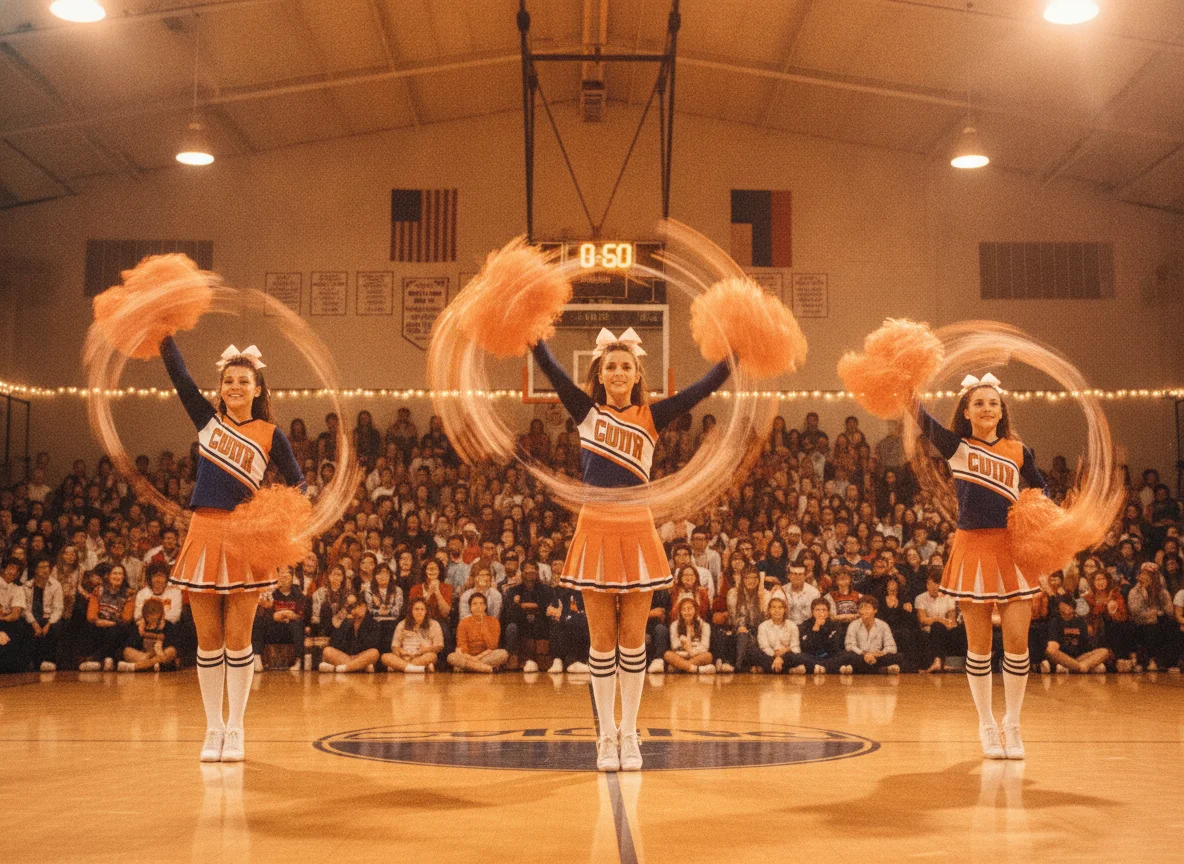
Youth Sports Team Anthems
Give a young team a song of its own, with an upbeat hook and the team name shouted at the right moment. Keep the lyrics positive, short, and easy to learn.
Make Cheer Music Now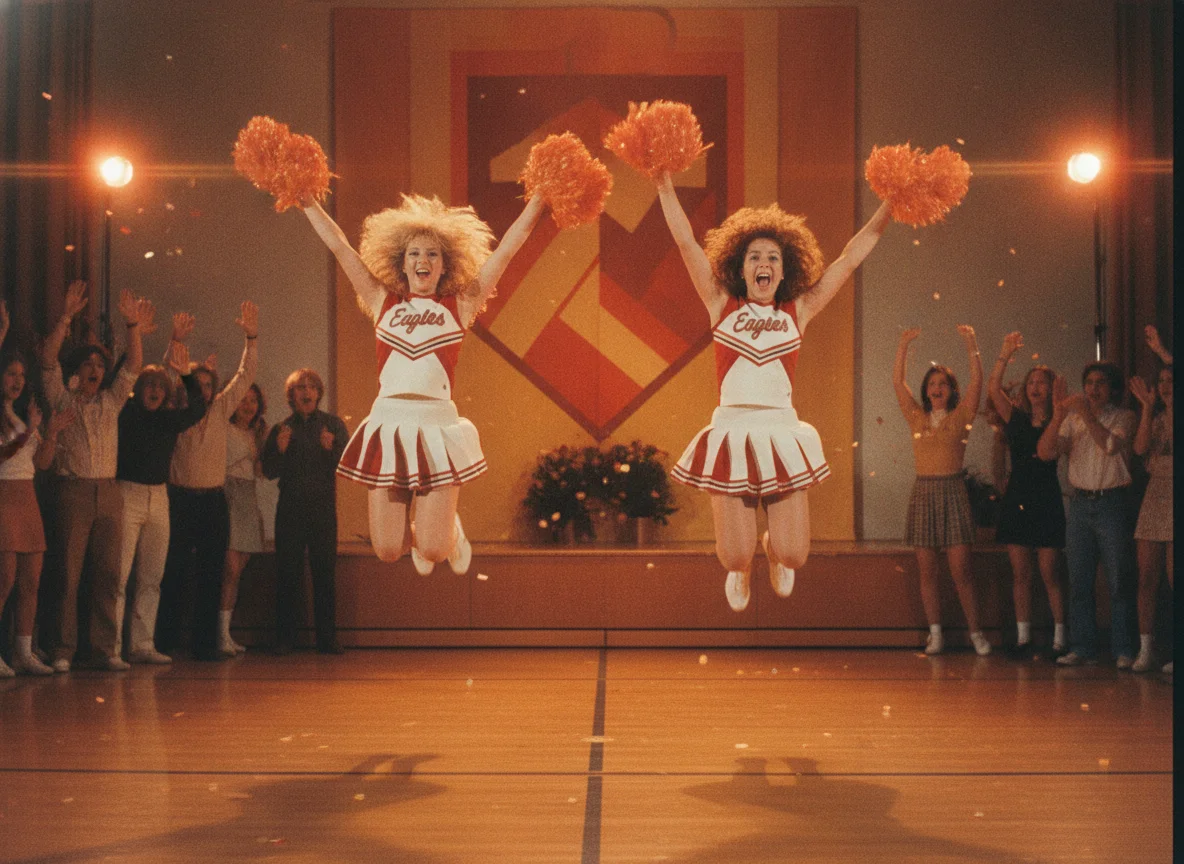
Dance Team and School Spirit
Dance squads, spirit clubs, and student groups can request pop, hip-hop, or marching-style feels. Add your school colors or mascot to the lyrics for a custom touch.
Make Cheer Music Now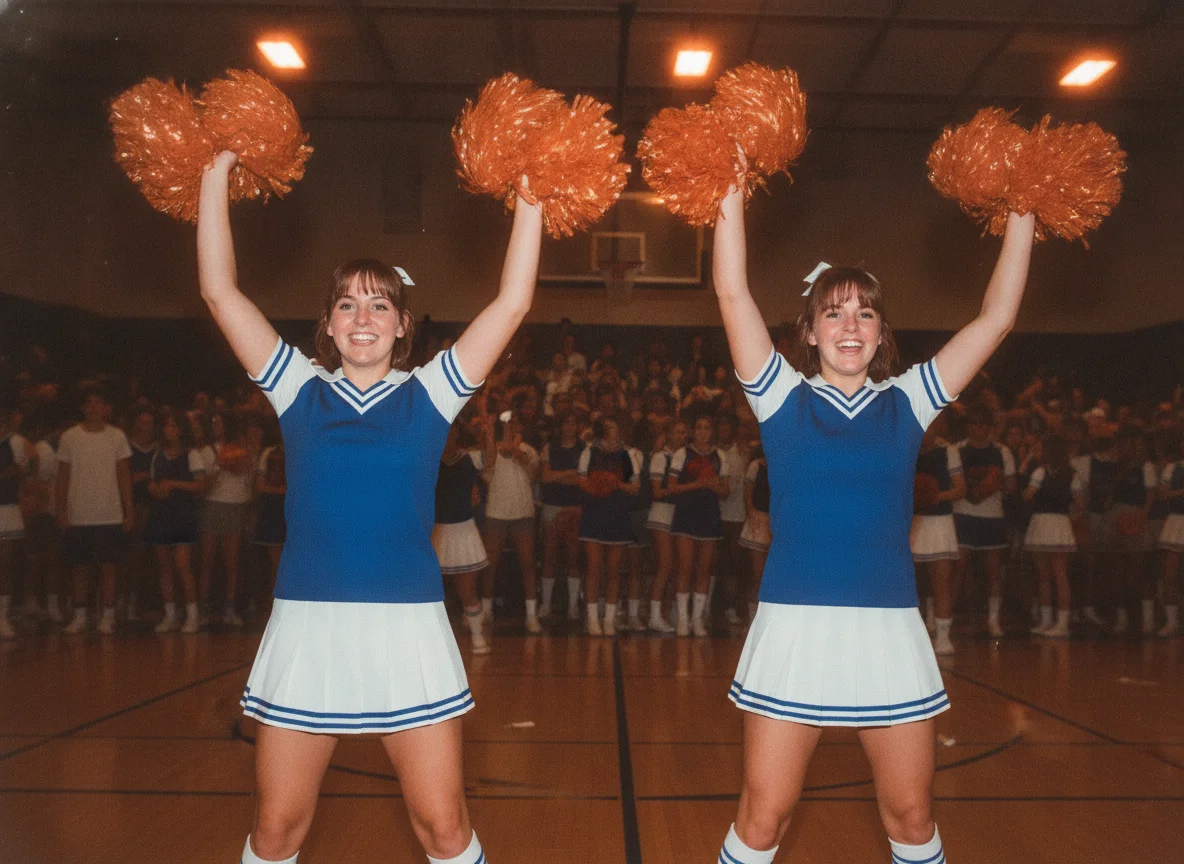
Social Clips and Practice Reels
Use your track under practice videos, tryout announcements, and highlight reels. Download the audio and drop it into your usual editing app.
Make Cheer Music Now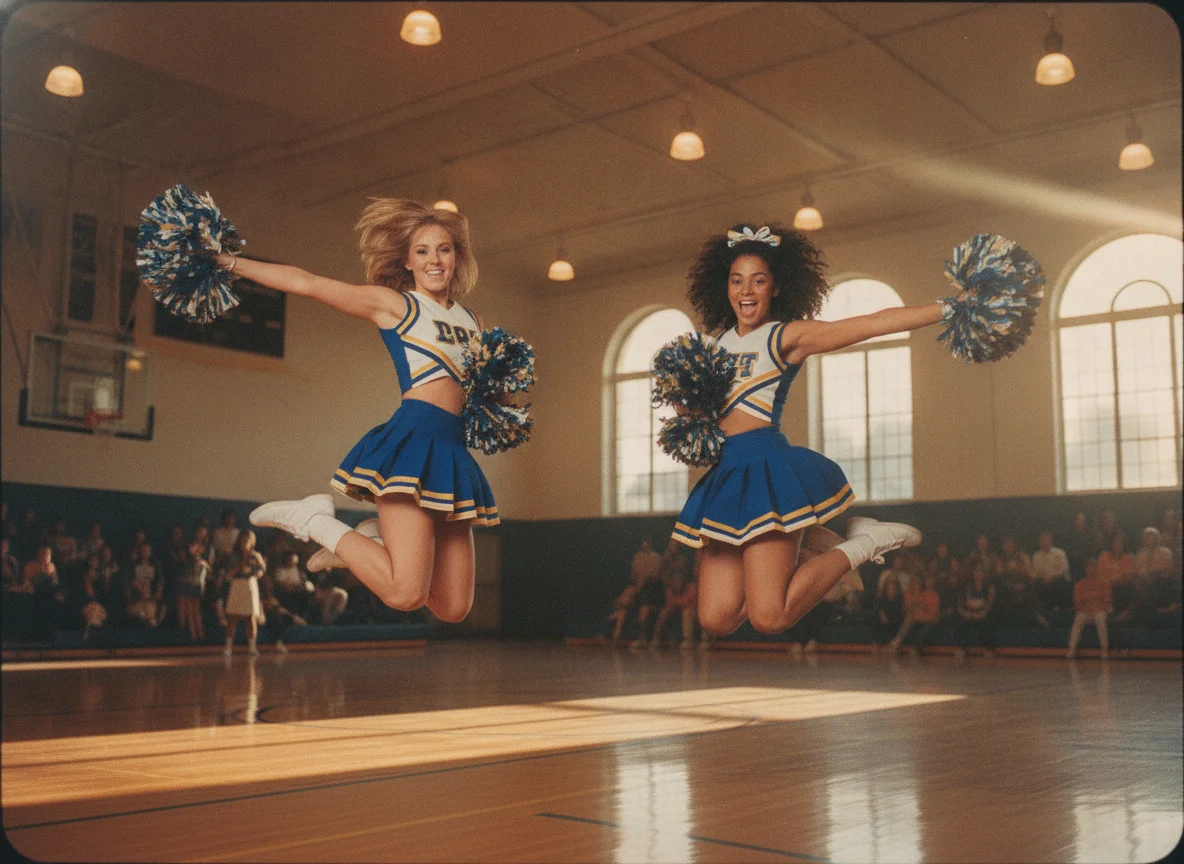
Why Teams Choose BeatMusic
Here is what makes the generator a handy fit for coaches, captains, and squad members.
Made for Group Energy
BeatMusic leans into big hooks, strong drums, and shout-friendly phrasing, which suits routines and crowds far better than a soft background loop.
Your Words, Your Structure
Paste your own chant with section tags and the vocal follows your lines. You stay in control of the wording, the team name, and the order of sections.
Quick Iteration
Not quite right? Adjust the brief, change the tempo, or rewrite one line and generate again. Comparing two tracks at a time speeds up the decision.
Browser-Based and Simple
There is nothing to install and no editing software needed to get a first draft. Open the page, describe the sound, and listen to the results.
Flexible Moods
Go from fierce and loud to bright and playful. The same generator handles pop, hip-hop, EDM, and marching-band flavors, depending on what you describe.
Part of a Bigger Toolkit
Pair your cheer mix with other BeatMusic tools for extending, remixing, or adding vocals, so one idea can grow into a complete set of audio.
What Our Users Say
Hear from creators who've used BeatMusic.
Transformed My Workflow
"BeatMusic's AI-powered generation transformed my workflow. I used to spend hours on 8bit tracks, but now I create high-quality music in minutes."

John Smith
Music Producer
Perfect for Games
"Integrating BeatMusic with my game development tools was seamless. The custom 8bit tracks add an authentic retro feel to my projects."

Emily Johnson
Game Developer
Transformed My Workflow
"BeatMusic's AI-powered generation transformed my workflow. I used to spend hours on 8bit tracks, but now I create high-quality music in minutes."
John Smith
Music Producer
Perfect for Games
"Integrating BeatMusic with my game development tools was seamless. The custom 8bit tracks add an authentic retro feel to my projects."
Emily Johnson
Game Developer




Explore More AI Music Tools
Extend, remix, or add vocals to your cheer mix with more BeatMusic tools.



How to Make Cheer Music with BeatMusic
Go from an idea to a rehearsal-ready track in four short steps.
Step 1: Describe Your Squad's Sound
Write a short brief with the setting, tempo, and mood, such as a fast competition mix with crowd claps, big drums, and a shouted hook. Or open lyrics mode and paste a chant sheet with your section tags.
Step 2: Add Your Team Name and Hook
Place your team name inside the lyrics or mention it in the brief so it becomes part of the shout-outs. Keep lines short and rhythmic, since punchy phrases are easier to sing on a beat.
Step 3: Generate and Compare Two Tracks
Start the generation and you will get two tracks back. Play both, check how the vocal lands on the counts, and keep the one that matches your choreography best.
Step 4: Download and Rehearse
Download your favorite track, run it through a practice session, and tweak the brief if you need a faster tempo or a cleaner chant. Generate again until the mix feels right.
Frequently Asked Questions
Build Your Squad's Next Routine Mix
Describe the energy, drop in your team name, and hear two cheer tracks ready to rehearse.
Make Cheer Music Now