
AI Voice Clone
Upload a vocal sample, train a private BeatMusic voice, then generate songs from text or lyrics with that voice applied.
Generated songs with your voice will appear here.
Key Features of BeatMusic AI Voice Clone
Build a private AI voice clone and use it directly in song generation.
Private Voice Model Training
Create a dedicated BeatMusic AI voice clone from a clean vocal sample, then keep that model available in your account for future song ideas, lyric drafts, demos, hooks, and finished vocal experiments.
Text to Song With Your Voice
Describe the track you want, add style, mood, tempo, and avoid terms, and BeatMusic first generates the music before applying your selected private voice model to the finished vocal performance.
Lyrics to Music Workflow
Paste structured lyrics, set a style direction, and generate a song that keeps your words central while the final vocal pass uses the private voice model you selected in the workspace.
Format and Version Control
Choose MP3 or WAV output and control how many generated versions are sent through the voice application step, helping you balance iteration speed, credit usage, and final delivery quality.
Built for Songwriters
The page focuses on a practical creative flow: create the voice, choose it, write the song idea or lyrics, and review generated tracks without switching into unrelated audio conversion modes.
BeatMusic Brand Experience
The interface, prompts, metadata, and content use BeatMusic language throughout, so collaborators see a consistent music creation product rather than third-party model branding or external workflow labels.
What Can You Create with BeatMusic AI Voice Clone?
Explore practical ways to use your own trained AI voice clone inside a song generation workflow.
Personal Song Demos
Songwriters can capture a melody, lyric concept, or emotional direction and hear it performed with a familiar vocal identity. This helps compare choruses, rewrite verses, and pitch ideas without waiting for a studio session or sending rough notes between separate tools.
Start AI Voice Clone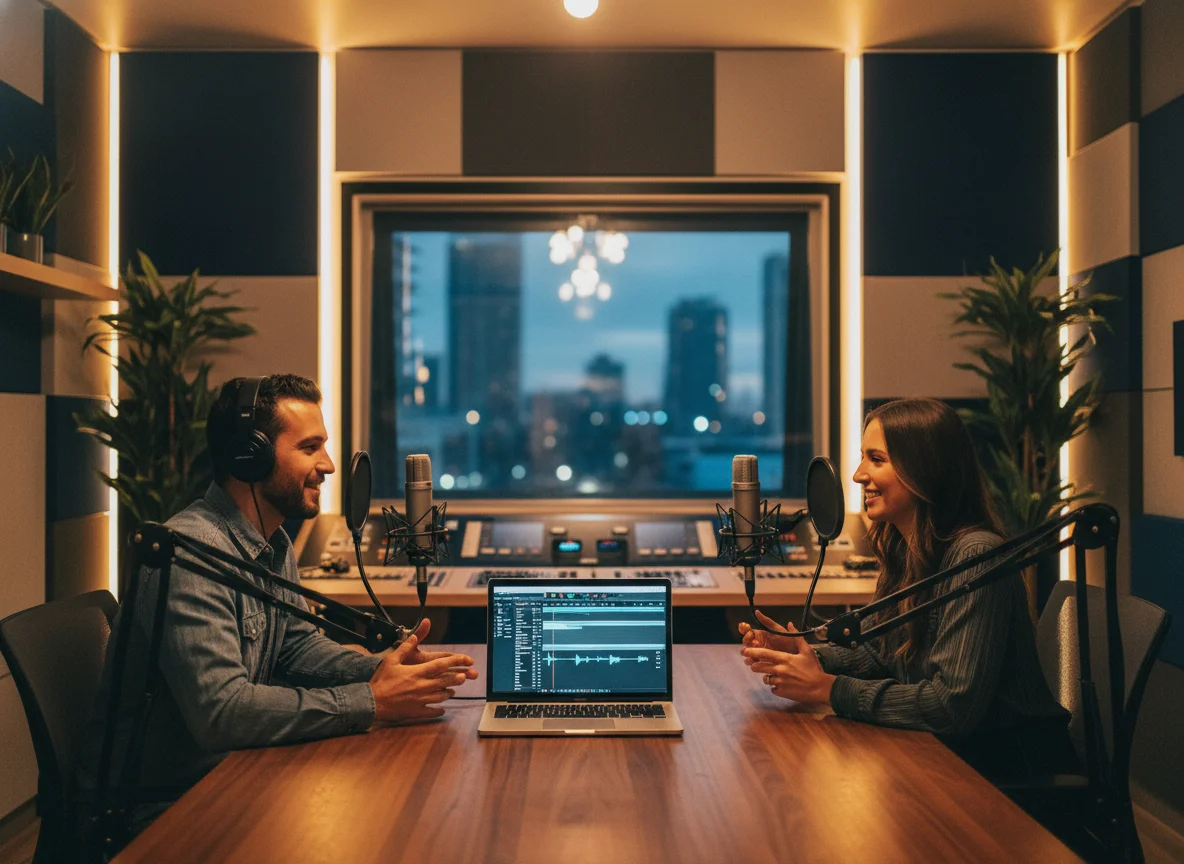
Creator Theme Songs
Video creators, streamers, and podcasters can build short original songs, intros, or recurring segment themes that carry their own vocal character. A private voice model makes the result more recognizable while BeatMusic keeps the process centered on song creation.
Start AI Voice Clone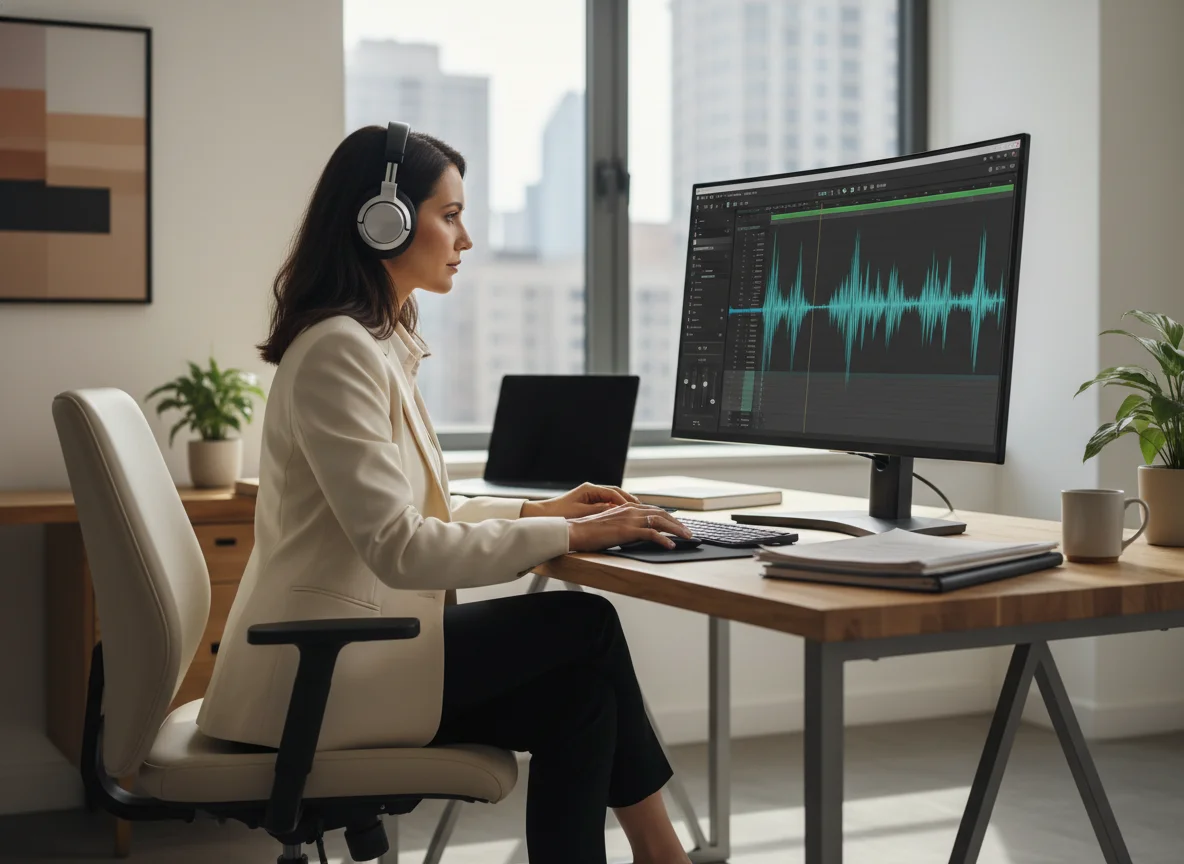
Artist Writing Sessions
Independent artists can test hooks, reference vocals, and alternate arrangements before committing to a final recording. Generate multiple directions, keep the best idea, and use the voice-applied track as a sharper reference for production decisions.
Start AI Voice CloneGame and Character Songs
Game teams and interactive media writers can prototype character songs, menu themes, or seasonal musical moments using a trained voice identity. BeatMusic makes it easier to move from narrative notes to playable audio references during early development.
Start AI Voice Clone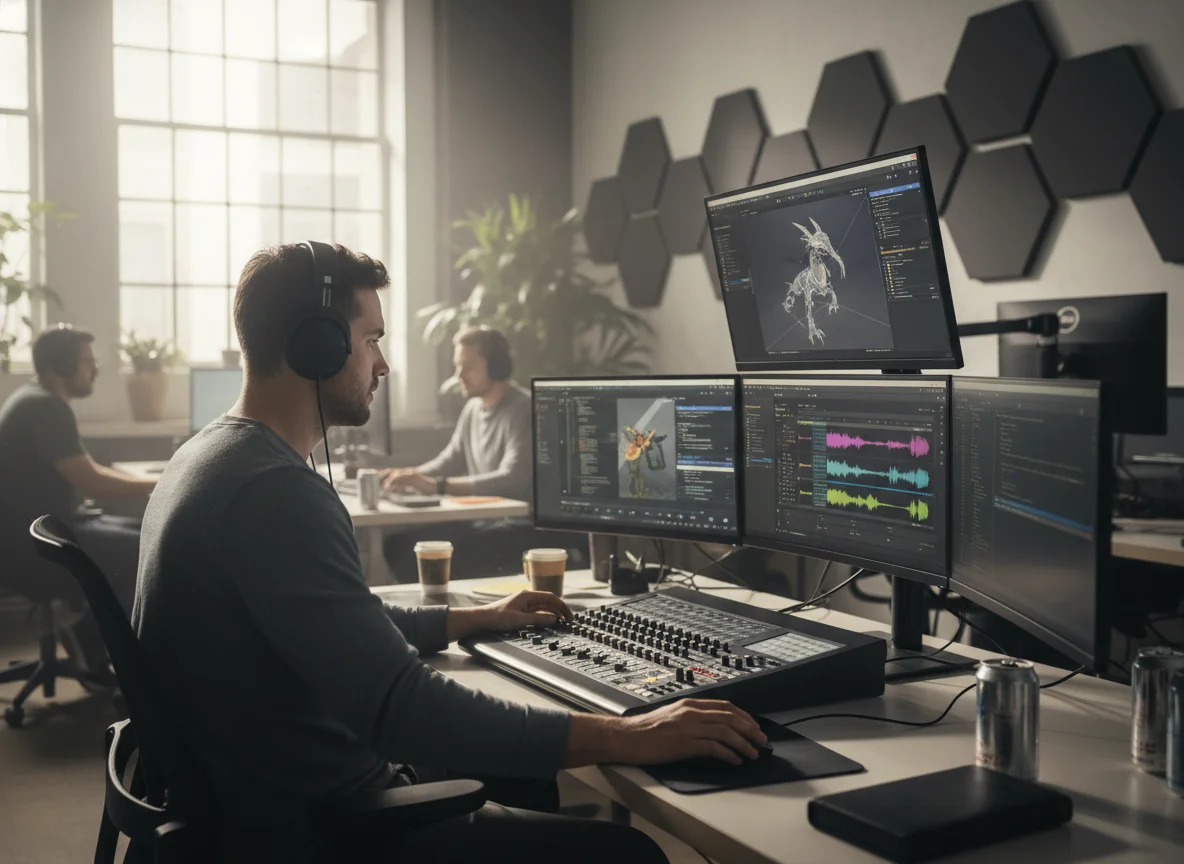
Why Choose BeatMusic AI Voice Clone?
A focused workflow for creating songs with your own private voice model.
One Clear Creative Flow
BeatMusic keeps the page focused on creating with your voice: train a model, select it, generate music, then listen to the final voice-applied song. There is no unrelated conversion workspace competing for attention.
Prompt Controls That Matter
Mood, tempo, style, versions, output format, and avoid terms are saved with the task and used in generation, so the controls shown in the interface directly affect the song you receive.
Credit Costs Are Transparent
Voice model creation and song generation use fixed displayed credit costs, making it easier to plan experiments, compare versions, and decide when a trained voice is ready for more production work.
Designed for Private Voices
The workflow uses your own compatible ready voice models only. That keeps the experience centered on personal vocal identity, clear selection, and a final result that matches the model you chose.
What Creators Say
Feedback from writers and producers using private voice models in BeatMusic.
My Demos Finally Sound Like Me
"I can write a chorus, generate a direction, and hear it with my own vocal color before booking time to record. It makes early decisions faster and more honest."

Maya Collins
Independent Songwriter
My Demos Finally Sound Like Me
"I can write a chorus, generate a direction, and hear it with my own vocal color before booking time to record. It makes early decisions faster and more honest."
Maya Collins
Independent Songwriter


Explore More AI Music Tools
Discover our full suite of AI-powered music creation and editing tools


How to Create Songs With My Voice
Follow three steps to train a private voice and use it in song generation.
Step 1: Create Your Voice
Enter a voice name, add a short description, and upload a clean vocal sample. BeatMusic prepares supported MP3, WAV, or M4A files for training and starts a private voice model task.
Step 2: Choose Use My Voice
After training completes, select your ready private model in the Use my voice area. The page only needs this selection before you begin writing a text idea or full lyrics.
Step 3: Generate and Review
Write a song idea or paste lyrics, set style, mood, tempo, output format, versions, and avoid terms, then generate. BeatMusic creates the song and applies your selected voice to the final result.
Frequently Asked Questions
Create Songs With Your BeatMusic Voice
Train a private voice model, choose it, and generate original songs from text or lyrics.
Start AI Voice Clone