Random Beat Generator
Random Beat Generator
Press the random button and let AI mix a style, tempo and mood into an instant instrumental beat. Each run gives you two tracks to compare.

Listen to Random Beat Ideas
Browse instrumental beats built from random style, tempo and mood combinations, then press the button to roll your own.
What Makes This Beat Randomizer Useful
A quick tour of the details that turn a single click into a usable beat idea.
One Button, Full Beat Idea
The random button picks a style, tempo, mood and production detail for you, writes the prompt, and sends it to the generator so you can start listening right away.
Instrumental Mode Is Already On
Vocals are switched off by default, so every run aims for a clean backing track with space for a rapper, a singer, a loop or a video voiceover.
Two Tracks Per Run
Every generation returns a pair of takes. Play both back to back, keep the groove you like more, and discard the other without any extra effort.
Editable Before You Generate
The random prompt lands in the text box, not behind a wall. Change the tempo, swap the mood, or add a sound you want before you hit generate.
Wide Range of Genres
The pool covers boom bap, trap, drill, lofi, afrobeats, house, reggaeton, phonk and synthwave, so repeated rolls rarely feel like the same idea twice.
Add Lyrics When You Are Ready
Prefer a full song? Turn instrumental off, paste a freestyle-friendly lyric sheet with verse and hook tags, and the same tool builds a sung or rapped track.
Random Beat Generator Reference: Styles and Practice Routines
See what each random style usually sounds like, then use random beats for practice. Tempo ranges are common genre norms, not exact results.
Beat styles you can roll
| Style | Typical tempo (BPM) | Signature sound | Good for |
|---|---|---|---|
| dusty boom bap | 85-95 | Swung drums, dusty snare, sampled loop | Lyrical rap, storytelling verses |
| dark trap | 130-170 (often half-time) | 808 bass, sparse eerie melody, fast hats | Hard-hitting rap, aggressive hooks |
| UK drill | 138-145 | Sliding 808s, skittering hats, dark minor notes | Fast, rhythmic rap flows |
| melodic drill | 138-145 | Drill drums under emotional bells or piano | Rap with sung hooks |
| lofi hip hop | 70-90 | Soft drums, warm keys, tape haze | Study playlists, chill intros |
| jazzy lofi | 70-90 | Mellow jazz chords, brushed drums, vinyl noise | Relaxed background, late-night mood |
| afrobeats | 95-115 | Syncopated percussion, bright guitar, warm bass | Dance hooks, summer songs |
| amapiano | 108-115 | Log drum bass, airy keys, shuffling shakers | Club sets, groove-led vocals |
| deep house | 120-125 | Four-on-the-floor kick, soft chords, rolling bass | Mixes, focused work sessions |
| tech house | 124-128 | Tight kick, punchy bass, minimal percussion loops | DJ sets, driving grooves |
| reggaeton | 88-100 | Dembow drum pattern, deep bass, bright synth stabs | Latin pop hooks, party tracks |
| dembow | 115-125 | Fast, rigid kick-snare pattern, heavy percussion | Energetic Latin urban tracks |
| phonk | 130-145 | Cowbell lead, distorted 808, chopped vocal-style samples | Gaming edits, car videos |
| drift phonk | 130-150 | Aggressive cowbell, heavy bass, fast hats | Motorsport and action clips |
| synthwave | 80-118 | Analog-style synths, gated snare, pulsing bass | Retro videos, driving scenes |
| retrowave | 90-120 | Lush pads, arpeggios, big reverb drums | Neon-style visuals, game trailers |
| Memphis rap | 130-150 | Raw drum machine, eerie loop, cowbell | Gritty, old-school trap flows |
| west coast g-funk | 85-100 | Whiny synth lead, deep bass, laid-back drums | Smooth, sunny rap |
| cloud rap | 65-85 | Hazy pads, soft drums, spacious reverb | Dreamy, low-key vocals |
| Jersey club | 130-140 | Bed-squeak kick pattern, chopped vocal-style hits | Short dance clips, remixes |
| R&B slow jam | 60-80 | Warm Rhodes, soft drums, smooth bass | Romantic vocals, late-night songs |
| soul sample | 80-95 | Chopped soul loop, dusty drums, warm bass | Reflective rap, sample-flip practice |
| trap soul | 60-80 | Moody keys, 808s, slow rolling hats | Sung melodies over trap drums |
| pluggnb | 140-160 (often half-time) | Sparkling synths, bouncy 808s, airy pads | Floaty melodic vocals |
Practice routines with random beats
| Routine | How to do it | Time |
|---|---|---|
| Freestyle warm-up | Roll a beat and rap or hum over it without stopping. | 5-10 minutes |
| Songwriting sprint | Write a hook and one verse using the beat's mood as your theme. | 20-30 minutes |
| Producer flip challenge | Recreate the groove in your DAW, then change one element. | 30-45 minutes |
| DJ or playlist filler | Roll several beats at similar tempos and test the transitions. | 15-20 minutes |
| Beat-identification ear training | Listen first, guess the style and tempo, then check the prompt. | 10 minutes |
Tips for better random beats
- Lock a style you like, then re-roll tempo, mood and detail to explore variations.
- Re-roll only the tempo when the groove is right but the energy feels off.
- Save the winners right away, since a lucky combination is hard to repeat.
- Add vocals later on /add-vocals-to-music once you have a beat you want to keep.
- Separate stems on /vocal-remover if you want to rework drums or bass in your DAW.
- Edit the prompt before generating to add an instrument or remove a detail you dislike.
- Match tempo to purpose: slower for study or vocals, faster for workouts or dance clips.
What Can You Do with a Random Beat Generator?
Six practical ways creators use one-click beat ideas.
Break Through Creative Block
Staring at an empty project? A random prompt hands you a direction you would not have picked, and two instant tracks give you something to react to rather than a blank timeline.
Roll a Random Beat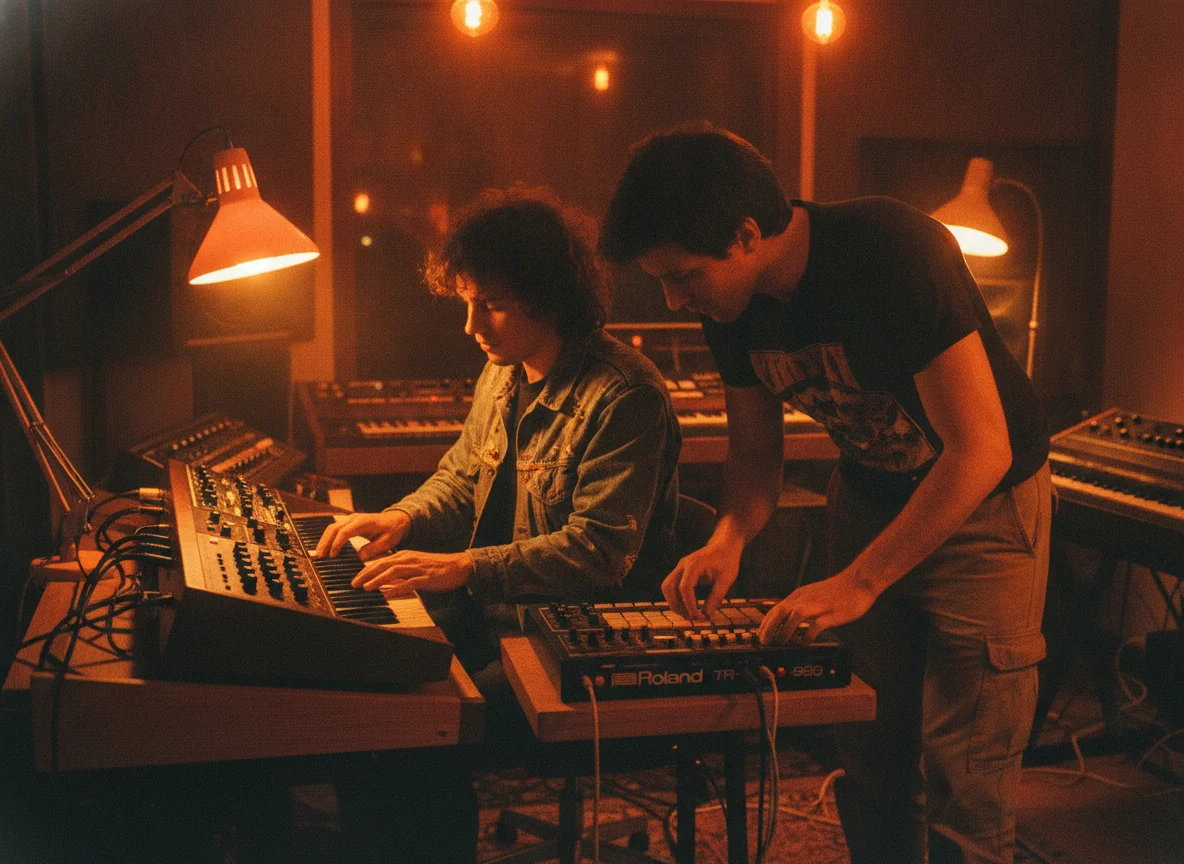
Practice Freestyle Rapping
Rappers can keep rolling beats to train flow across tempos and moods. Switching from a slow boom bap pocket to a driving trap loop keeps your timing sharp.
Roll a Random Beat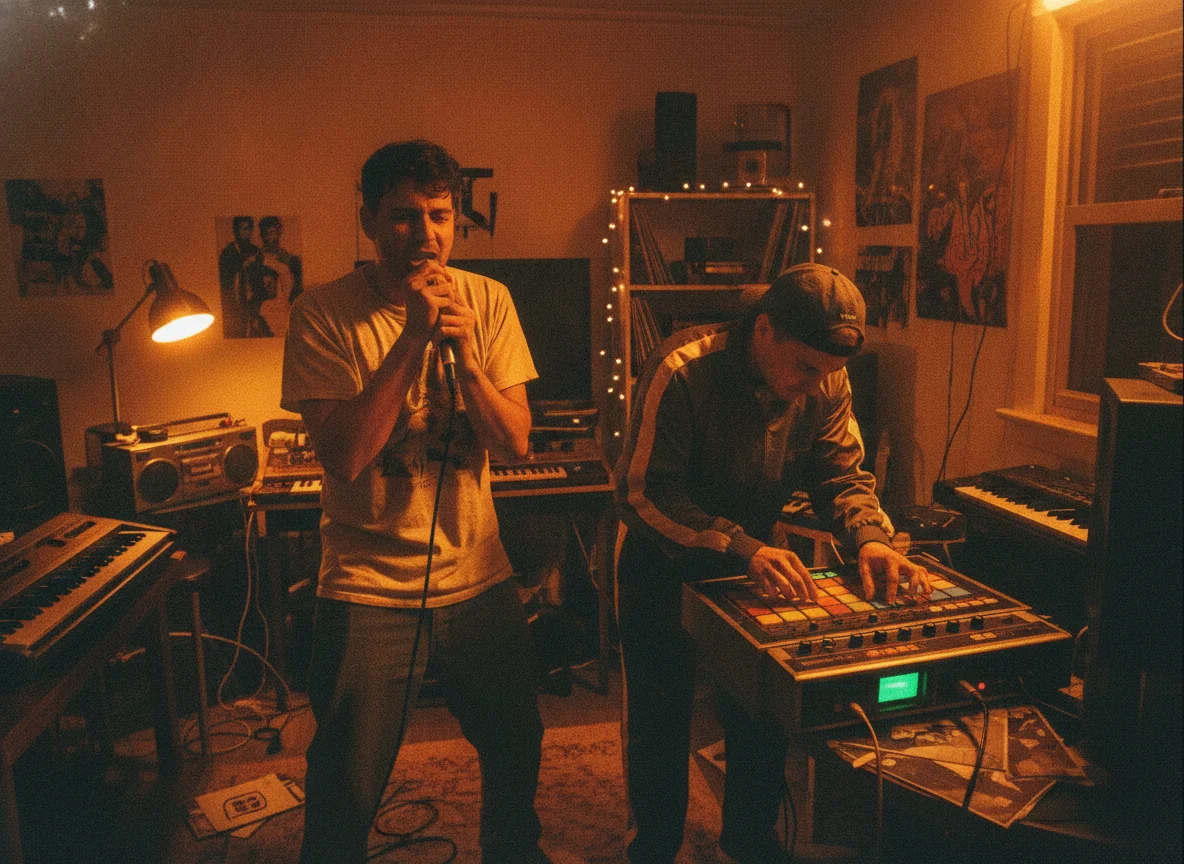
Find Inspiration for Songs
Songwriters can use a random instrumental as a starting canvas. Hum a topline over it, note the chord mood, and carry the best fragment into a full track.
Roll a Random Beat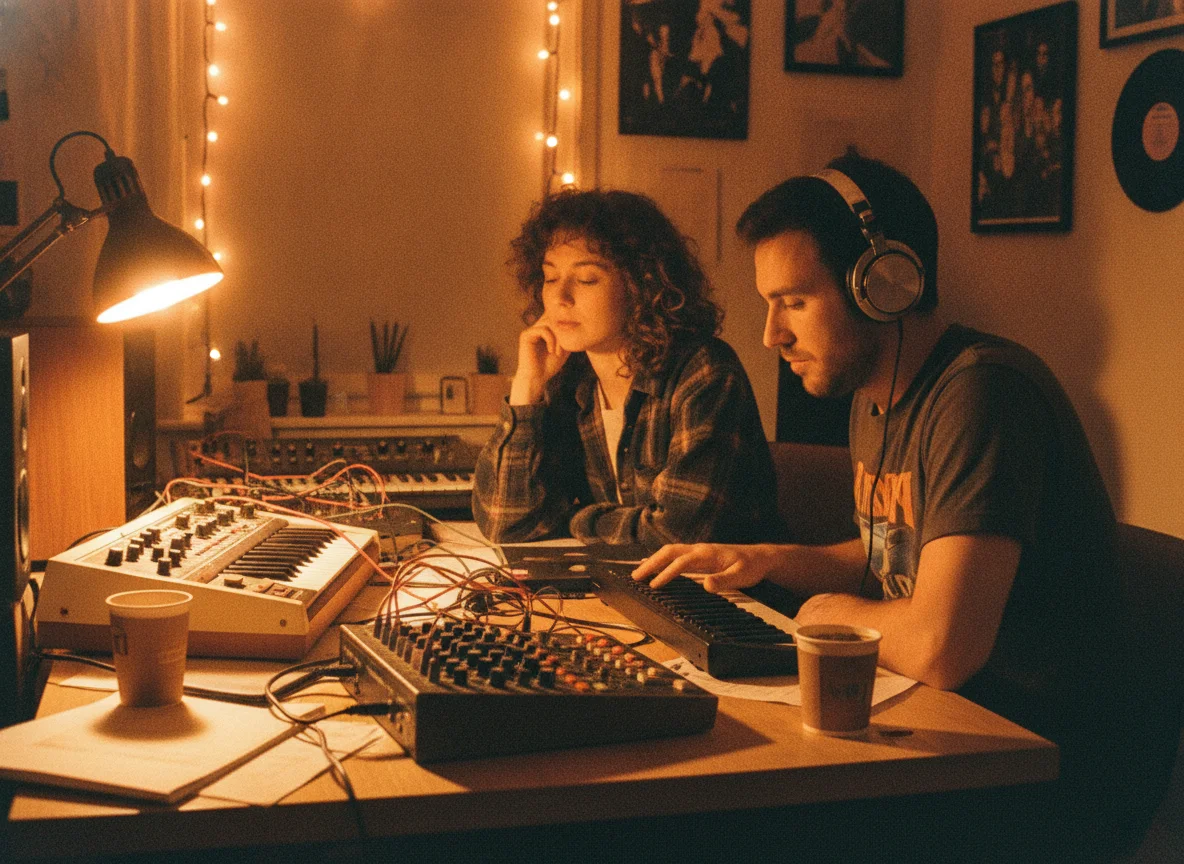
Fill a Playlist Fast
Need extra tracks for a study, workout or chill playlist? Roll a few lofi or house ideas, keep the strongest takes, and build a mood-based list without hunting through libraries.
Roll a Random Beat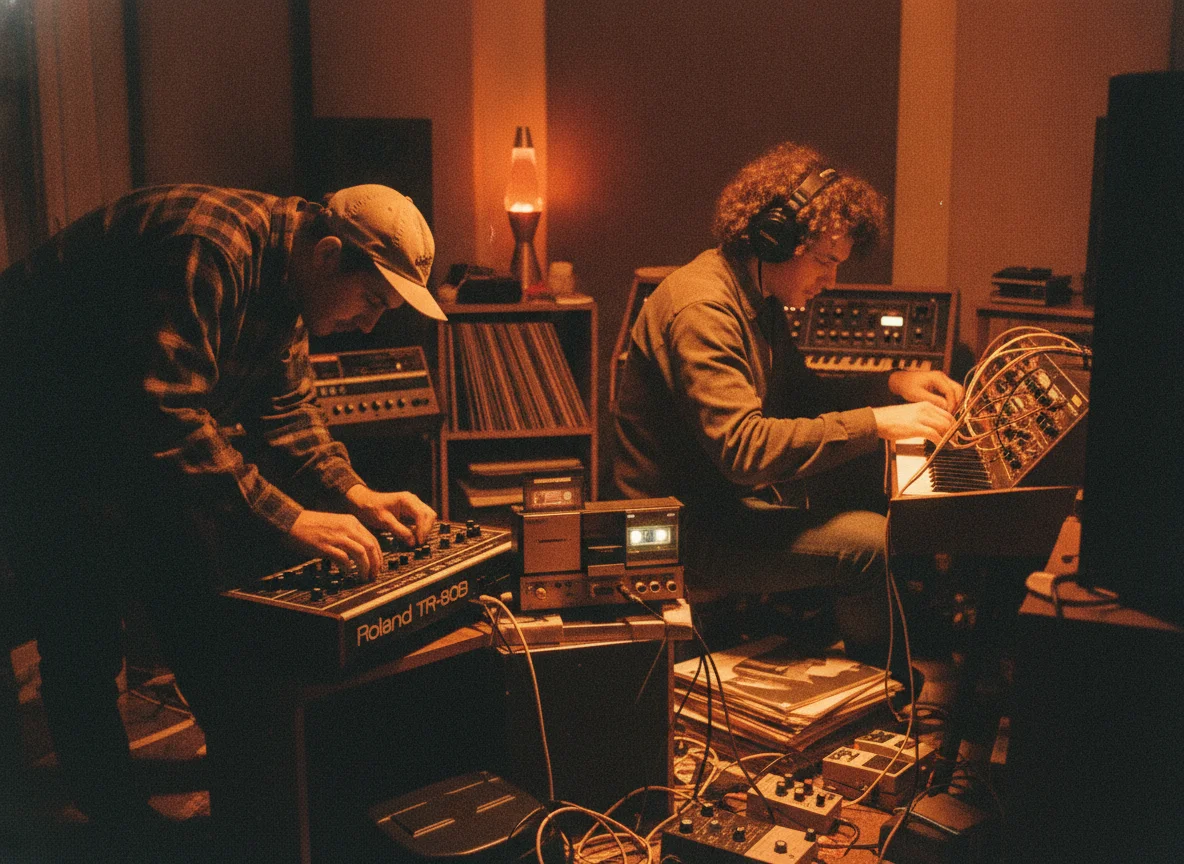
Score Videos and Streams
Short videos, streams and podcasts often need a loopable backdrop. Generate a vocal-free groove and pair it with your content without worrying about words competing for attention.
Roll a Random Beat
Test Genre Ideas Quickly
Curious how a reggaeton pulse or an afrobeats groove would feel under your idea? A few rolls let you audition genres in minutes before committing to one.
Roll a Random Beat
Why Use BeatMusic for Random Beats?
The reasons creators keep this page bookmarked for quick ideas.
Fast Start, Low Friction
You do not need to write a prompt from scratch. One click produces a complete description, which removes the hardest part of starting.
Control Stays With You
Randomness only suggests a starting point. You can read, edit or replace every word of the prompt before spending credits on a generation.
Built for Instrumentals
The tool opens with vocals off, so the output is aimed at usable backing tracks instead of full songs you would need to strip down.
Plenty of Variety
A large pool of styles, tempos, moods and production details means different combinations keep appearing instead of the same few presets.
Easy Path to Full Songs
Like a beat? Move it into the vocal workflow later and layer a singer or rapper on top, all inside the same BeatMusic account.
Nothing to Install
Everything runs in the browser. Open the page, press the button, listen, and download, with no plugins, sample packs or DAW setup required.
What Our Users Say
Hear from creators who've used BeatMusic.
Transformed My Workflow
"BeatMusic's AI-powered generation transformed my workflow. I used to spend hours on 8bit tracks, but now I create high-quality music in minutes."

John Smith
Music Producer
Perfect for Games
"Integrating BeatMusic with my game development tools was seamless. The custom 8bit tracks add an authentic retro feel to my projects."

Emily Johnson
Game Developer
Transformed My Workflow
"BeatMusic's AI-powered generation transformed my workflow. I used to spend hours on 8bit tracks, but now I create high-quality music in minutes."
John Smith
Music Producer
Perfect for Games
"Integrating BeatMusic with my game development tools was seamless. The custom 8bit tracks add an authentic retro feel to my projects."
Emily Johnson
Game Developer




Explore More AI Music Tools
Discover our full suite of AI-powered music creation and editing tools

How to Make a Random Beat in Three Steps
From first click to downloadable instrumental, the whole loop takes only a few minutes.
Step 1: Roll the Random Beat
Press the random beat button. A style, tempo, mood and production detail are stitched into one prompt and dropped into the text box for you to read.
Step 2: Tweak the Prompt
Keep the roll as it is or adjust it. Change the BPM, name a different instrument, or reroll until the description matches the groove you are hearing in your head.
Step 3: Generate and Pick a Take
Start the generation and wait for two instrumentals to appear. Listen to both, download the one that fits, and roll again whenever you want another direction.
Frequently Asked Questions
Roll Your Next Beat with BeatMusic
Press the button, hear two instrumentals, and keep the one that gets your next session moving.
Roll a Random Beat