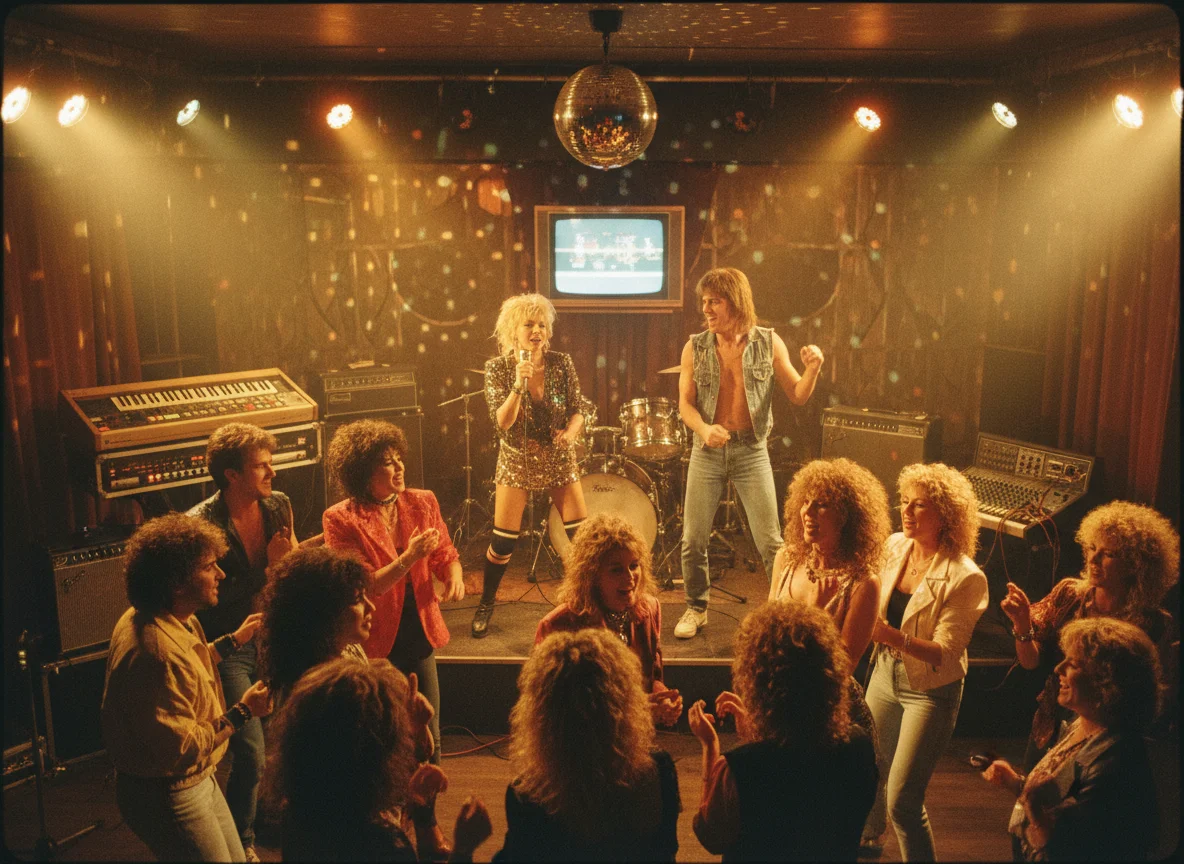
Illustrative workflow
Turn a Track Mood into a Brief
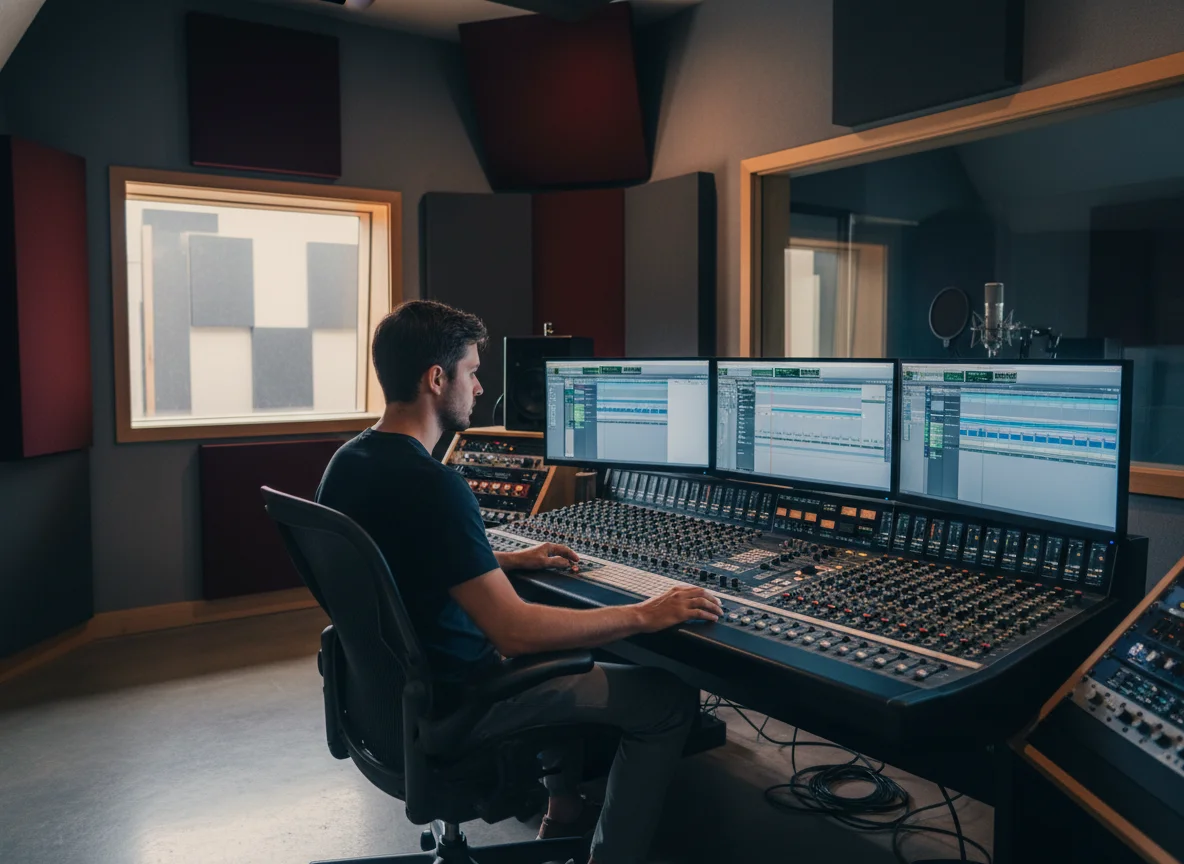
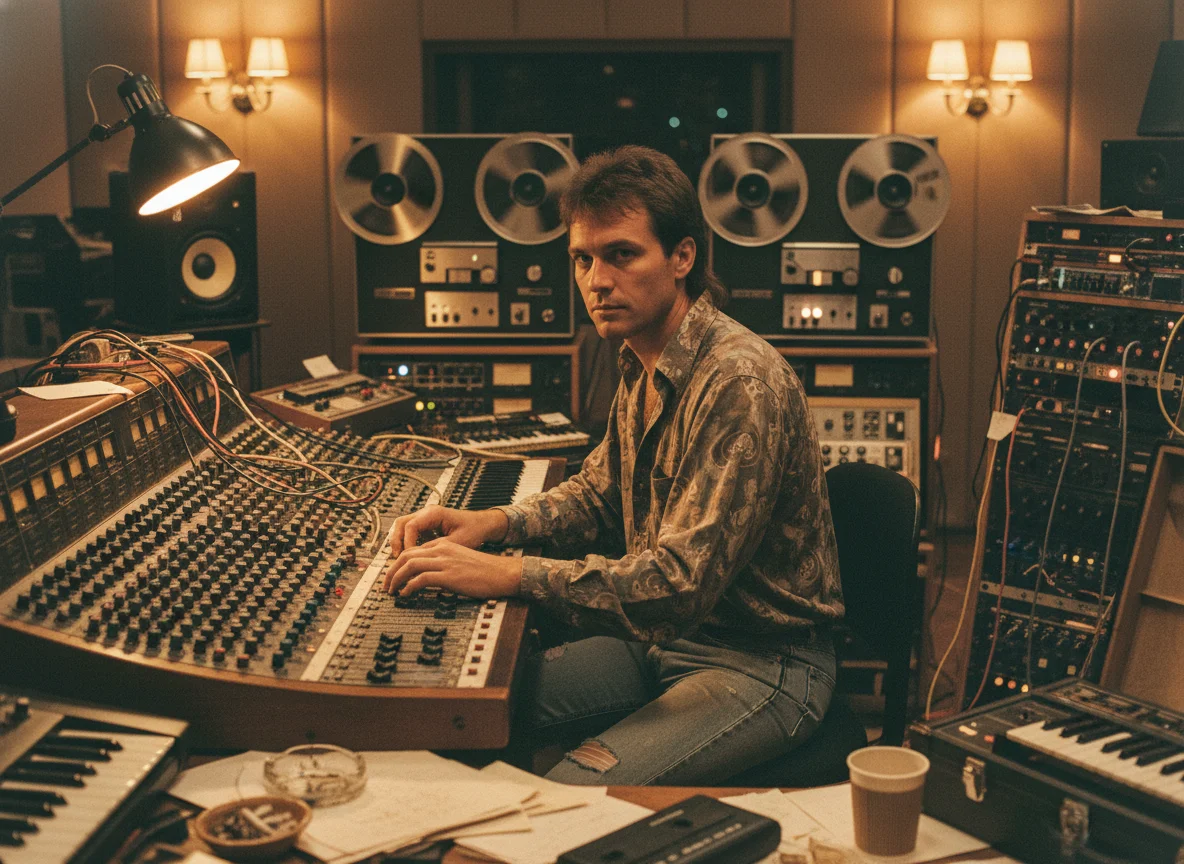
Describe the track's late-night mood, choose Electronic, and generate a square visual direction to review before release preparation.
Workflow: Single Release
Cover artwork for your next release
Turn a visual idea into square cover art for a single, EP, album, or playlist. Choose a music-focused style, generate one image, and keep the result with your BeatMusic project.
0/2000
Aspect ratio
1:1 square
Cost
5 Credits
Your cover will appear here
Add a prompt and choose a style to generate one square artwork.
Completed covers will appear here.
Curated visual directions
Browse 20 music-focused directions. Open any theme to compare three related covers, inspect its prompt, or use the idea as a starting point.
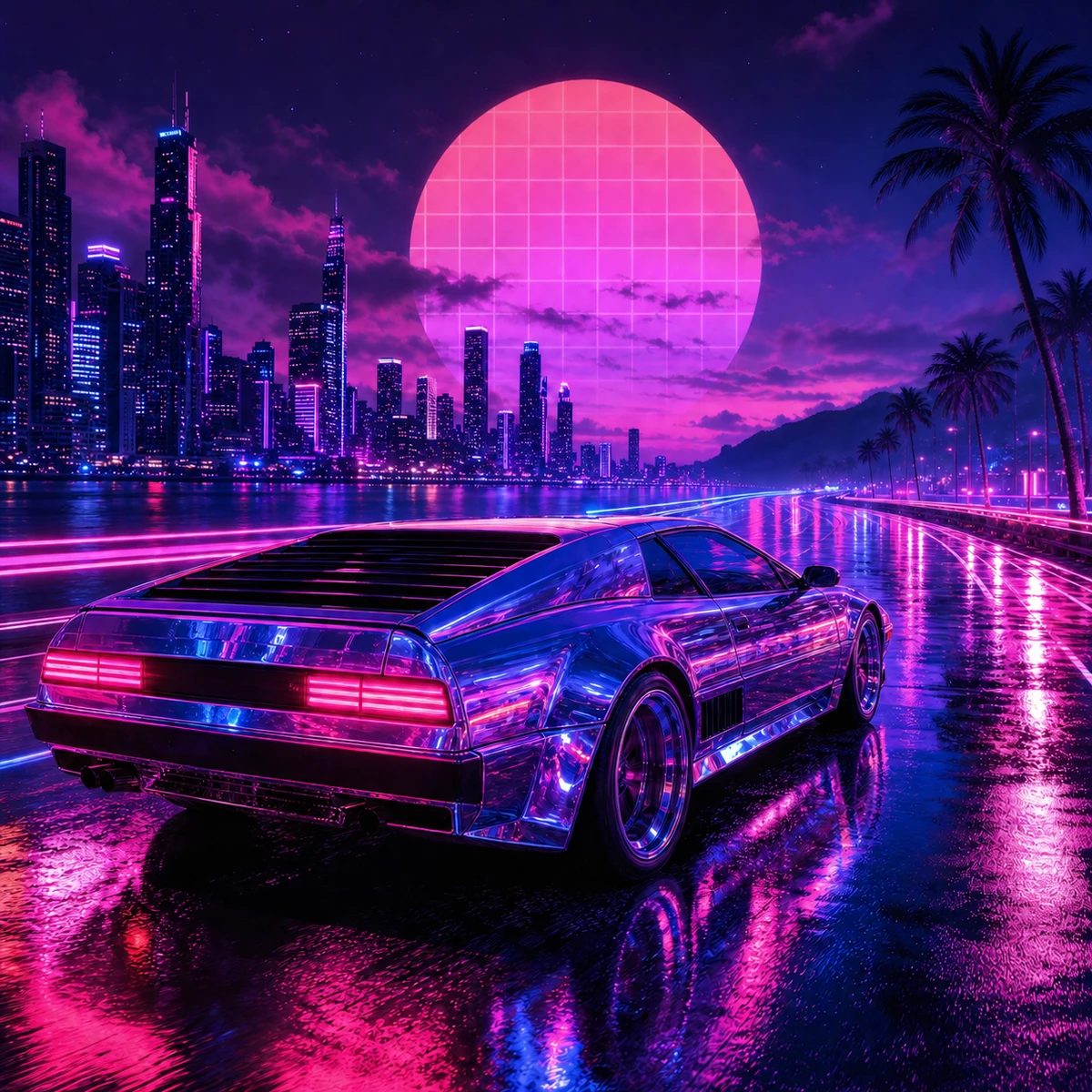
Electric and nocturnal
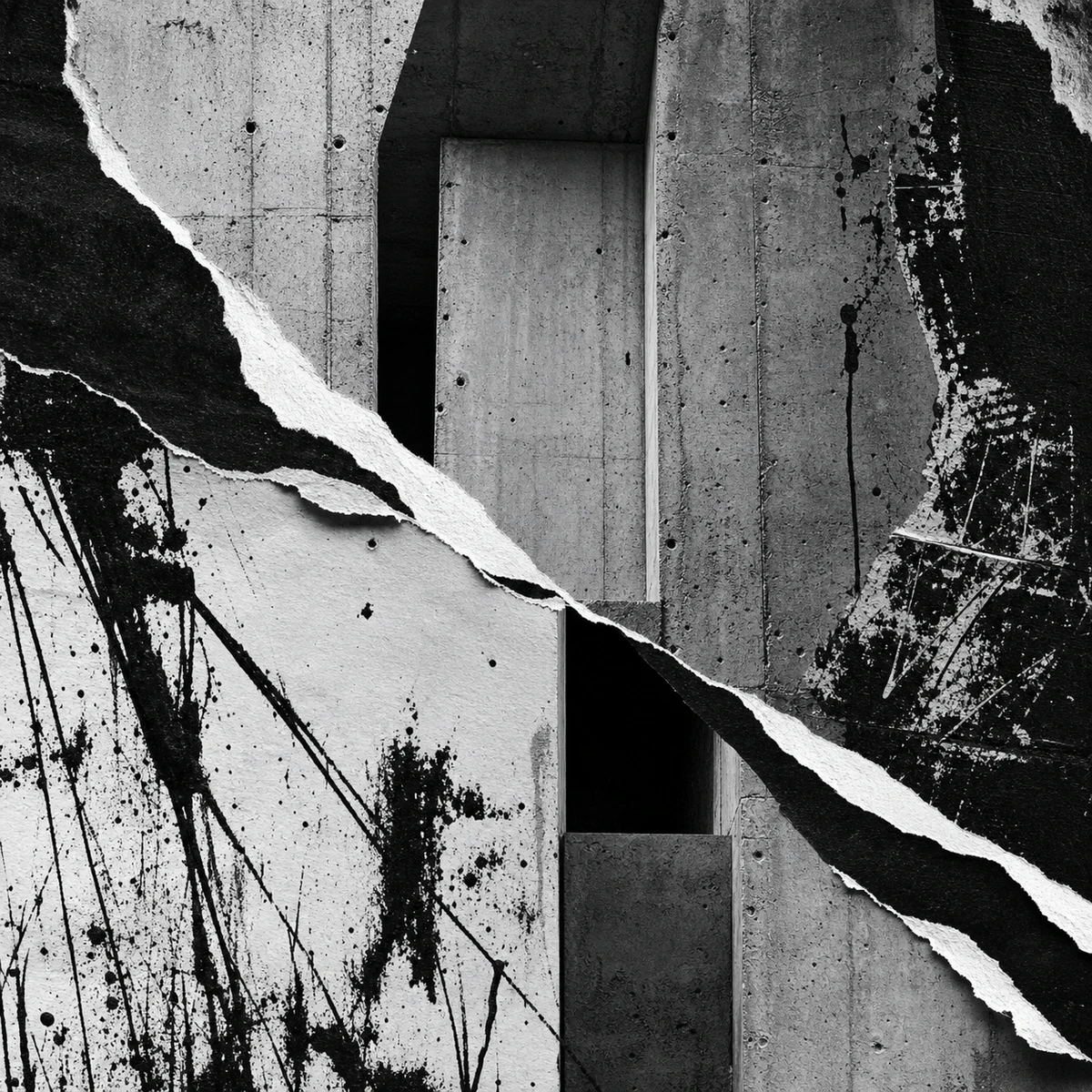
Gritty and defiant
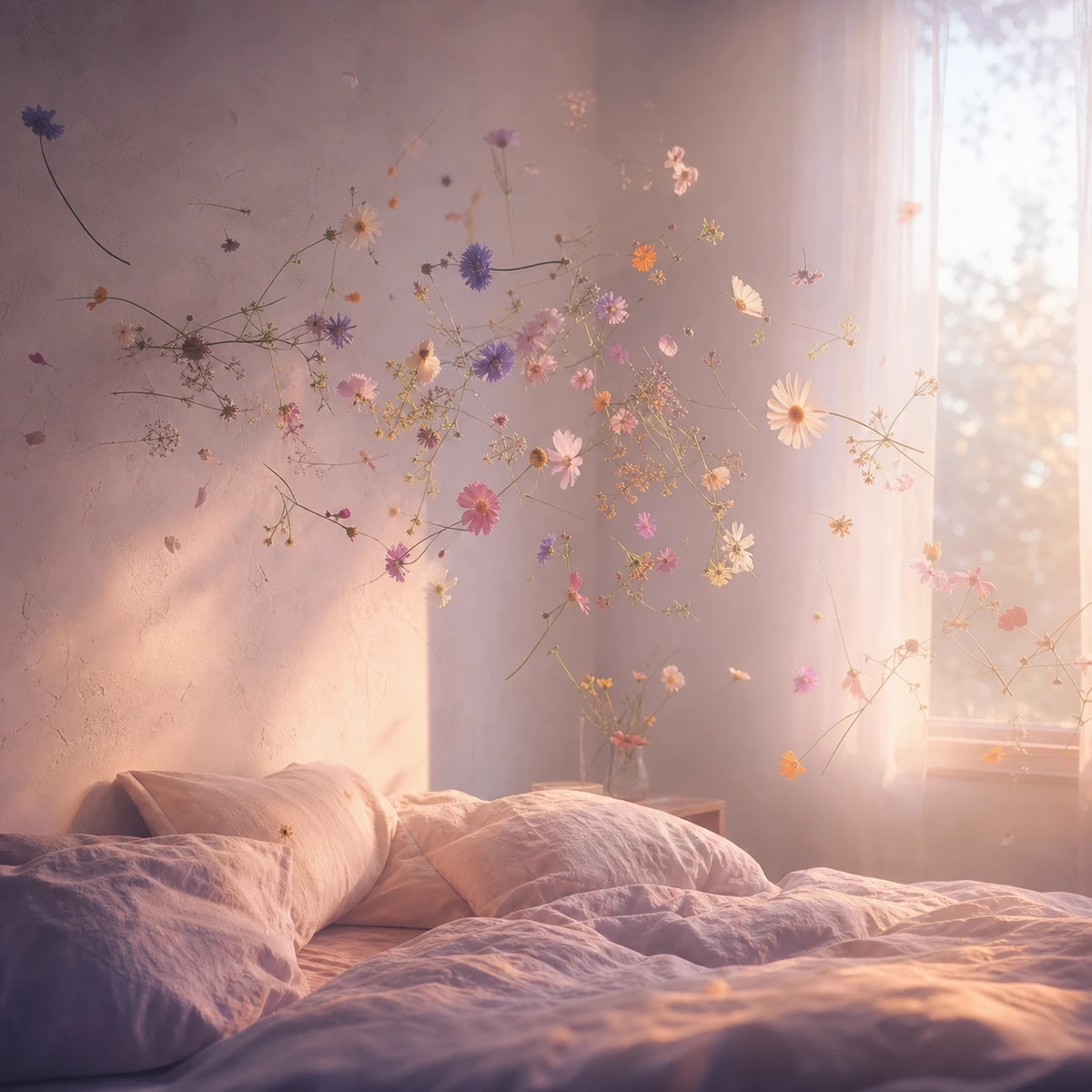
Tender and dreamlike

Quiet and introspective
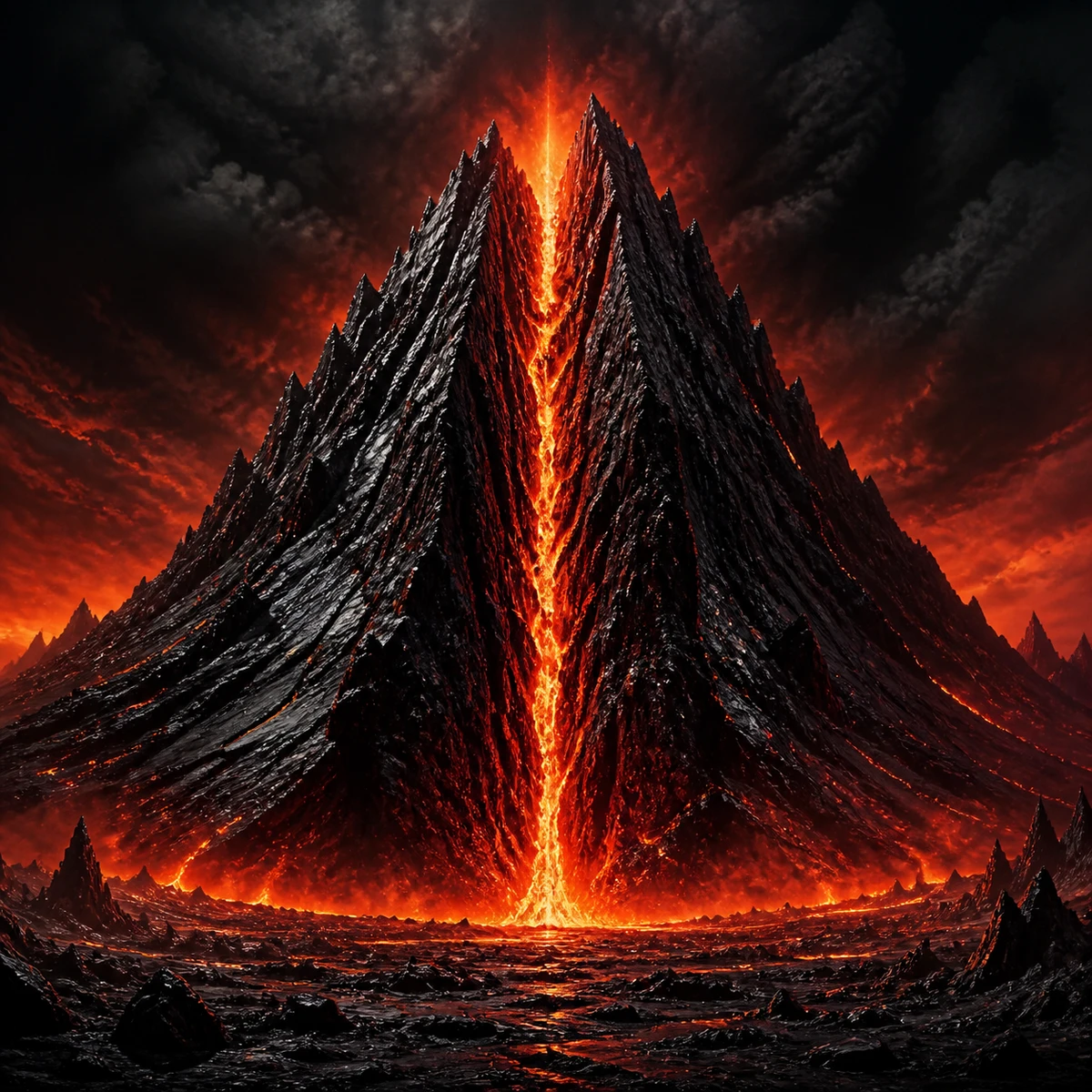
Ferocious and volcanic

Smoky and sophisticated

Charged and kinetic

Playful and euphoric
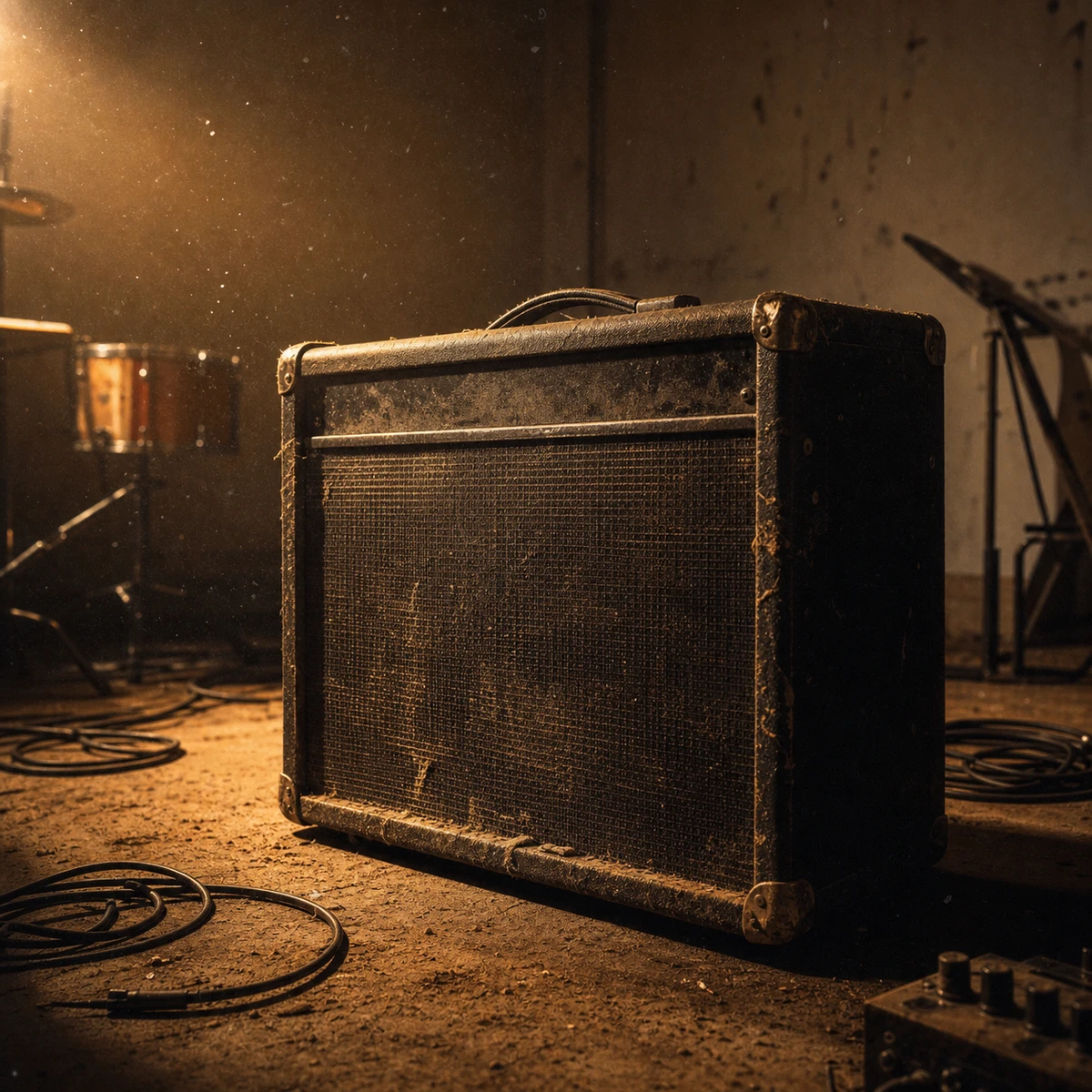
Restless and tactile

Elegant and contemplative
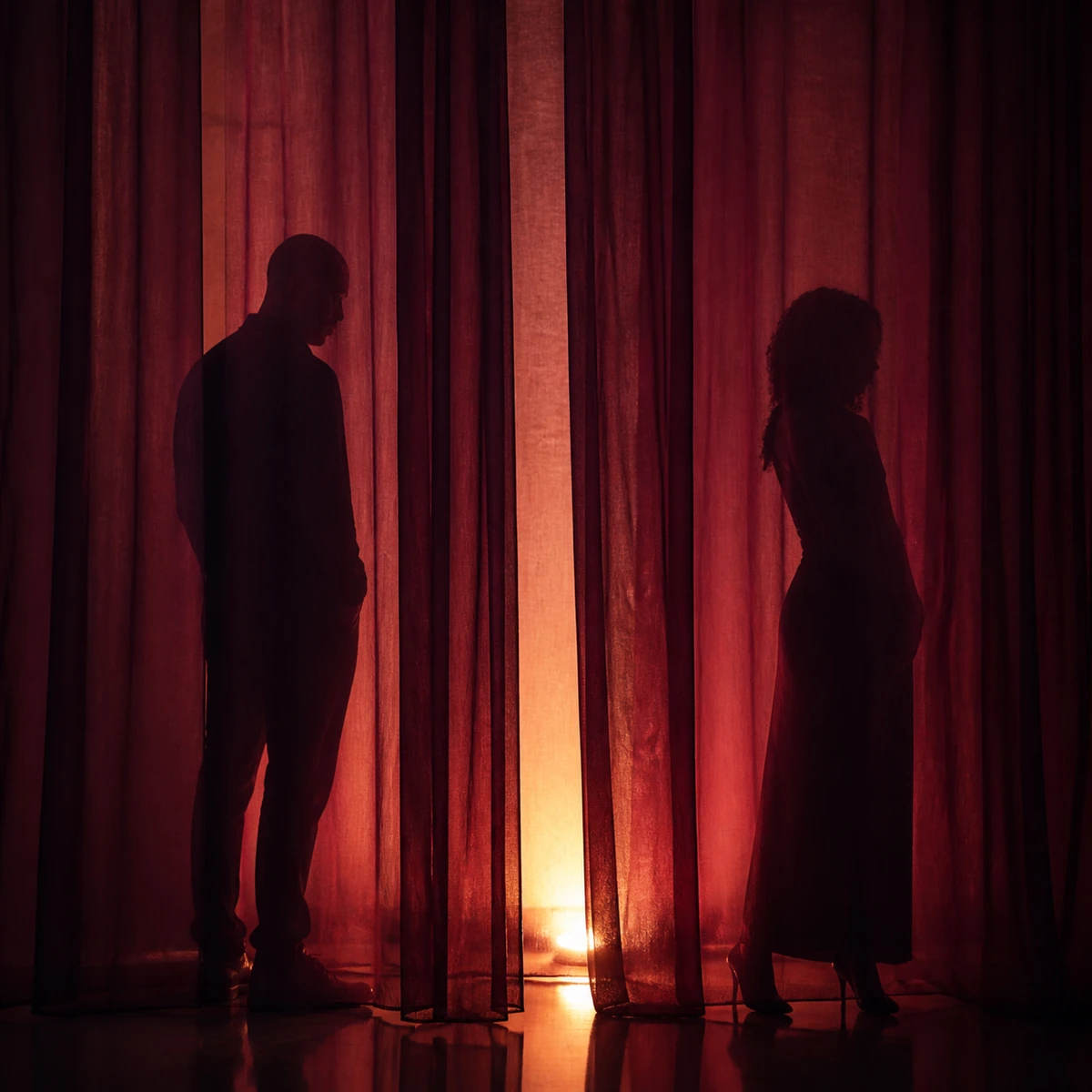
Sensual and restrained

Open and nostalgic
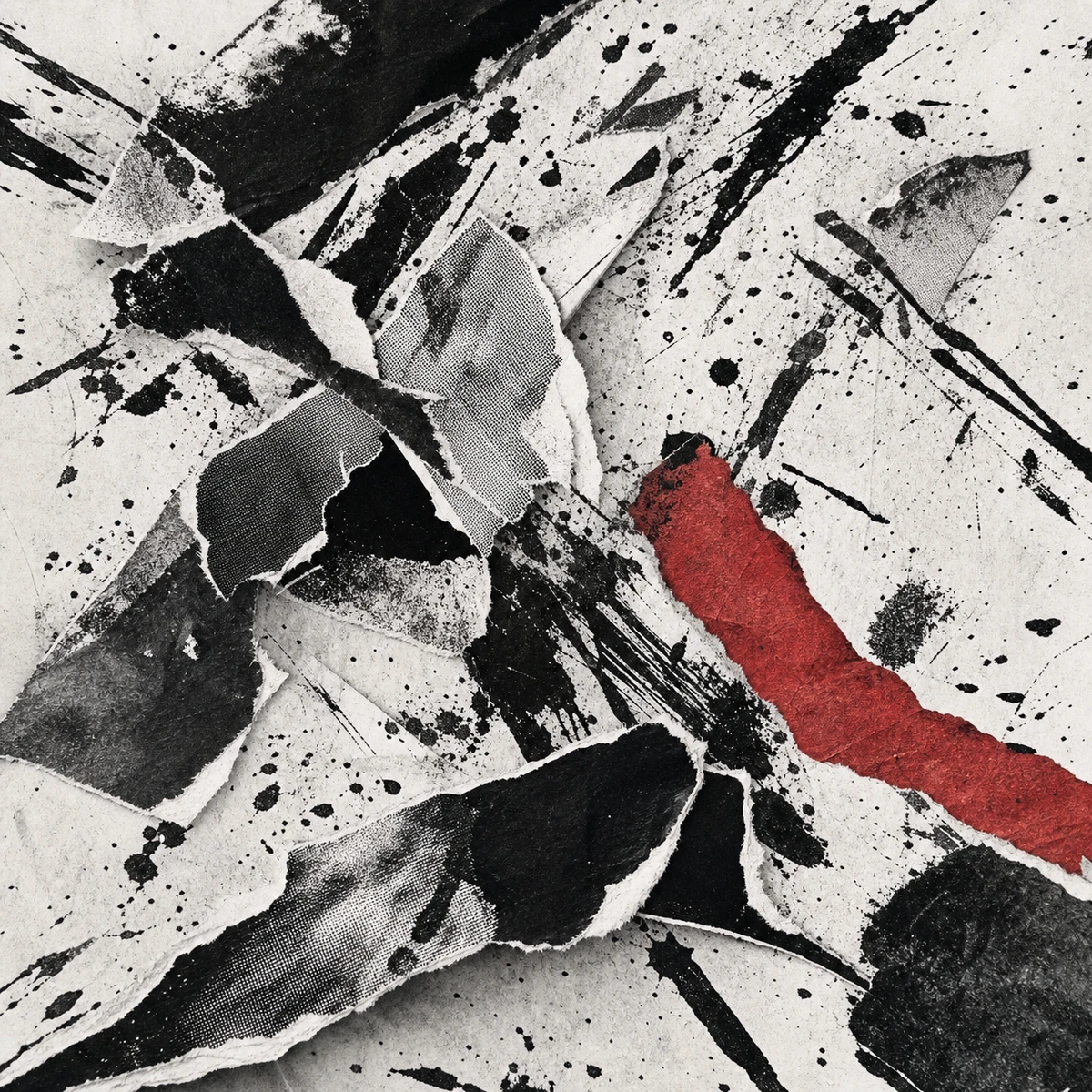
Chaotic and rebellious

Serene and spacious
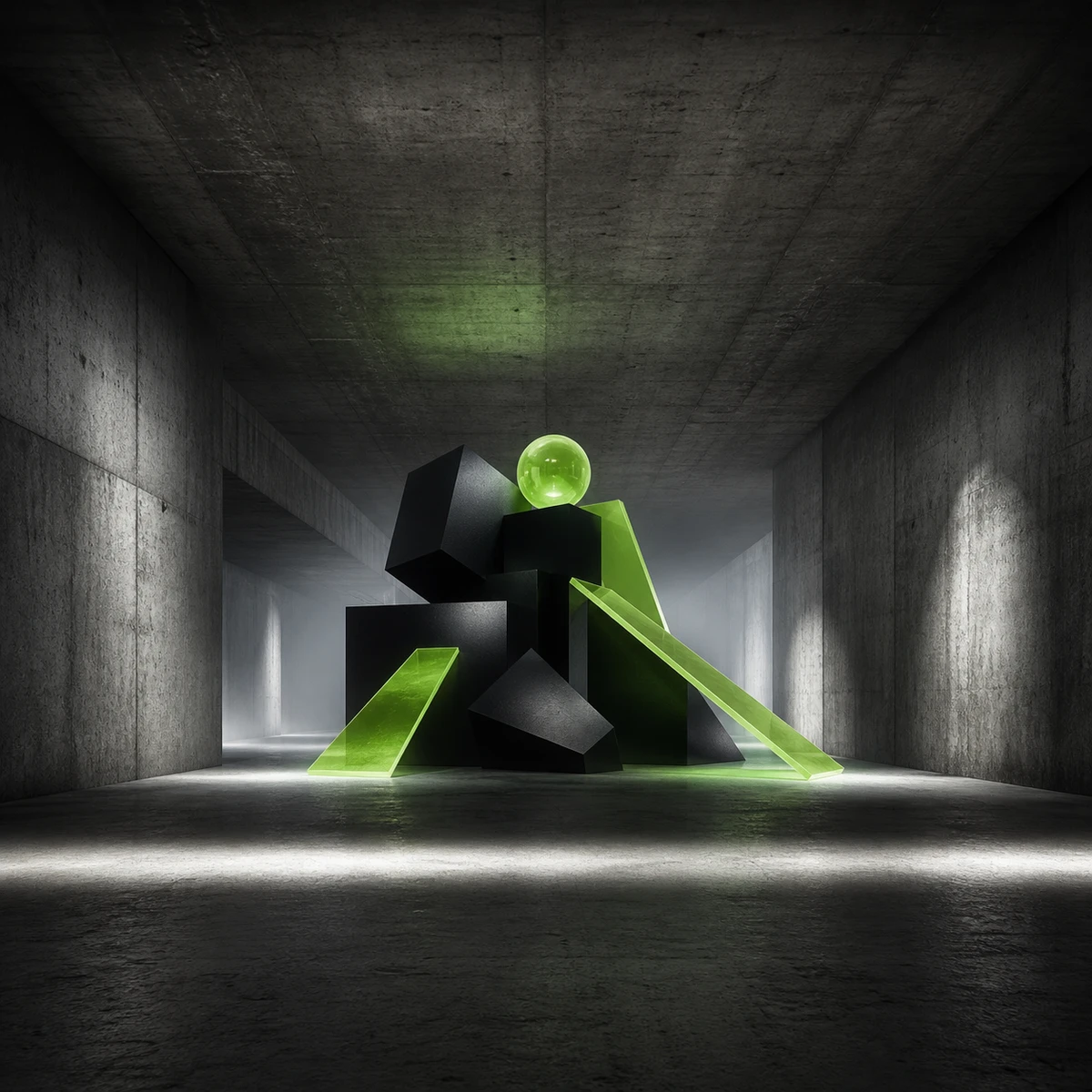
Hypnotic and nocturnal

Cold and commanding

Warm and homespun

Relaxed and radiant

Epic and hopeful

Uncanny and fluid
A focused artwork workflow for BeatMusic releases.
Every request creates one square 1:1 image, so the composition is designed as cover art from the beginning.
Pick Rock, Hip-Hop, Pop, Metal, Lo-Fi, Indie, Electronic, Jazz, or leave the prompt unstyled.
A generated image is copied to BeatMusic's R2 storage before download and library actions become available.
Download the stored cover as a square PNG file for artwork preparation, release planning, or promotion.
Choose a song you own in My Library and apply the generated artwork after an ownership check.
Each generation creates one image for 5 credits, with the cost shown before you start.
Start from the role your artwork needs to play, then shape the prompt around that context.
Use the track's mood as a visual brief for a single, EP, or album. Explore subjects, color palettes, and composition early in the release process, then compare a few directions with collaborators. Choose the concept that best supports the music before adding final typography, artist branding, and other assets for launch.
Try AI Album Cover Generator NowBuild a recognizable visual language by repeating a palette, lighting style, camera angle, or texture across related songs. Generate several directions while planning your campaign, then keep the strongest cues consistent on artist profiles, teaser posts, and your own channels. This makes each cover feel connected without forcing every release to look identical.
Try AI Album Cover Generator NowTreat the cover as an early reference for merchandise rather than a finished print file. Test whether the central subject, contrast, and color balance still work when adapted to a shirt, poster, or sticker layout. Leave useful breathing room around key elements so later crop and typography decisions remain flexible.
Try AI Album Cover Generator NowTurn the music's texture, tempo, instrumentation, and emotional arc into visual language. A soft ambient track might suggest haze and negative space, while a harder rhythm could call for sharp geometry and contrast. Writing those connections into the prompt helps you explore artwork that reflects the song instead of following a generic genre look.
Try AI Album Cover Generator NowGeneration, storage, download, and song assignment stay in one account workflow.
The interface shows the fixed 5 credits cost before a request is submitted, so there is no hidden quantity choice.
Download and Set as Cover unlock only after the generated file is persisted to BeatMusic's R2 storage.
The server confirms the selected song belongs to your account before changing its cover in My Library.
Control subject, palette, atmosphere, and composition in your description, then add an optional music style preset.
These are examples, not user reviews. They show how different creators could move from a music idea to a usable cover direction.
Illustrative workflow
Describe the track's late-night mood, choose Electronic, and generate a square visual direction to review before release preparation.
Workflow: Single Release
Illustrative workflow
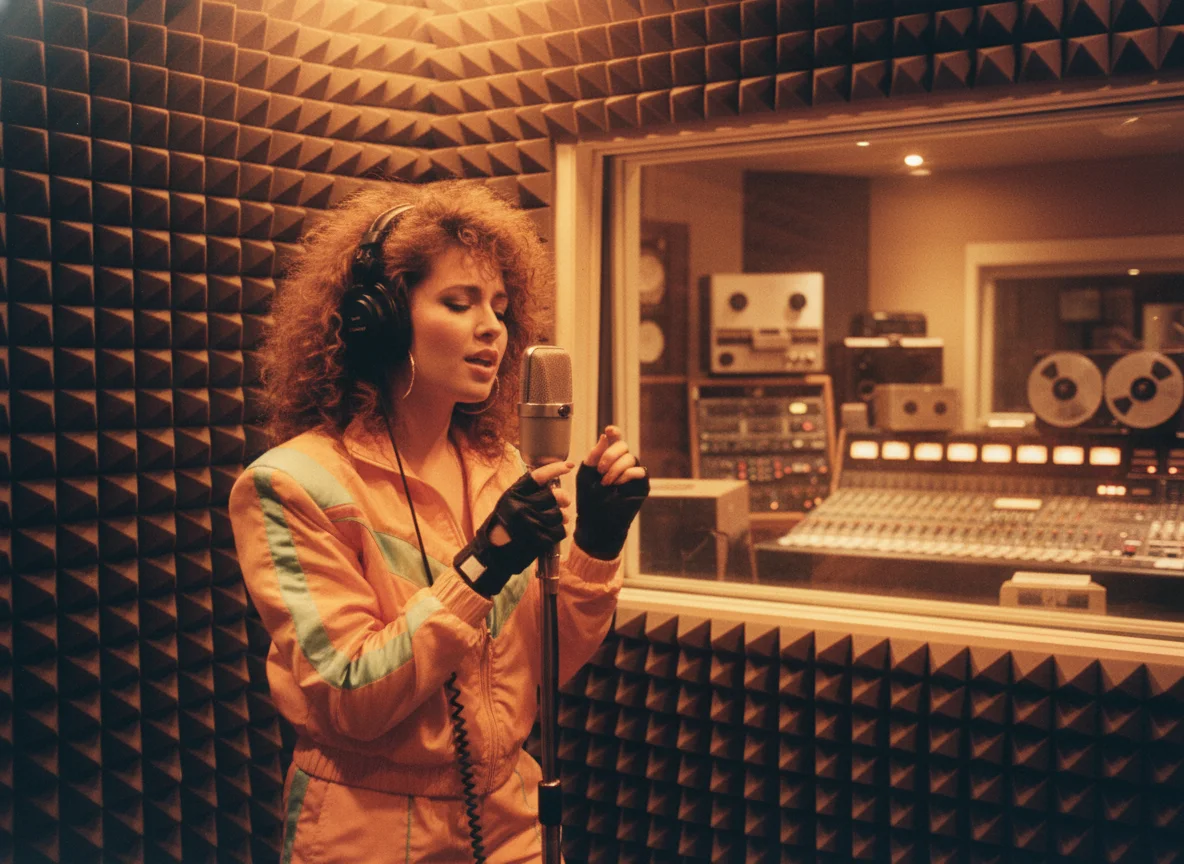
Keep a common palette and composition across several prompts, then compare which direction best represents the EP as a whole.
Workflow: EP Refresh
Illustrative workflow
Start with a quiet everyday scene, select Lo-Fi, and refine the visual details without adding text to the generated image.
Workflow: Lo-Fi Playlist
Illustrative workflow
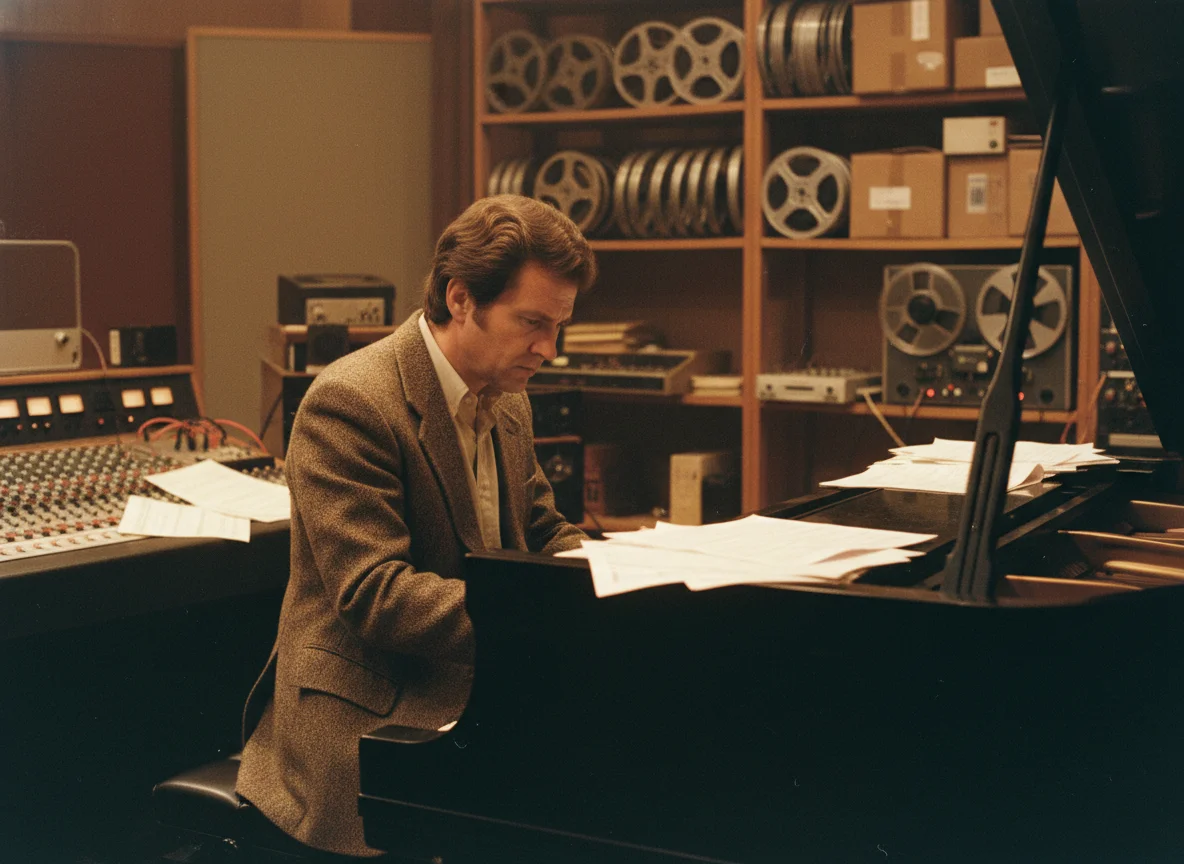
Prompt for warm club lighting, paper texture, and an understated instrument silhouette, then save the stored PNG for review.
Workflow: Jazz Session
Illustrative workflow
After generation finishes, open Set as Cover, choose a song you own in My Library, and confirm the change.
Workflow: Library Update
Illustrative workflow
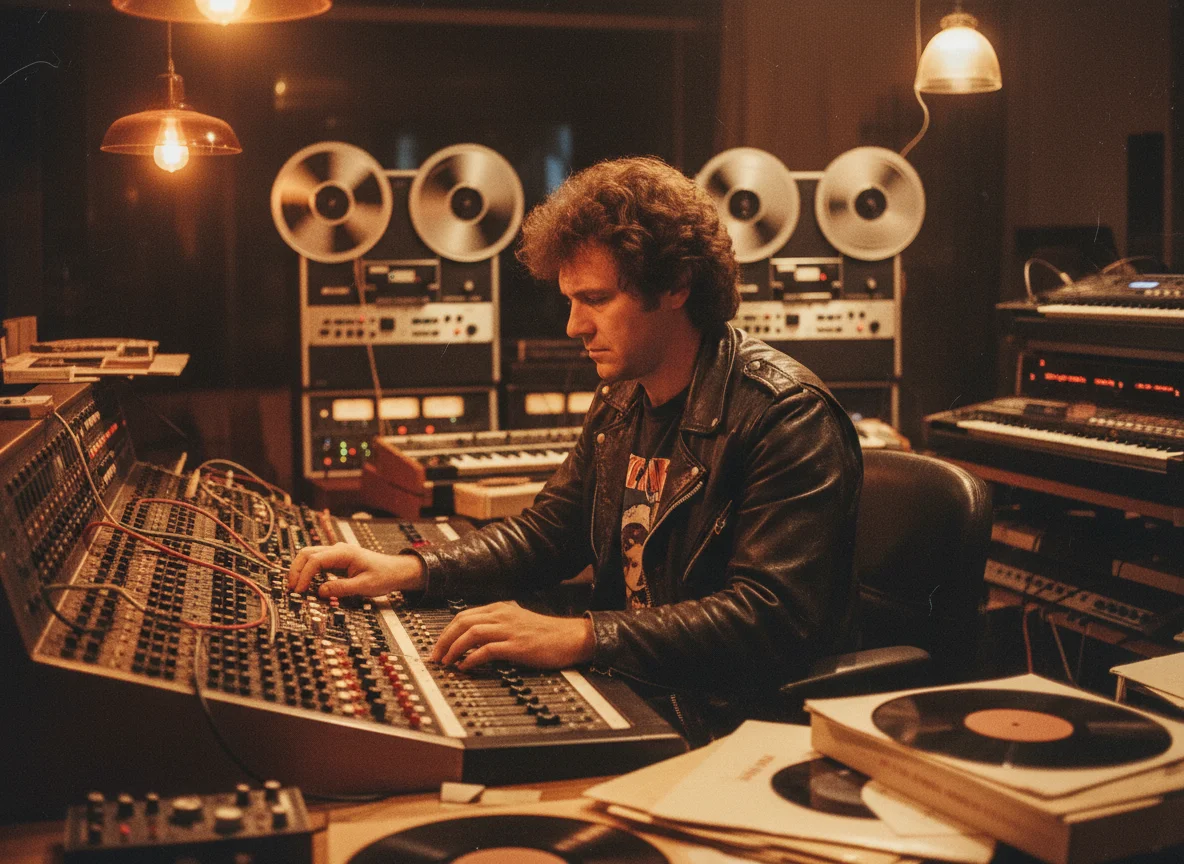
Open a gallery theme, compare its three related covers, copy the prompt, and adapt the idea in the generator.
Workflow: Visual Exploration
Continue from your cover direction with BeatMusic tools for generating, editing, and presenting music.
Move from an artwork brief to a stored square cover in three steps.
Write the subject, mood, colors, lighting, and composition you want. Mention no text when you prefer clean artwork.
Select one of eight music-focused presets or No preset. The aspect ratio remains fixed at 1:1.
Use 5 credits to generate one cover. After R2 persistence, download the PNG or set it on a song you own in My Library.
Describe the visual world around your music, generate one square cover, and keep the stored result with your BeatMusic workflow.
Try AI Album Cover Generator Now