
From My Music
Upload File
MP3, WAV (Max 50MB)
Beat Remover: Remove Drums from Any Song
Upload a track, split it into 12 stems and download a drumless WAV in one click. Practice, remix, sample or sing over the music without the beat.
Original Track
0:00 / 0:00
Vocals
0:00 / 0:00
Hear the Drums Come Out
Explore tracks split into stems and see how a song sounds when the beat steps aside and the melody takes over.
What Makes This Beat Remover Different
A drumless mix is built for you, and every stem stays available if you want to go further.
Drum Stems Split Out Cleanly
The splitter separates drums and percussion into their own stems, so the kick, snare and hats stop competing with the melody you want to keep.
A Ready-Made Drumless Mix
One click mixes every stem except drums and percussion into a single WAV, so you never have to rebuild the backing track by hand.
Twelve Stems to Fine-Tune
Prefer control? Keep the stems apart and decide yourself whether the shaker, hand percussion or bass should stay in your version.
Works in Your Browser
The drumless mix is assembled right on the page, which means you hear and save the result without opening a separate editor.
Upload a File or Pick a Song
Bring your own recording or choose a track already in your BeatMusic library, then split it without leaving the page.
WAV Ready for Editing
The drumless download is a WAV file, so it drops straight into a DAW, DJ software or practice app without extra conversion.
Beat Remover Reference: Stems, Drumless Mixes and Tips
Use these tables to see what each stem holds, which ones go into the drumless download, and how a drumless mix differs from an instrumental or an acapella.
What each stem contains
| Stem | What you hear | Kept in the drumless mix? | Typical use |
|---|---|---|---|
| Vocals | The lead singer or main spoken part | Yes | Vocal practice, acapella ideas |
| Backing vocals | Harmonies, doubles and background singers | Yes | Studying vocal arrangements |
| Drums | Kick, snare, hi-hats and cymbals | No | Learning grooves, replacing the beat |
| Bass | Bass guitar or low synth lines | Yes | Bass practice, checking low-end bleed |
| Guitar | Acoustic and electric guitar parts | Yes | Play-along, transcribing riffs |
| Keyboard | Organ, electric piano and similar keys | Yes | Chord study, remix layers |
| Piano | Acoustic piano parts | Yes | Learning voicings and accompaniment |
| Strings | Violins, cellos and orchestral strings | Yes | Arrangement study, cinematic edits |
| Brass | Trumpets, trombones and horn sections | Yes | Horn line practice |
| Woodwinds | Flutes, clarinets, saxophones and similar | Yes | Melody study, sampling |
| Percussion | Shakers, congas, tambourine and hand percussion | No | Adding your own rhythm texture |
| Synthesizer | Synth pads, leads and arpeggios | Yes | Sound design reference |
| Effects | Risers, sweeps, noise and ambience | Yes | Transitions and atmosphere |
Drumless vs instrumental vs acapella
| Output | What is removed | What is left | Best for |
|---|---|---|---|
| Drumless mix | Drums and percussion | Vocals plus every melodic stem | Drum practice, new beats, remixes |
| Instrumental | Lead and backing vocals | Drums, bass and all other instruments | Karaoke, background music, covers |
| Acapella | Every instrument | Lead and backing vocals only | Mashups, vocal study, remixing |
Tips for a cleaner drumless result
- Start from the best source file you have; a high-quality WAV or lossless file separates more cleanly than a heavily compressed copy.
- Pick tracks with a clear mix. Dense, loud masters make it harder to keep cymbal wash out of the other stems.
- Listen to the bass stem alone before you export. Kick drum bleed there is the quickest way to spot leftover drum energy.
- Layer your own drums, a sampled loop or a live performance over the drumless WAV to build a new groove.
- Solo the drums stem to study fills, ghost notes and hi-hat patterns, then slow the part down to learn it.
- Use the 2-track vocal and instrumental mode when you only need a karaoke backing and do not need separate stems.
- Name each download with the song, key and stem type so drumless files stay easy to find in a growing project folder.
What Can You Do Without the Drums?
Drumless tracks open up practice, production and performance ideas that a full mix cannot.
Drummers Practicing Along
Play with a record you love minus the drum part. A drummer can learn the groove, then perform it over the remaining band as if sitting in for the original player.
Remove Drums Now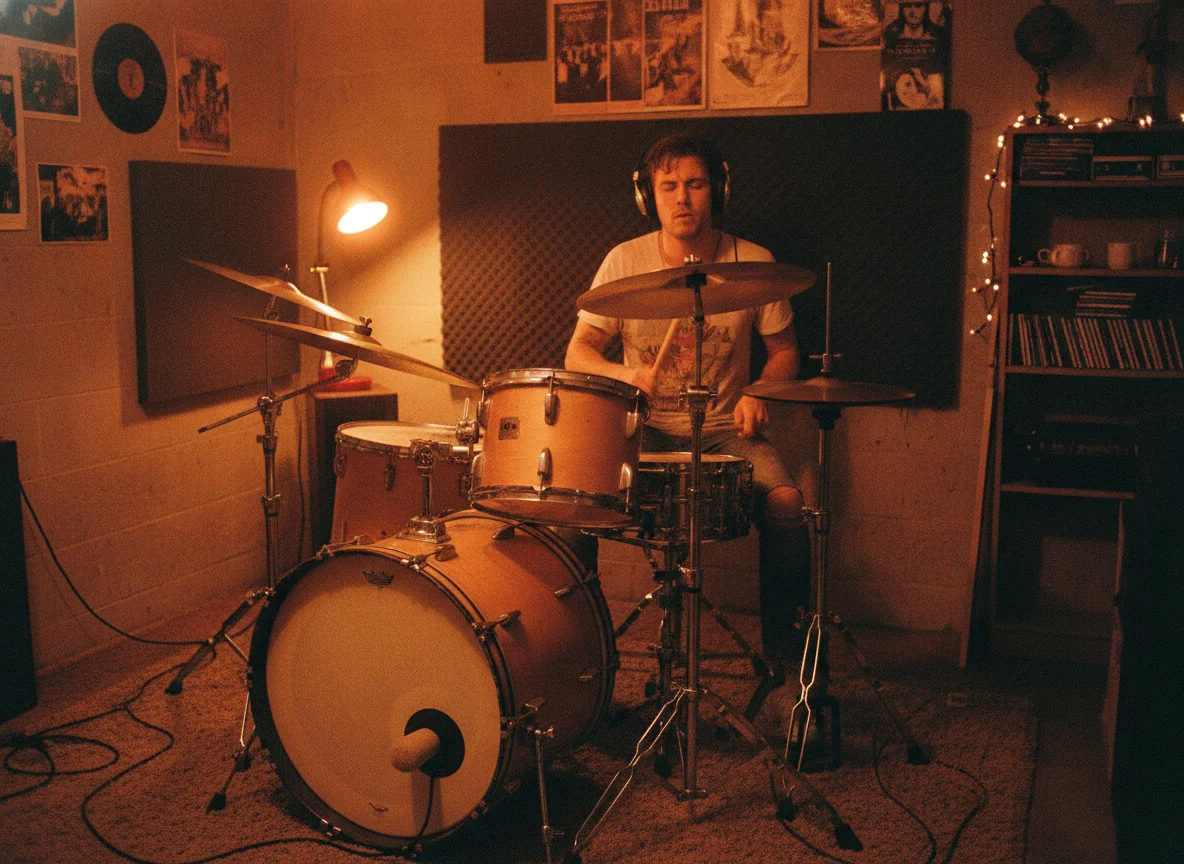
Re-Programming the Beat
Strip the original drums and program your own pattern underneath. Swap a live shuffle for a trap hi-hat roll, or lay a four-on-the-floor kick under an old soul tune.
Remove Drums Now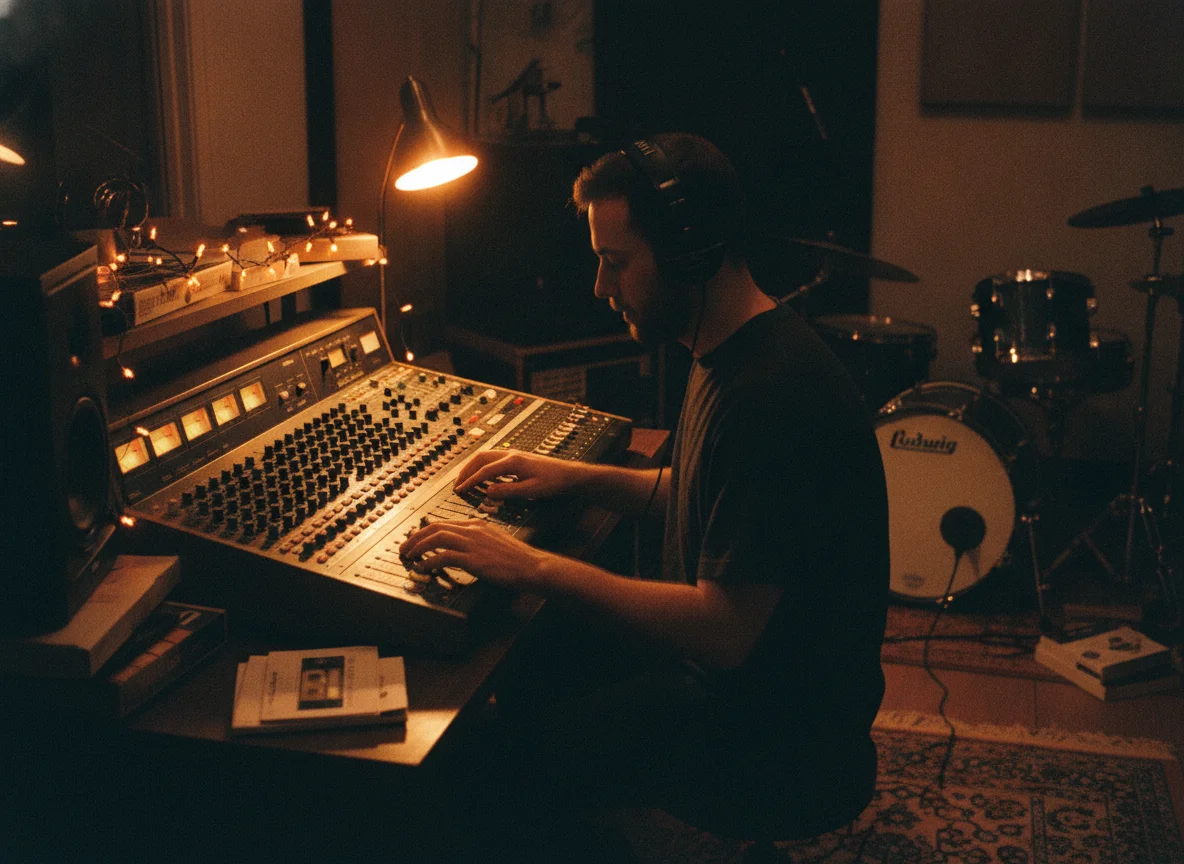
Sampling Melodic Parts
Sampling a chord stab or a bass line is easier when a snare is not bleeding through. Remove the drums first, then chop the melody into loops for your own track.
Remove Drums Now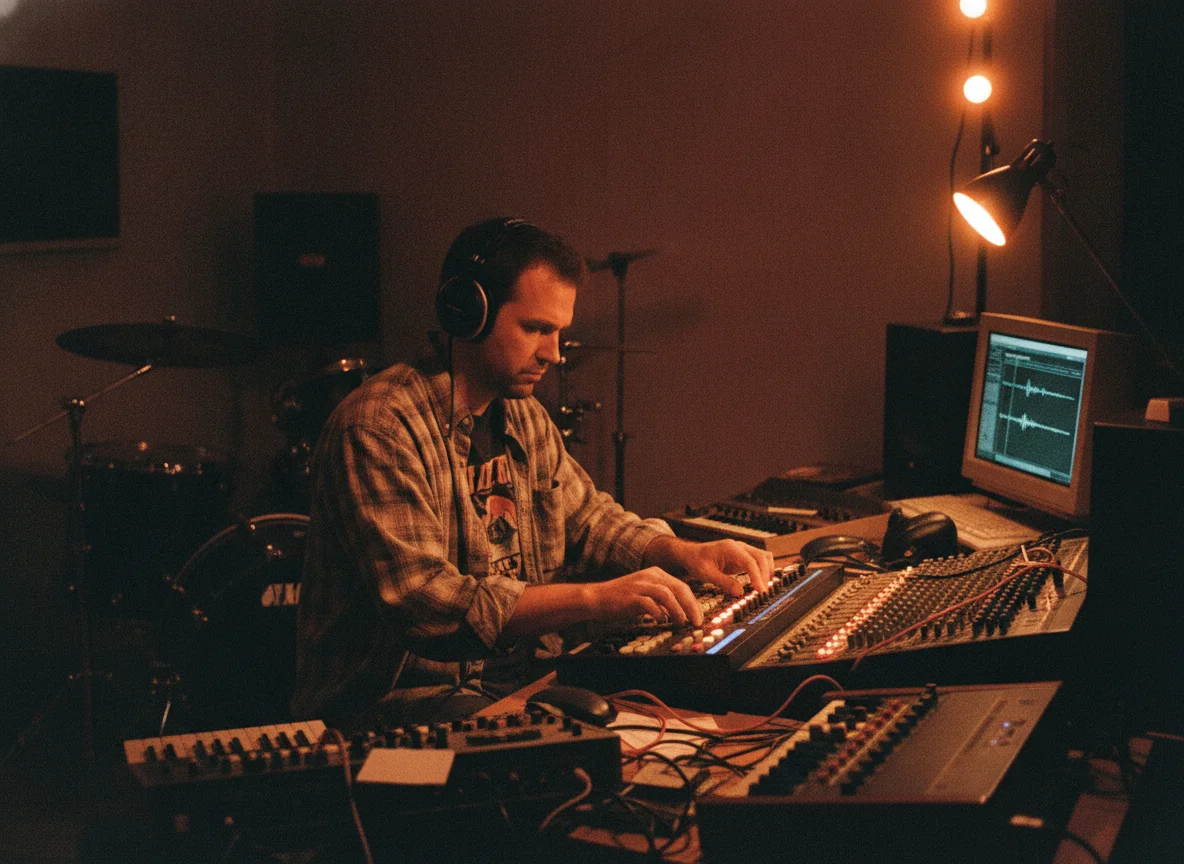
Remixing Without the Clash
A remix often fights the original rhythm. Take the drums out, keep vocals and harmony, then fit the song to a new tempo and groove without two beats clashing.
Remove Drums Now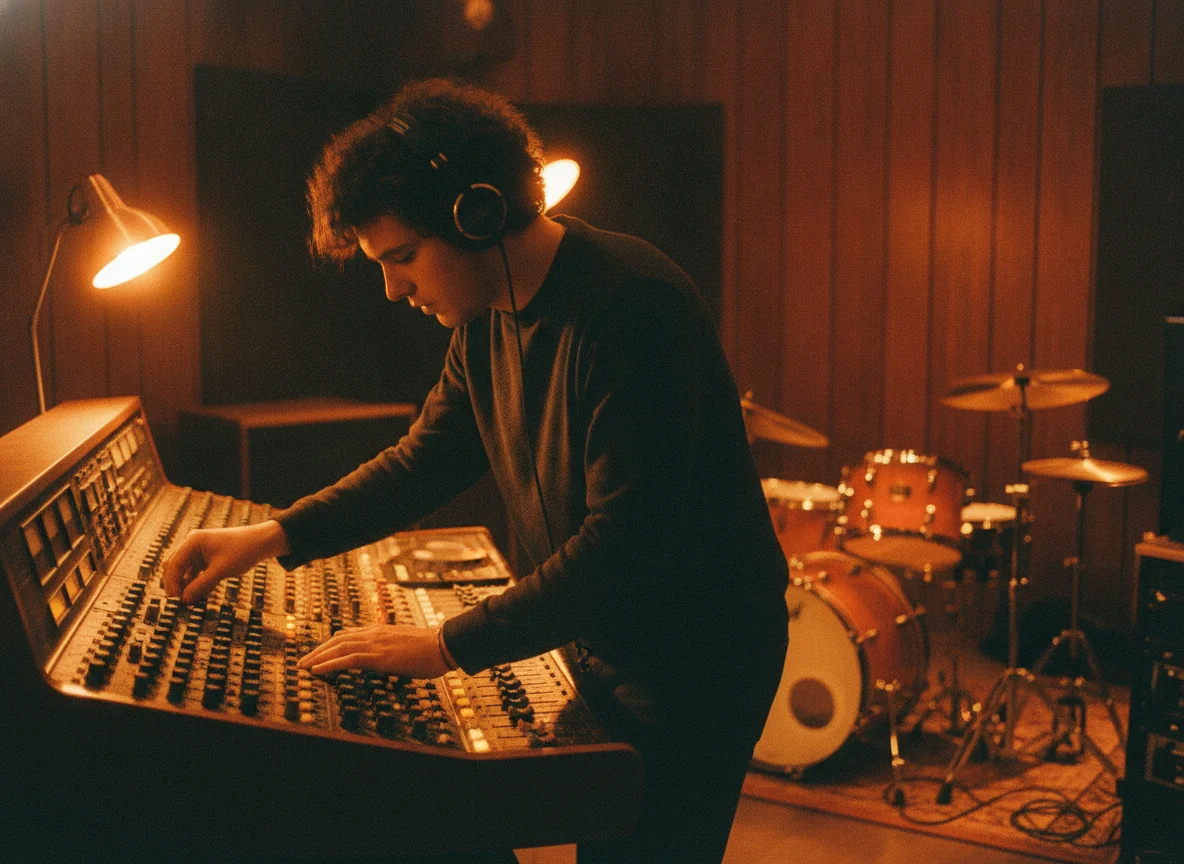
Karaoke Without the Beat
Some singers want only a soft backing, not a pounding rhythm. Keep the harmony and bass, drop the drums, and perform a stripped-down, almost acoustic version.
Remove Drums Now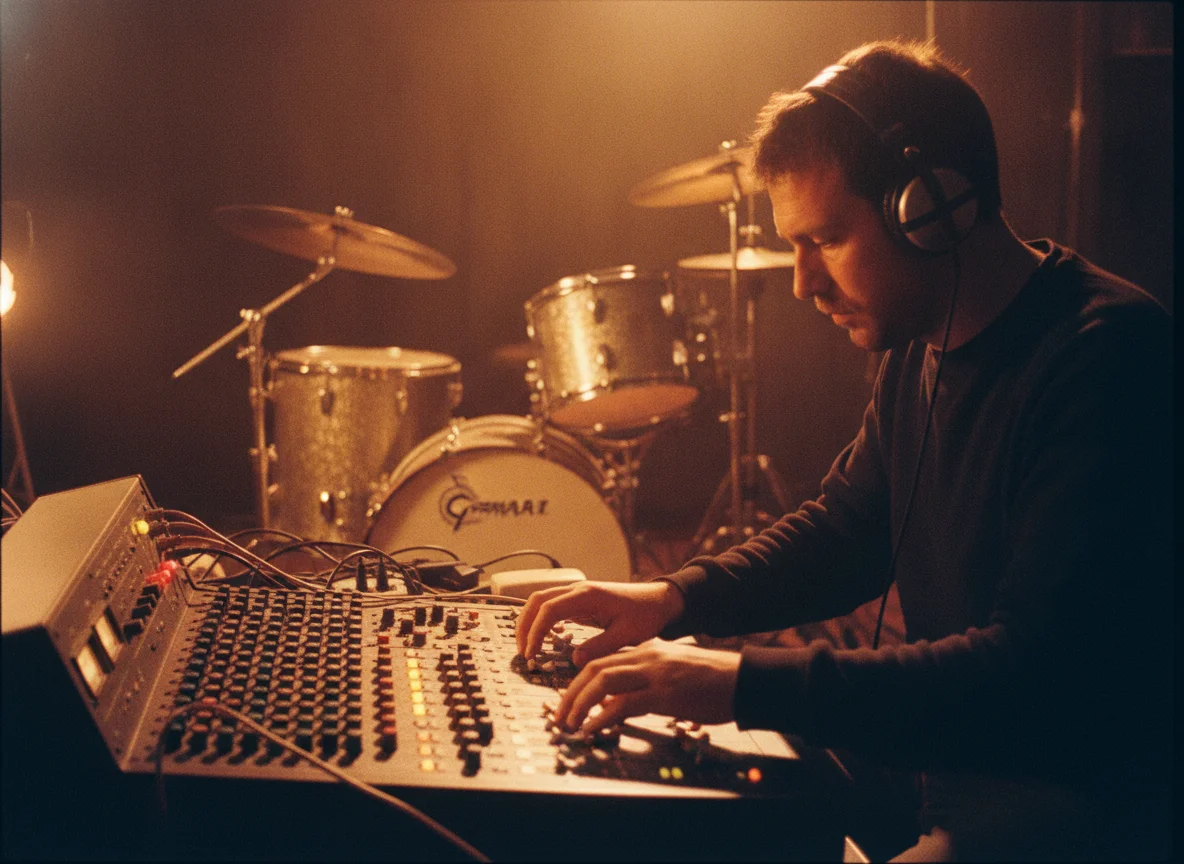
DJ Edits and Transitions
Make a drumless intro or breakdown for blending. A section with no drums lets you layer a second track on top, so transitions feel smooth instead of rhythmically messy.
Remove Drums Now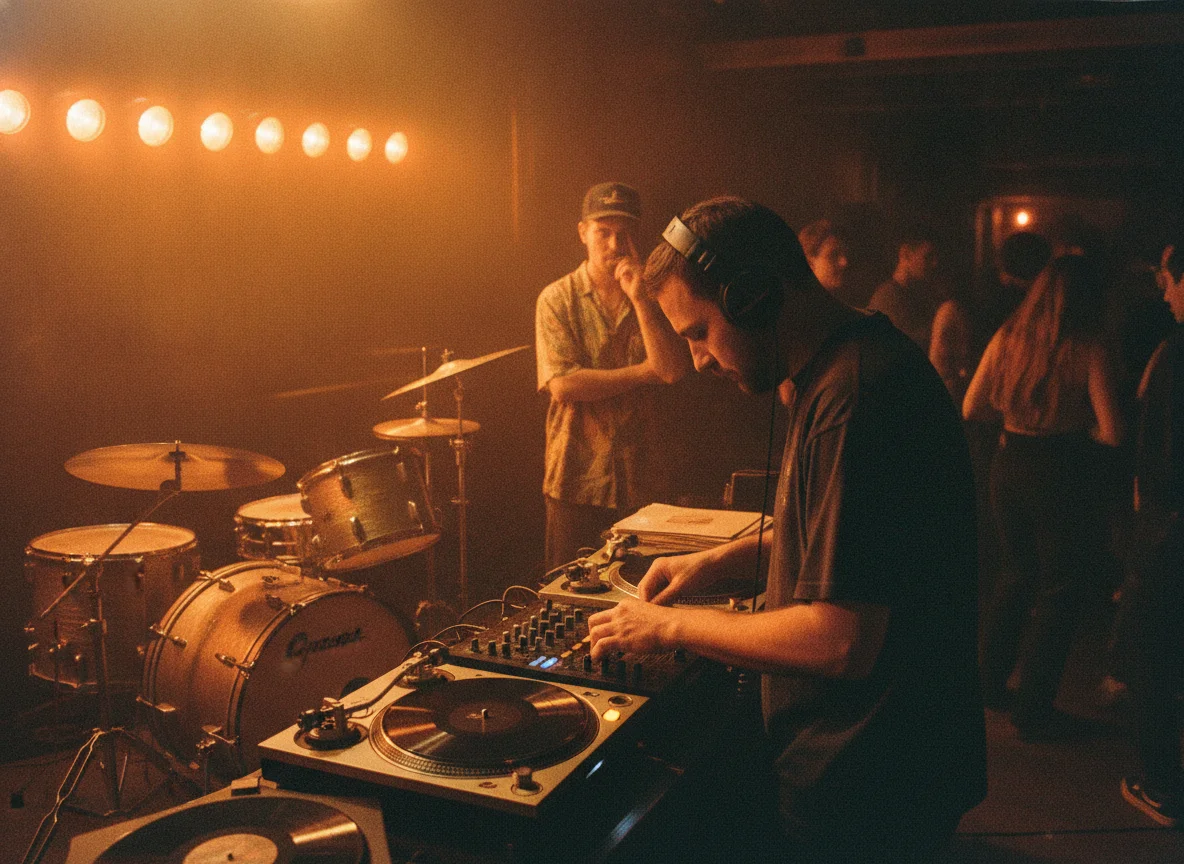
Why Use BeatMusic to Remove Drums?
A focused workflow for anyone who needs the music without the rhythm section.
Built for Beat Removal
Drums and percussion are treated as a group, so the one-click result removes the whole rhythm section instead of only the kick and snare.
Nothing to Install
Everything runs on the page. There is no plugin, no stem tool to learn and no command line between you and a drumless version.
Keep Full Control
Not happy with the blend? Every stem is available separately, so you can bring back a shaker or mute the bass and export again.
Your Uploads Stay Yours
Files you upload are used only to produce your split. Only upload recordings you have the right to use, and keep the stems for your own projects.
One Tool, Many Jobs
The same split gives you vocals, instrument stems and a drumless mix, so a single upload covers practice, remix and sampling needs.
Clear Credit Use
Credits are charged once per split. Check the amount on the page before you start, and download as many files from that result as you like.
What Our Users Say
Hear from our satisfied users about their experiences with BeatMusic Vocal Remover.
"As a music producer, BeatMusic has transformed the way I work. The vocal removal is precise and fast, allowing me to focus on creating new mixes. The quality of the output is outstanding, and I can’t imagine working without it now."

John Smith
Music Producer
"BeatMusic's vocal remover is a game changer for my DJ sets. It lets me create unique mashups by quickly extracting vocals. The real-time processing is a massive plus, making my performances more dynamic and engaging."

Emily Johnson
DJ
"As a music producer, BeatMusic has transformed the way I work. The vocal removal is precise and fast, allowing me to focus on creating new mixes. The quality of the output is outstanding, and I can’t imagine working without it now."
John Smith
Music Producer
"BeatMusic's vocal remover is a game changer for my DJ sets. It lets me create unique mashups by quickly extracting vocals. The real-time processing is a massive plus, making my performances more dynamic and engaging."
Emily Johnson
DJ




Explore More AI Music Tools
Discover more BeatMusic tools for splitting, remixing and creating music.



How to Remove Drums from a Song
Three quick steps take you from a full mix to a drumless track you can use anywhere.
Step 1: Add Your Song
Upload an audio file from your device or choose one of your BeatMusic songs. Pick a track with a clear, steady recording for the cleanest drum separation.
Step 2: Split Into Stems
Start the split. The tool separates the song into vocals, backing vocals, drums, bass, guitar, keyboard, percussion, strings, synth, brass, woodwinds and piano.
Step 3: Download Without Drums
Press Download without drums to get one WAV with every stem mixed except drums and percussion. Or save individual stems and build your own blend.
Frequently Asked Questions
Remove the Beat from Your Next Track
Upload a song, split it into stems and download a drumless WAV in minutes.
Remove Drums Now