Game Music Generator
Need music for your game? Tell the BeatMusic AI game music generator the mood and the scene, and you'll hear a full track in minutes.

Hear the Game Tracks
Listen to boss fights and quiet villages that began as one-line ideas.
Built for Game Makers
Simple controls and clean sound, ready to drop into a build.
Describe the Scene
Write what the player sees and feels, like "dark dungeon, slow drums, creepy strings." The AI composes around your words.
Pick the Style
Epic orchestra, retro chiptune, calm fantasy, or moody synths all work. Add a tempo or an instrument for extra control.
Instrumental Mode
Switch on instrumental mode for a track with no singing. It sits well under sound effects and spoken lines.
Try Many Versions
Swap one word and create again. Compare a few takes and keep the one that suits your level.
Download as MP3
Save the MP3 and import it into your game engine or audio editor.
Easy for Beginners
No need to read sheet music or own a studio. Describe a scene and you get a track for it.
Where Game Makers Use It
A few spots in a project where a quick track helps.
Music for Every World
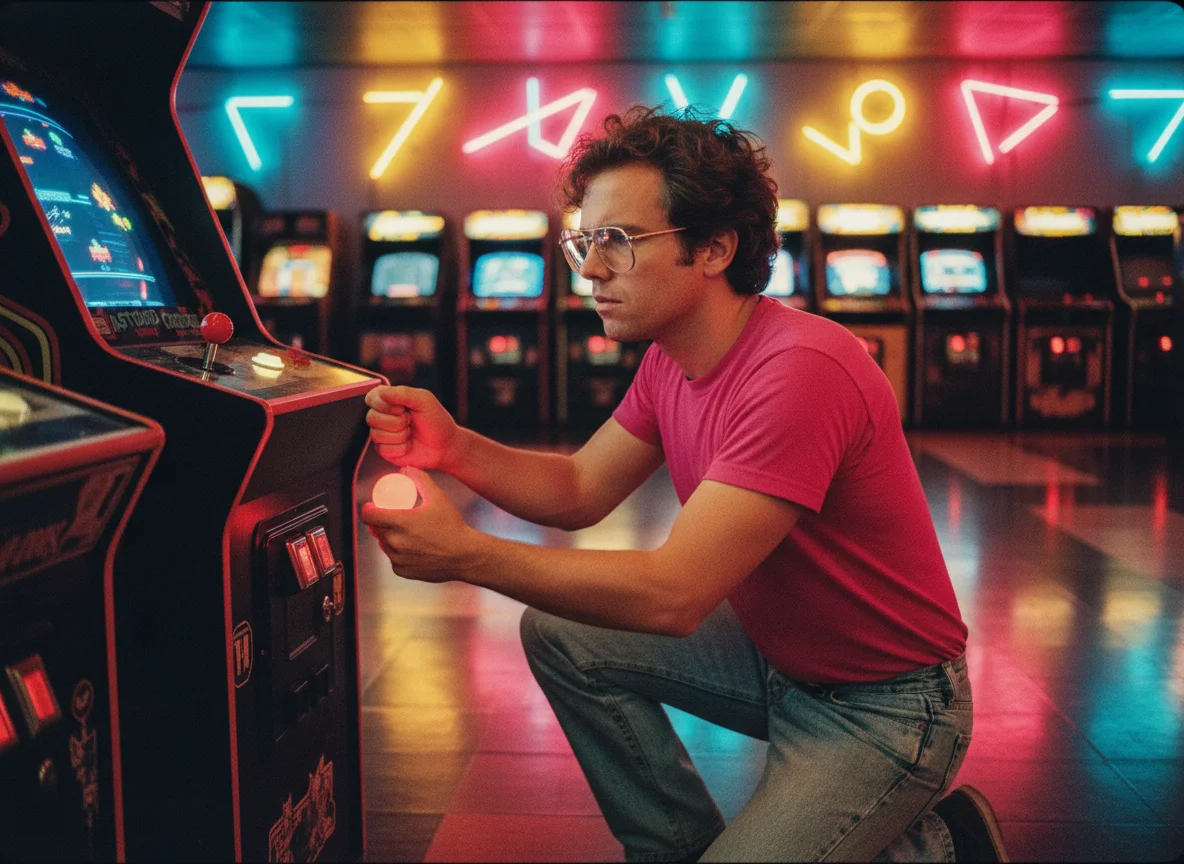
Making a platformer or an RPG? Write a theme for each world, from a sunny forest to a haunted castle. A short prompt is enough to set the mood.
Try Game Music Generator Now
Trailers and Store Pages
A trailer or store page feels finished with a good tune. Make a catchy one and let players feel the mood before they press play.
Try Game Music Generator Now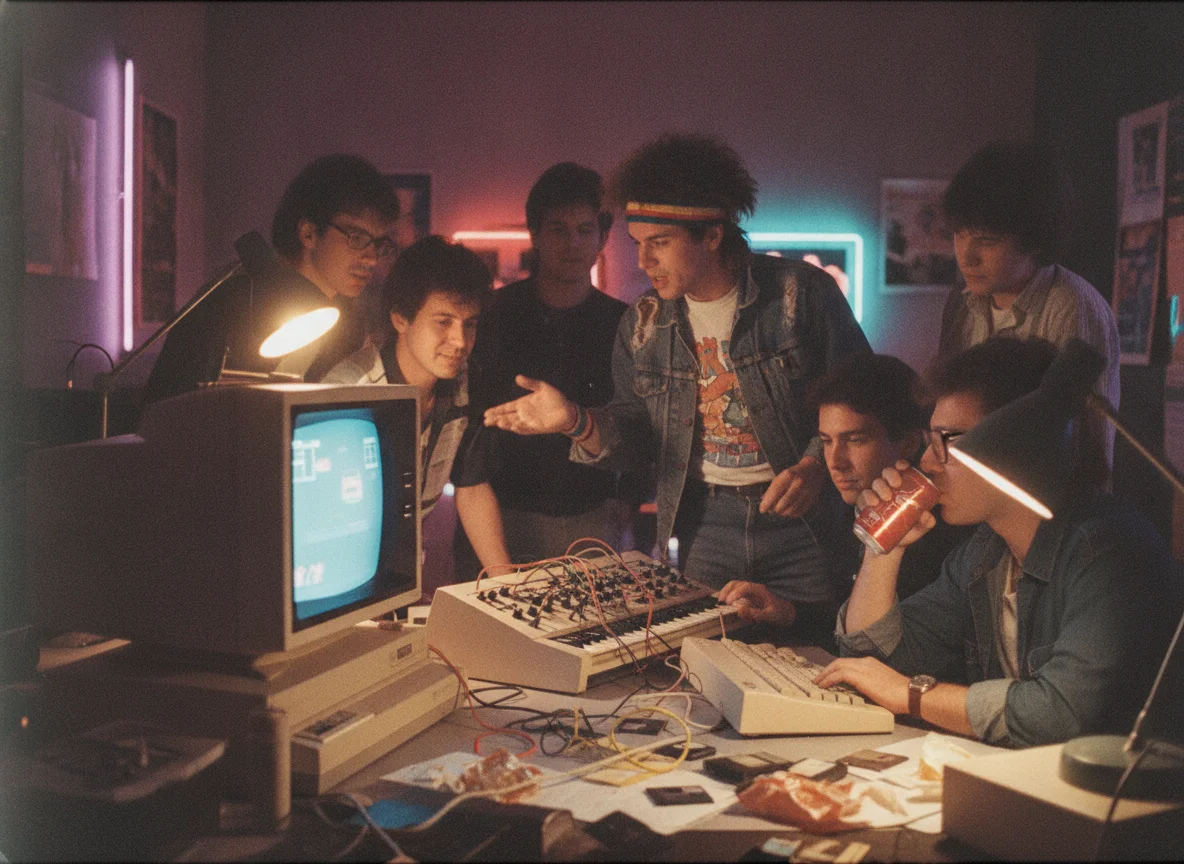
Calm and Tense Moments
Exploring needs calm music and combat needs tense music. Make one of each and switch between them in play. Keep the style close so they feel like one score.
Try Game Music Generator Now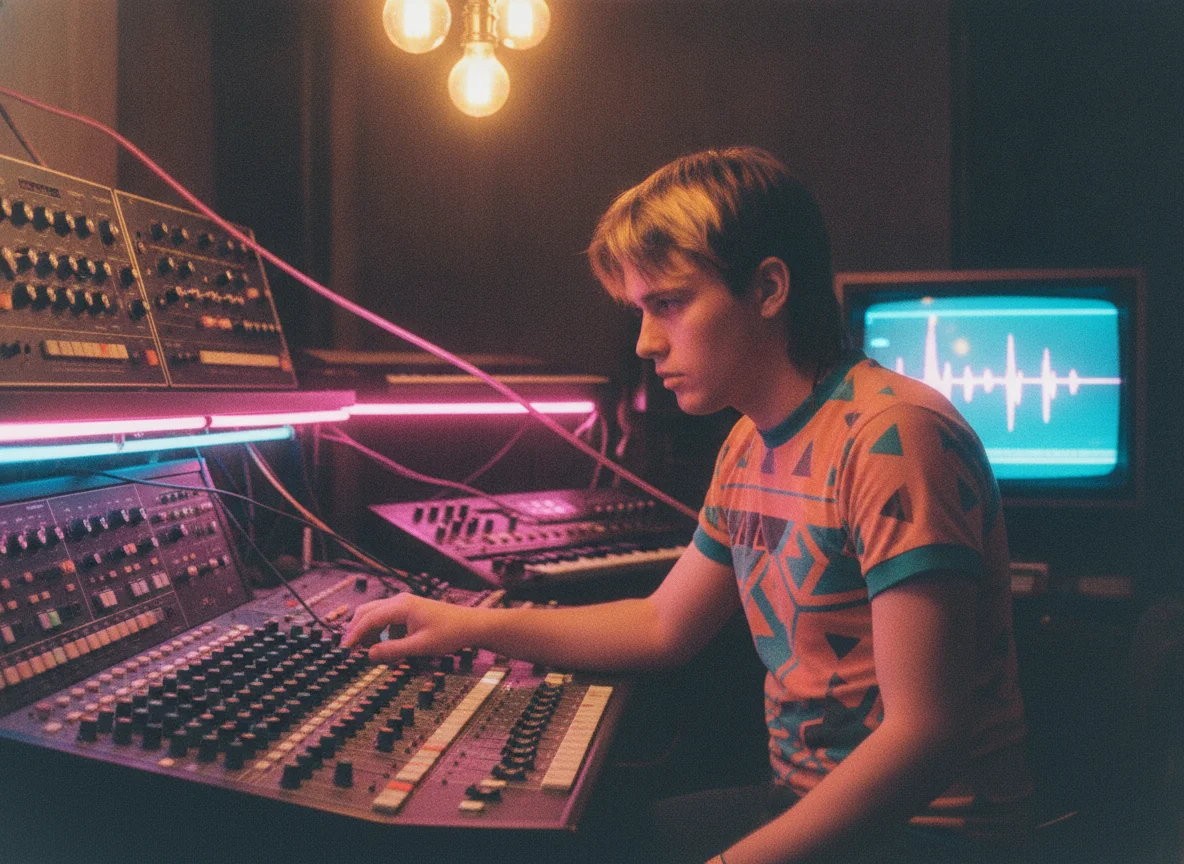
Faster Drafts
Temp music can slow a small team down. Make a draft in minutes, test it in your build, and swap it out later if you hire a composer.
Try Game Music Generator Now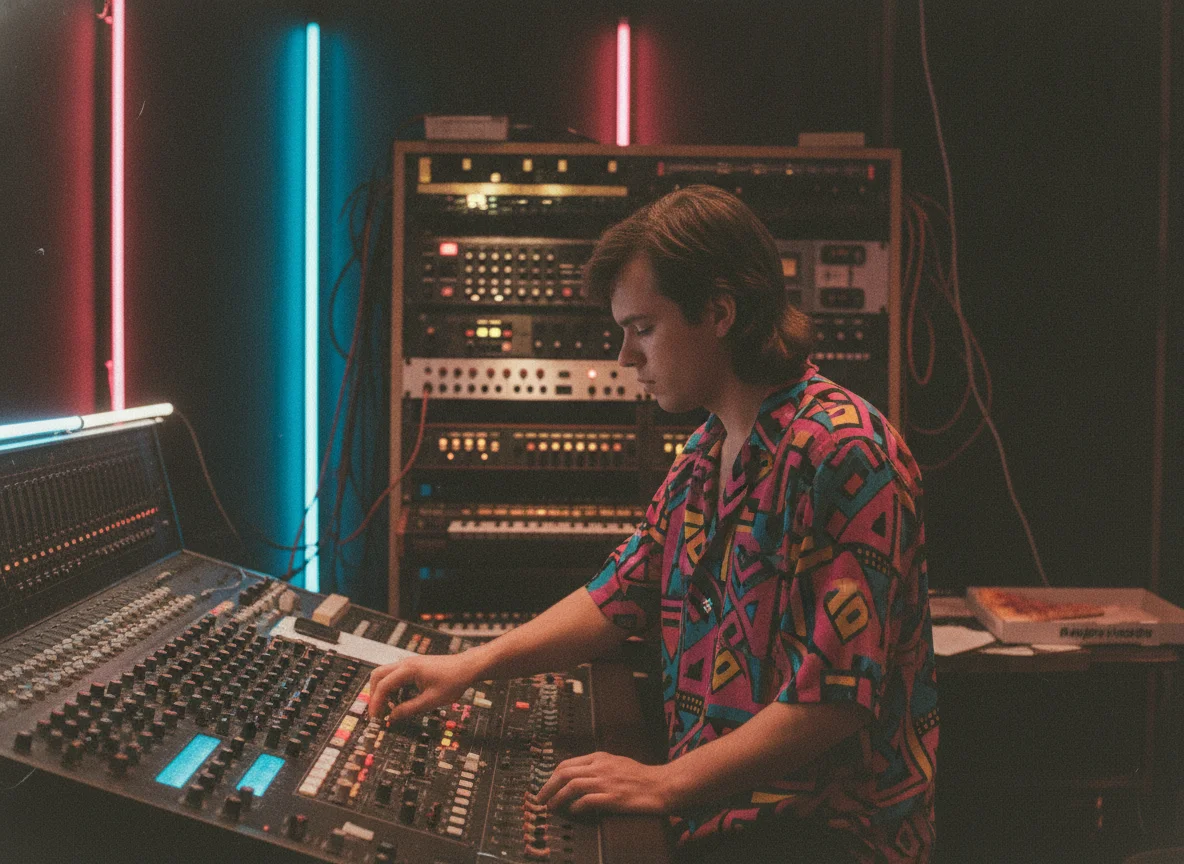
Why Try BeatMusic AI?
What game makers tell us they like.
Free to Start
Sign-up brings free credits to test a few tracks first.
Sounds Great
Clean, full sound that works in a prototype or a trailer.
Fast Results
Tracks come back within minutes, so you can get back to your game.
Your Work Stays Yours
Your prompts and files are not handed to outside companies.
What Our Users Say
Hear from our satisfied users.
Streamlined My Production
"Using BeatMusic, I integrated adaptive soundtracks into my game effortlessly. The real-time adaptation feature transformed my workflow, saving me hours of manual work. I highly recommend it for any developer seeking quality and efficiency."

John Smith
Game Developer
Enhanced My Content
"BeatMusic's customizable soundtracks allowed me to create unique backgrounds for my videos. The ease of use and quality output exceeded my expectations, making my content more engaging and professional."

Emily Johnson
Content Creator
Streamlined My Production
"Using BeatMusic, I integrated adaptive soundtracks into my game effortlessly. The real-time adaptation feature transformed my workflow, saving me hours of manual work. I highly recommend it for any developer seeking quality and efficiency."
John Smith
Game Developer
Enhanced My Content
"BeatMusic's customizable soundtracks allowed me to create unique backgrounds for my videos. The ease of use and quality output exceeded my expectations, making my content more engaging and professional."
Emily Johnson
Content Creator




More AI Music Tools
Related tools to keep creating: generate, edit, sing over and share your music.
How to Make Game Music
Idea to finished track in three moves.
Step 1: Describe the Scene
Write the mood and style, like "calm fantasy village, soft harp, 80 BPM." Turn on instrumental mode if you want no vocals.
Step 2: Create and Listen
Hit create and wait a few minutes. Listen, then run it again for a different take.
Step 3: Download and Use
Like it? Save the MP3 and add it to your game, trailer, or demo.
Frequently Asked Questions
Make Your First Game Track Today
Open BeatMusic AI, describe your scene, and hear your game music in minutes.
Try Game Music Generator Now